Custom Christmas Cards, Made With AI Prompts
Skip the template aisle. Build custom Christmas cards from a tested prompt, a clear style and a print-ready file you can order today.
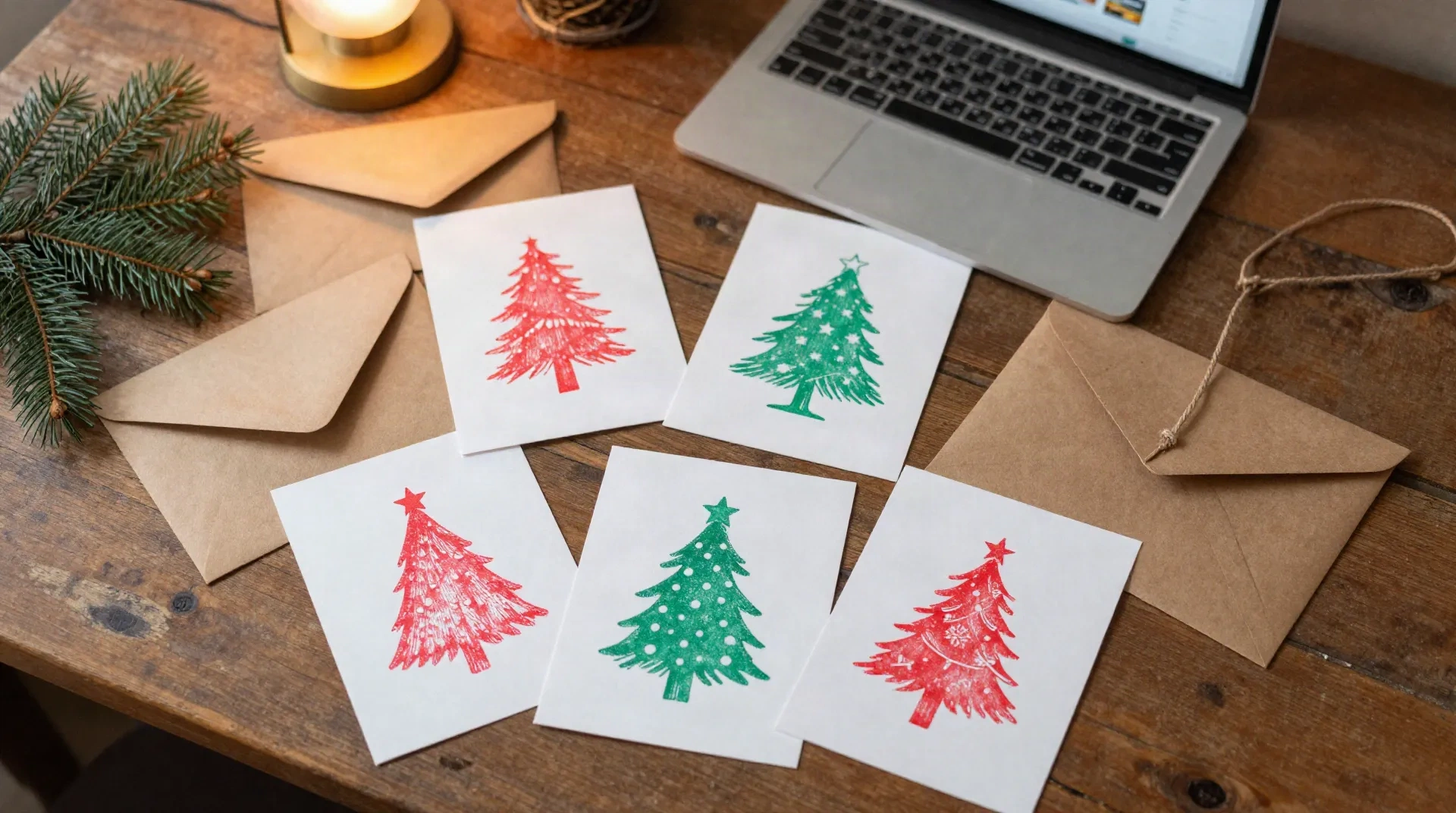
What you get from a custom card
Templates are fast and everyone has the same one. A custom card takes a little more thought, and it shows.
A style that is yours
Pick riso print, watercolor or linocut and stick to it. Your card stops looking like the stock grid.
No drawing skills needed
You describe the scene, the model draws it. Your job is taste: choose, crop, reject the ones that miss.
Sized for print
Set the ratio before you generate, so nothing gets stretched or cut when the print shop trims the edges.
Room for real photos
Use a family photo on the front and an AI pattern on the back. Personal, without the awkward collage.
Easy to remix
Change the palette or the subject and keep the rest. One good prompt becomes a whole set of cards.
Cheap to test
Many generators have a free tier. You can try ten directions before you spend anything on printing.
From blank prompt to printed card
Five steps, in the order that saves you the most rerolls. Steal this routine and adjust it to your own list of recipients.
-
1
Pick one medium and two colors
Riso print with red and green. Watercolor with navy and amber. Choosing early stops the model from mixing five styles into mush.
-
2
Name one subject
A fox on a spruce branch. A cabin at dusk. A single paper star. One subject per card keeps the composition calm and printable.
-
3
Leave space on purpose
Ask for a plain area at the top or bottom. That is where your greeting goes, set in a real font, not baked into the pixels.
-
4
Generate, then cull hard
Make a batch, keep the one or two that feel like you, and throw the rest away. Taste is the whole job here.
-
5
Export at print size and test one
Match the card ratio, aim for about 300 dpi, and print a single copy first. Colors on paper rarely match the screen.
The watercolor winter scene
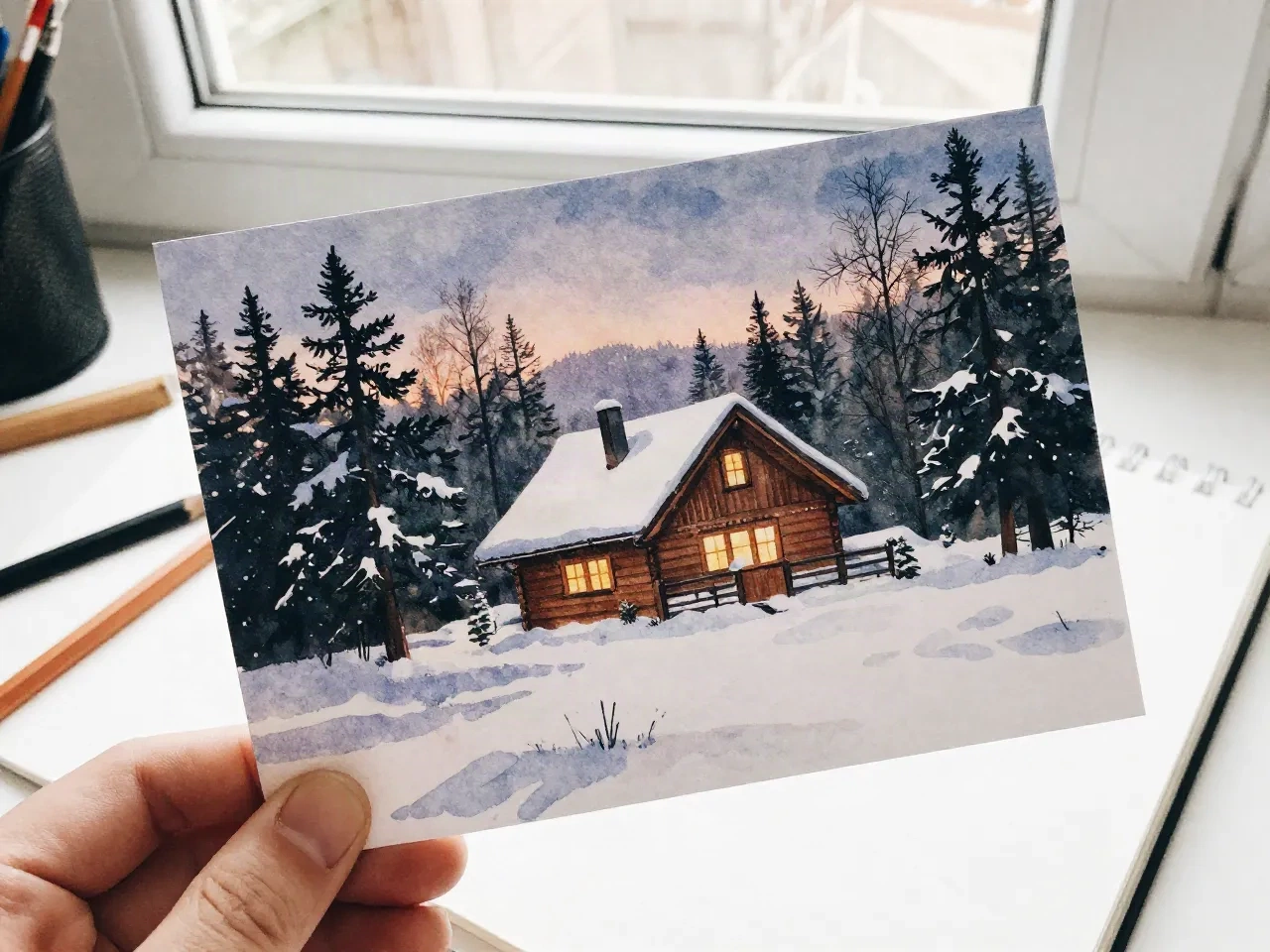
Soft washes, a lit window, a lot of quiet snow. This one suits the people on your list who keep cards on the mantel. Ask for a dusk sky and warm light in one window, and keep the foreground empty so there is space for a short message. Watercolor forgives imperfect output, which makes it the easiest first card to get right.
- Palette: navy, amber, off-white
- Leave the bottom third calm for text
- Works well on matte uncoated stock
The family photo card, with a twist
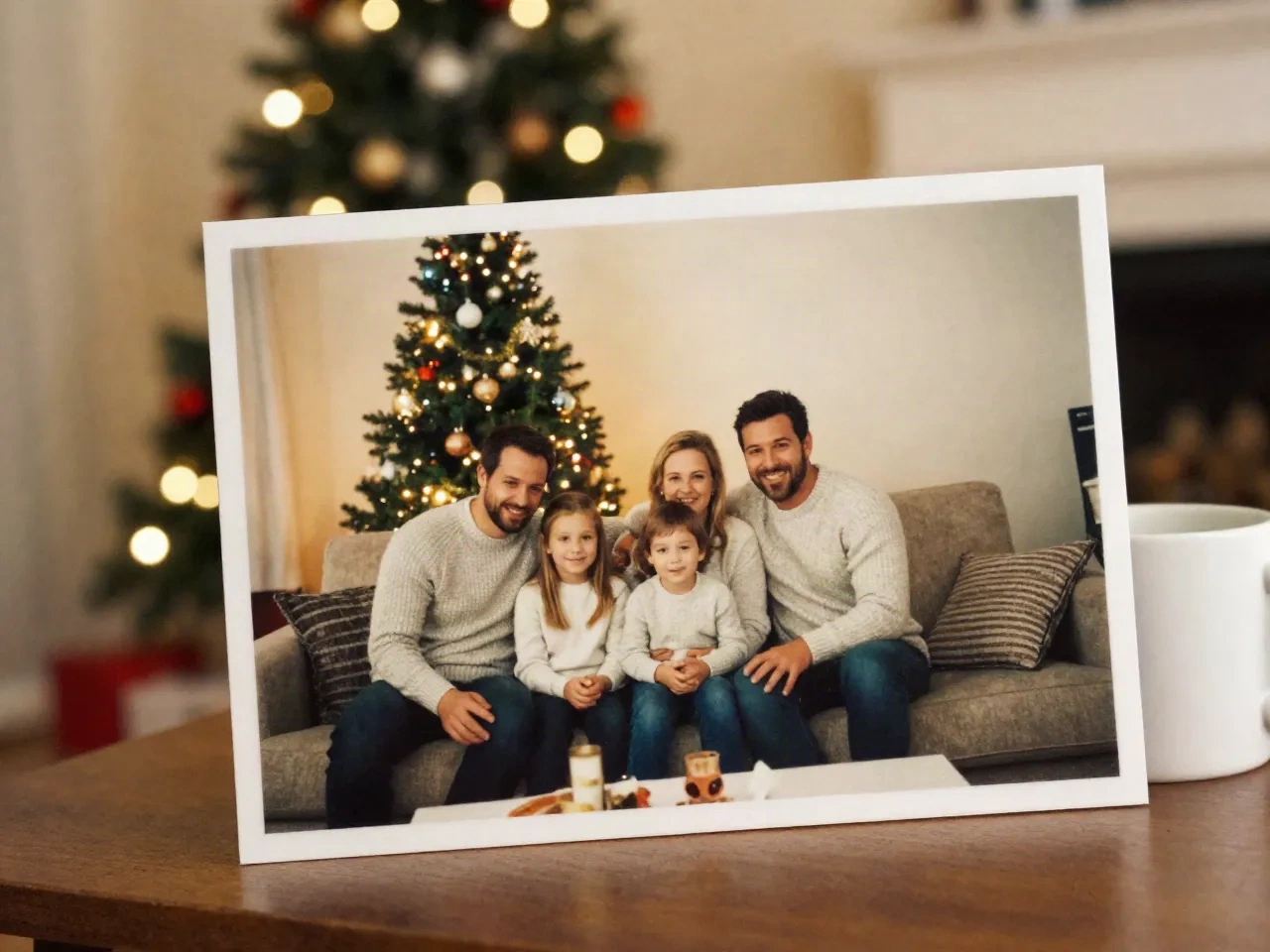
Real photo on the front, so people recognize you. Then use AI for what a photo cannot do: a hand-drawn border, a pattern for the back, or a clean background to replace a cluttered room. Keep the photo itself untouched, and read the privacy terms of any tool before you upload faces. Your kids, your call.
- Photo on the front, AI pattern on the back
- Use a plain generated border, not a collage
- Check privacy terms before uploading faces
The riso print set
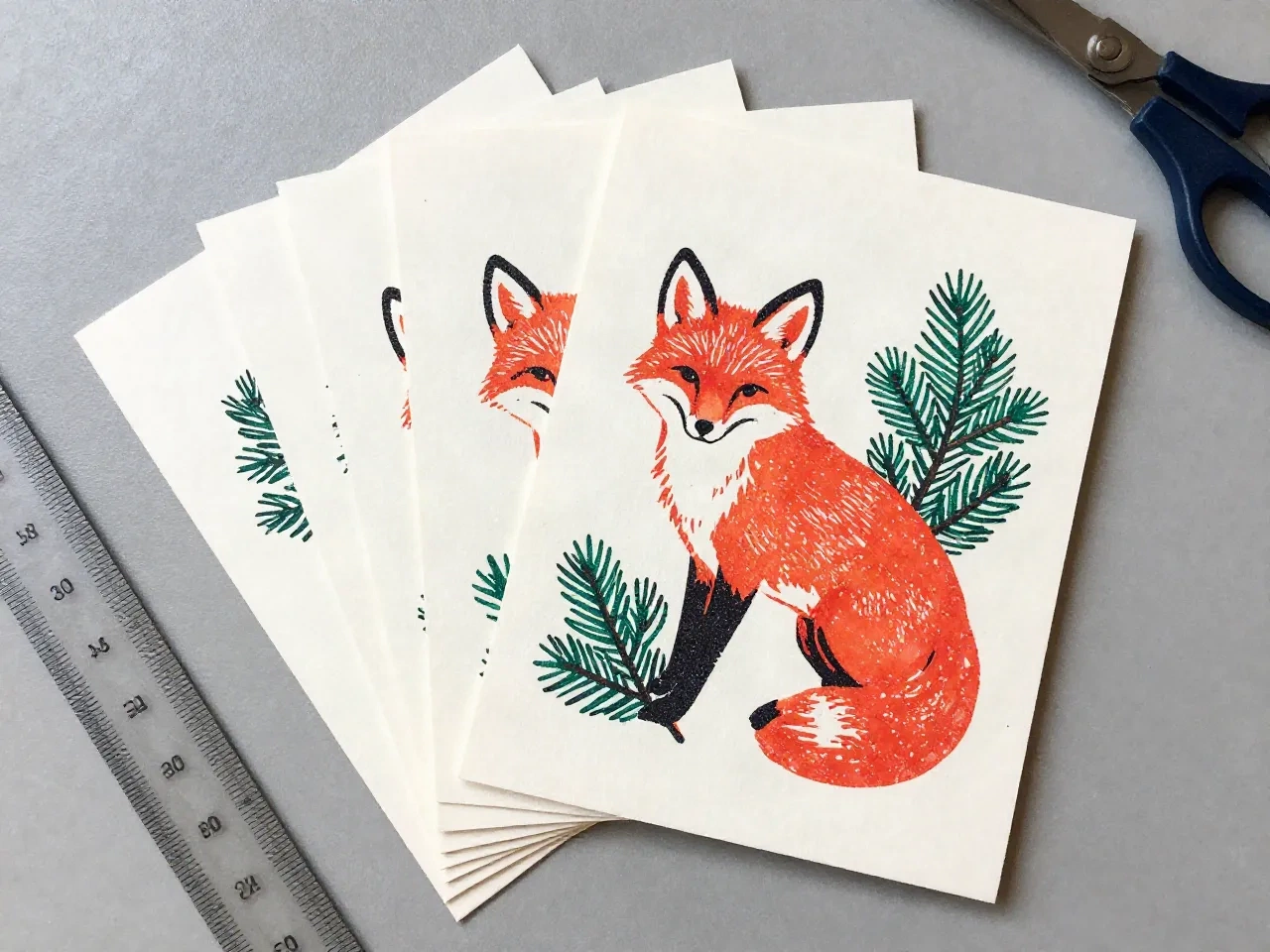
Two inks, bold shapes, slightly off-register edges. A fox, a spruce branch, a paper star. Riso looks great in AI because the flat color is forgiving, and a set of five cards in the same style reads as a deliberate series, not a one-off. Remix the subject, keep the palette, and you have a stack ready to sign.
- Palette: orange-red, deep green, cream paper
- Ask for flat color and visible grain
- Generate five subjects, keep one palette
AI prompt, template or hired designer
No route is wrong. This is how they trade off, in plain terms, so you can pick one before the December rush.
| What matters | AI prompt design | Online template | Hired designer |
|---|---|---|---|
| Uniqueness | High, you steer the style | Low, others use the same one | Highest, built around you |
| Effort | A few tries and some taste | Minutes, mostly picking | Briefing and feedback rounds |
| Upfront cost | Free tier or low | Often free to design | Highest of the three |
| Text control | You add it in a layout tool | Built in | Built in |
| Print readiness | You set size and dpi yourself | Usually handled for you | Handled for you |
| Best for | Tinkerers with a point of view | Last-minute senders | Big runs and brands |
Custom Christmas card questions
What are custom Christmas cards, exactly?
Can I make custom Christmas cards with AI for free?
What size should I generate for a card?
Should I put the greeting text inside the AI image?
Can I use a family photo and AI together?
How early should I order printed cards?
Are AI-generated cards allowed for commercial use?
What if all my cards look generic?
Make your first card tonight
Pick a medium, name one subject, leave space for text. The prompt builder walks you through it, then you drop the result into any image model.