Summary
This AI wallpaper generator does not render pixels. It builds the prompt. Type what the wallpaper is about, pick one of eight tested styles and the model you use, and it writes a model-aware prompt: Midjourney gets an inline aspect ratio flag, Flux, Nano Banana Pro and SD3.5 get a settings note instead. Pick your screen, desktop, ultrawide, phone or tablet, and it also computes the closest aspect ratio your generator supports plus the real export resolution, with a line about keeping the center calm for a phone lock screen. Free, no signup, runs entirely in the browser.
The AI Wallpaper Generator That Writes Your Prompt
Describe the wallpaper, pick your screen and your model. This AI wallpaper generator drops a copy-ready prompt with the aspect ratio already sorted, plus the exact export size for your desktop or phone.
What this tool actually does
No server-side rendering here either, just a prompt built right and the screen math done for you.
Model-aware prompt syntax
Midjourney reads the aspect ratio straight out of the prompt text, so it gets an inline --ar flag. Flux, Nano Banana Pro and SD3.5 take aspect ratio as a separate setting outside the prompt, so the tool tells you to set it there instead of stuffing it into text that model quietly ignores.
Real screen math, not a guess
Pick a 4K desktop, an ultrawide, a dual-monitor rig, a phone or a tablet, and the tool maps the real pixel resolution to the closest aspect ratio your generator actually supports, then gives you the export size to upscale to before you crop.
Built for lock screens too
Phone wallpapers get an extra line in the prompt: keep the center band calm and low-detail, that is where the clock and widgets sit. Skip that and your generated wallpaper ends up fighting its own lock screen.
Three inputs, one paste-ready prompt
-
1
Describe it
One line is enough, a mood, a color, a scene. Vague works too, the style keywords underneath carry most of the weight anyway.
-
2
Pick your style and screen
Eight tested style keyword sets, from minimal gradient to synthwave neon, paired with the actual resolution of your desktop, ultrawide, phone or tablet.
-
3
Copy and drop it in
The tool picks the closest aspect ratio your model supports and writes the syntax it expects: inline flag for Midjourney, a settings note for everything else.
Eight styles, tuned like the ones we actually run
Each style is a tested keyword set, not a random adjective dump: minimal gradient, abstract fluid, riso print, Kodachrome film, cosmic nebula, botanical line art, brutalist geometric, synthwave neon. Pick one and the widget writes the exact phrasing we reach for when a wallpaper needs to survive sitting behind app icons, a taskbar or a lock screen clock all day.
- Minimal gradient: soft blend, zero clutter, reads clean behind any icon grid.
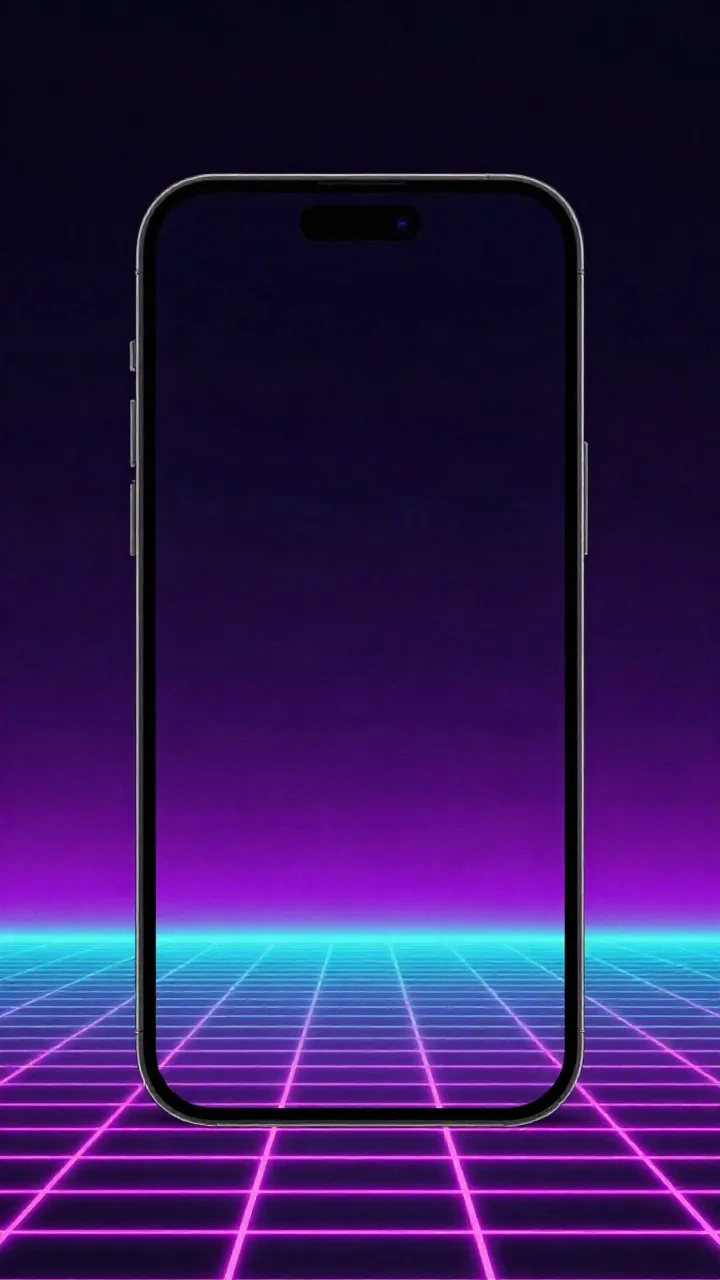
- Synthwave neon: retro horizon glow, built with a calm mid-screen band for a lock screen.
- Riso print: punchy two-tone grain, best on a screen you actually sit and look at.
- Cosmic nebula: dense star field and drifting light, holds up at any resolution.
Common questions
Does this actually generate the wallpaper image?
Is it free?
Where do the aspect ratio numbers come from?
Why does Midjourney get an inline flag but Flux doesn't?
What if my exact screen ratio isn't supported by any model?
Why keep the center calm on phone wallpapers?
Which style should I pick if I don't know?
Can I save my settings?
Steal this prompt, then go build the next one.
prexi.art tracks what actually works across Midjourney, Flux, Nano Banana and SD3.5, tested, not guessed.
Changelog · 1
- status_scheduled Status: published → scheduled