AI Scene Generator, Minus the Guesswork
An AI scene generator is only as good as its prompt. Build one that keeps light, mood and layout consistent, then drop it into Midjourney, Flux or Nano Banana Pro.
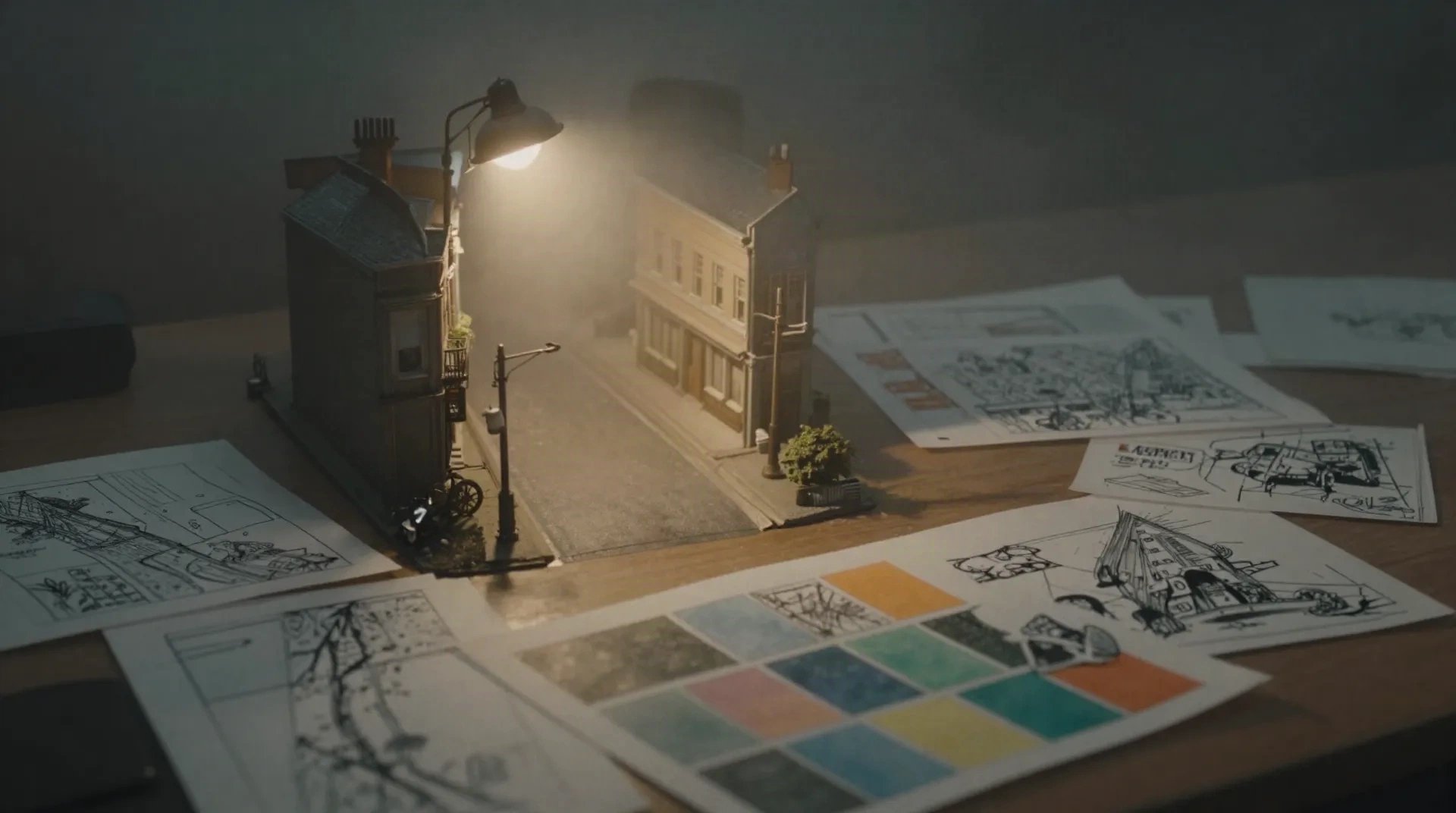
Scenes that survive a second look
Scene anatomy, spelled out
Location, light, lens, mood and subject as separate blocks. You edit one without breaking the rest, which is how a single prompt becomes ten usable frames.
Light that is not generic
Named light sources, time of day and one honest imperfection. This is the difference between a scene that feels shot and one that feels rendered.
Model-tuned syntax
Midjourney, Flux 1.1 Pro and Nano Banana Pro read prompts differently. We test the same scene on each and keep the wording that holds up.
Aspect ratios that fit
Pick the frame before you write the prompt. Wide for establishing shots, tall for stories, square for grids. The composition follows the ratio.
Ready for motion
Scenes with a clear foreground, midground and background animate far better in image-to-video tools like Kling AI than flat compositions do.
Steal-able prompt cards
Every example is copy-ready, with the output shown next to it. Remix it if you want, but start from something that already works.
From idea to scene in four moves
No account, no credits to burn. Just a better prompt before you spend a single generation.
-
1
Describe the place
Start with where the scene happens and when. A rain-soaked alley at 2 a.m. gives the model more to work with than a dark city.
-
2
Set the light and lens
Name the source, the direction and the focal length. Warm practical lamps, cold window fill, 35mm, shallow depth of field. Keep it short.
-
3
Pick your model
Paste the block into Midjourney v7, Flux 1.1 Pro or Nano Banana Pro. Run the same prompt on two models and compare the outputs side by side.
-
4
Lock it and repeat
Keep the scene block fixed and swap only the subject or camera angle. That is how you get a consistent set instead of one lucky frame.
Concept frames for a client pitch
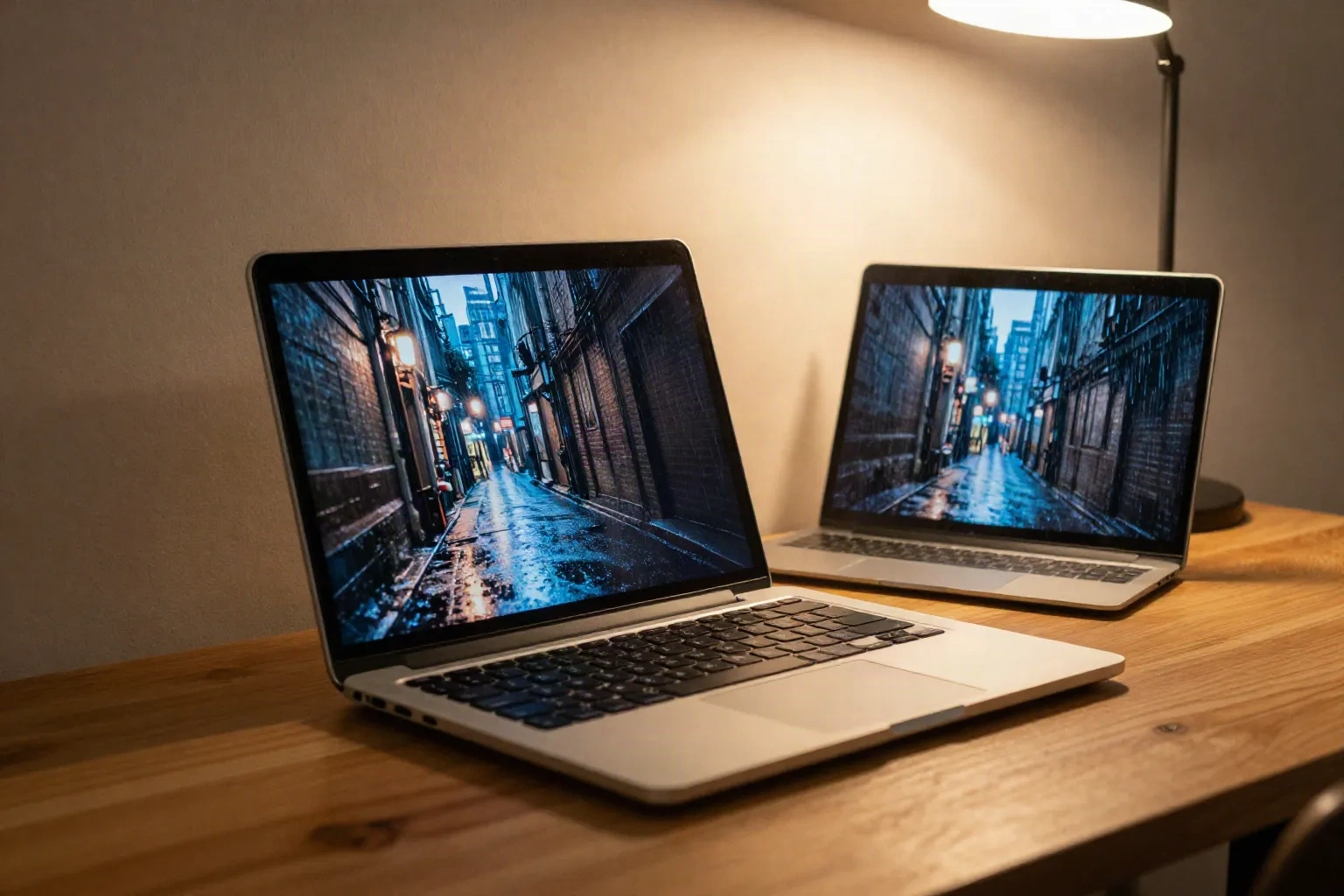
You have two days and a client who wants to see the mood before they sign. Build one scene block, run it through a few angles, and you get a deck of frames that feel like the same film. The prompt does the art direction, so you spend your time choosing, not fixing.
- One scene block, many camera angles
- Wide, medium and close in the same light
- Fast to iterate when the client changes the weather
Consistency across a whole sequence
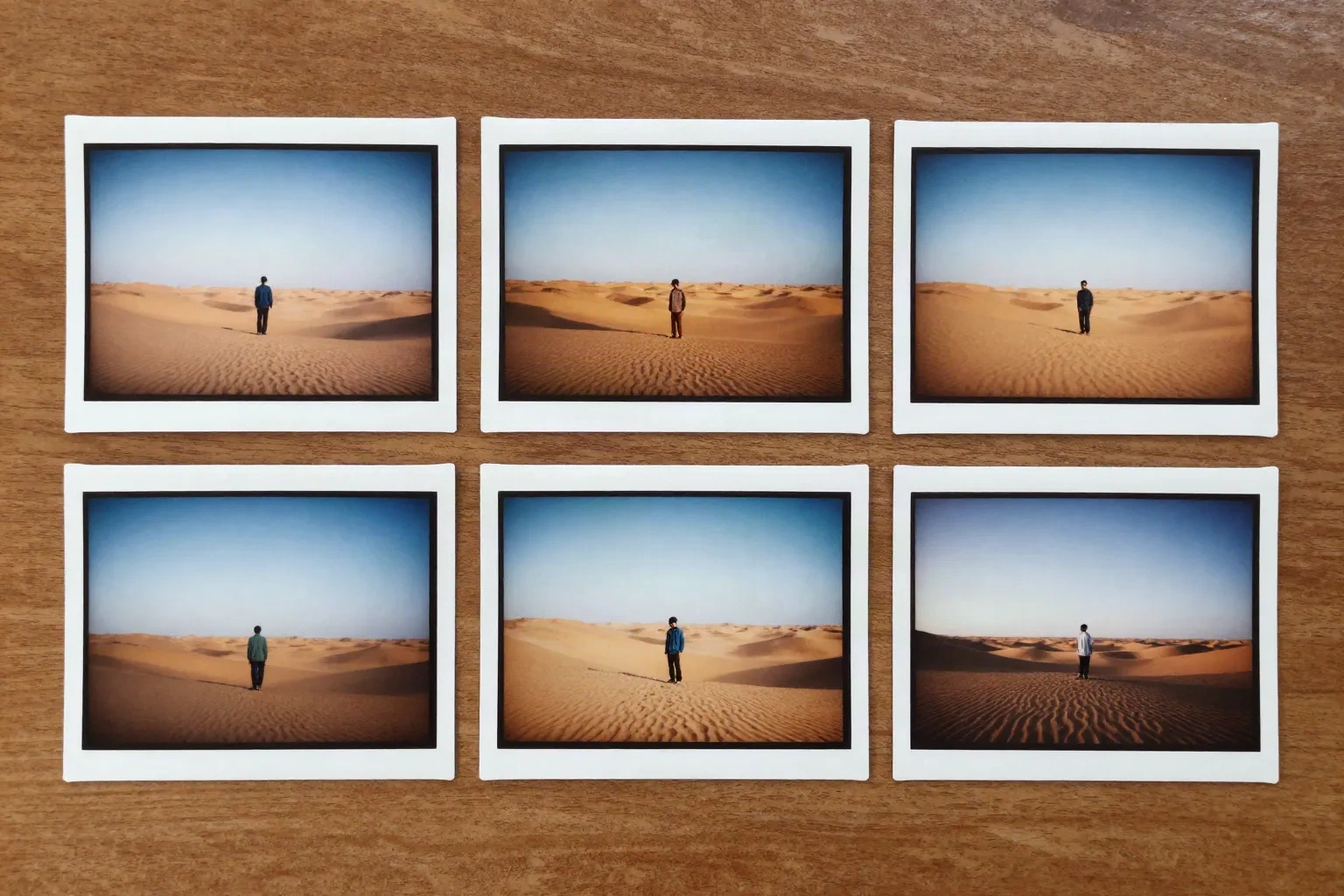
The hard part of any AI scene generator is staying the same from frame to frame. We tested one desert scene across six runs and tracked what drifted: the figure's clothing, the sky color, the shadow direction. Locking light and palette in the prompt cut the drift more than any other change.
- Fix light direction and time of day
- Reuse the exact same base block
- Change one variable per run, never three
Moodboards that become motion
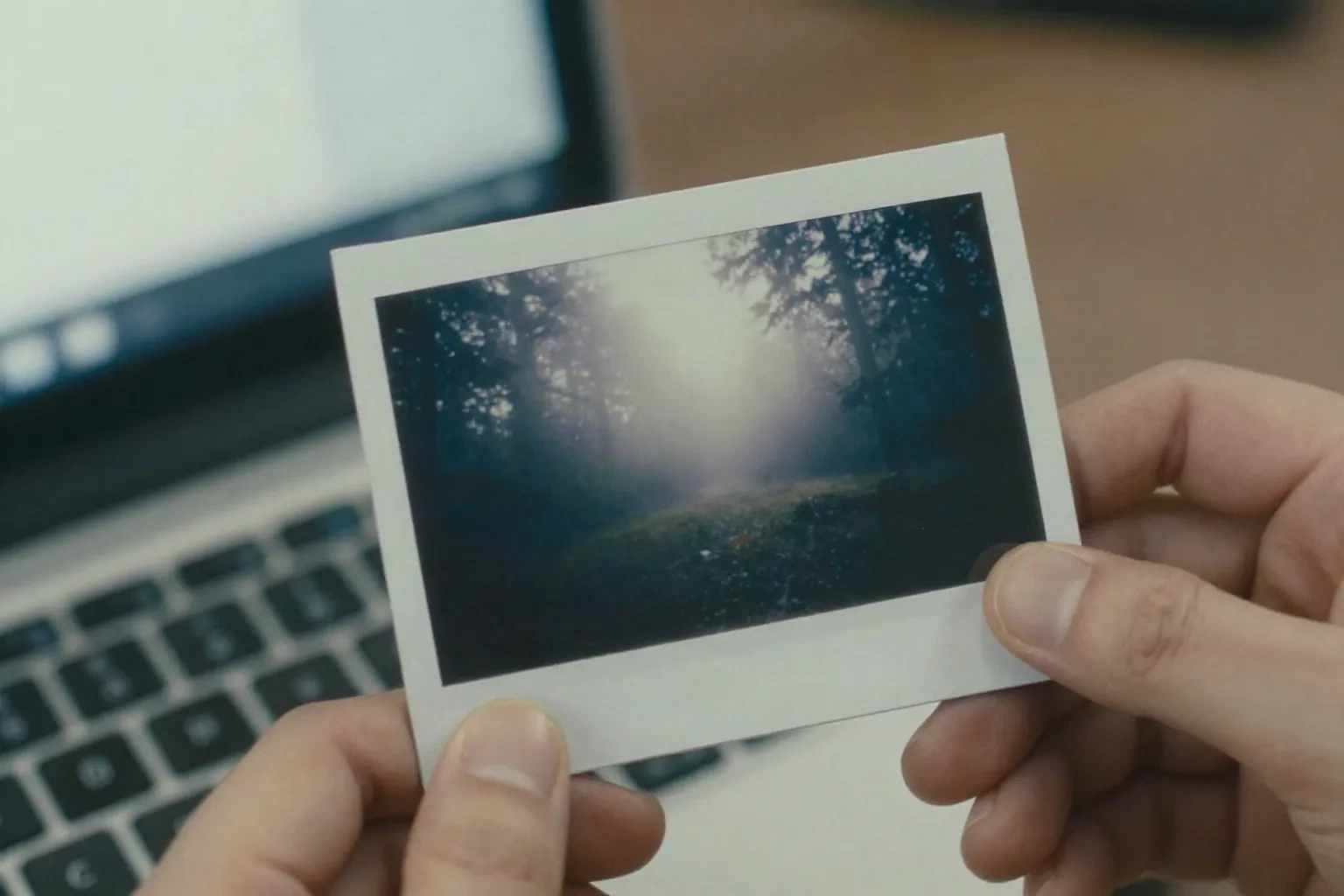
A good still is half a shot list. Take the frame you like, check that depth reads clearly, then send it to an image-to-video tool for a few seconds of camera movement. Foggy forests, empty streets and layered interiors animate well. Busy, flat compositions usually do not.
- Check foreground, midground, background
- Prefer atmosphere: haze, rain, dust
- Keep the first motion pass to a slow push-in
Which model for which scene
A qualitative read from our own tests, not a benchmark. Run your own prompt before you commit.
| Scene need | Midjourney v7 | Flux 1.1 Pro | Nano Banana Pro | Kling AI |
|---|---|---|---|---|
| Best at | Mood and texture | Following long prompts | Editing and repeating | Adding motion to a still |
| Repeating a scene | Style references | Same base prompt | Reference images | Starts from your frame |
| Watch out for | Drifts on details | Can look too clean | Needs clear instructions | Flat frames animate poorly |
| Good first test | Moody street at dusk | Product on a studio set | Same room, new angle | Slow push-in on fog |
Common questions
What is an AI scene generator?
Does Prexi generate the scenes itself?
How do I keep the same scene across several shots?
Which model is best for scene generation?
Can I turn a generated scene into video?
Why do my scenes look obviously AI-generated?
Is it free to use the prompt builder?
Build your first scene prompt
Open the builder, set the light, pick your model. You will have a prompt worth generating in under five minutes.