Summary
This graffiti generator turns any word into a tested AI art prompt. Pick a style (wildstyle, bubble, stencil, wheatpaste, blockbuster, or tag), a surface (subway car, brick wall, shutter, underpass, freight train, or plywood), and your model. It assembles the exact wording and settings tuned for Midjourney v7, Flux 1.1 Pro, Nano Banana Pro, or SD3.5 Large, live in your browser, free, no signup. No image actually renders here, just the copy-ready prompt to paste into that model yourself.
The Graffiti Generator That Tunes Your Prompt Per Model
Type your word, pick a style and a surface, and get a copy-ready prompt tuned to how Midjourney v7, Flux 1.1 Pro, Nano Banana Pro, and SD3.5 Large actually render spray paint. Six graffiti styles, six surfaces, four models, one live prompt. No image generated here, no signup, just the prompt to paste into the model you already use.
Three things that make an AI actually spell your word
Style-specific language, not just "graffiti"
Each style option feeds the model a completely different set of descriptive terms. Wildstyle, bubble, stencil, wheatpaste, blockbuster, and tag are six separate prompts, not six labels stuck on one generic prompt.
Surface grounds the whole scene
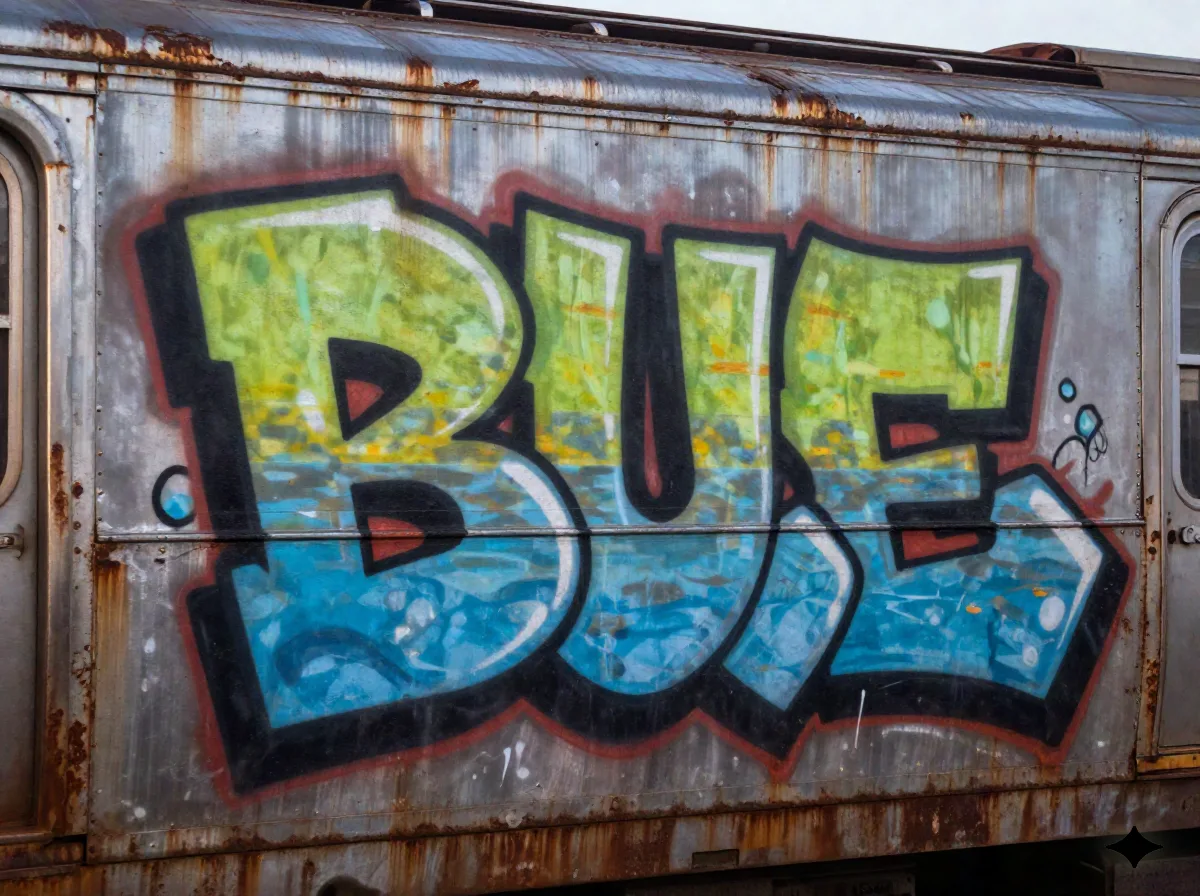
A subway car, a brick wall, a roll-up shutter, a concrete underpass, a freight boxcar, or plywood hoarding: each one pulls in its own texture, light, and backdrop cues, so the output looks like it happened somewhere real instead of floating on a blank white background.
Model-tuned tail syntax
The last line of the prompt swaps automatically depending on the model you pick. Midjourney gets a stylize and aspect-ratio flag, Flux gets a raw-photo instruction with a lens and grain note, Nano Banana Pro gets its own render style, and SD3.5 Large gets a full sampler recipe. Paste it straight into the model you picked, no editing required.
Common questions
Is this free to use?
Does this actually generate the graffiti image?
Where does the model-tuned syntax come from?
Why does the AI keep misspelling my word?
Can I use a brand name or logo text?
Does this help with real spray paint, not just AI images?
Which model should I actually pick?
Can I use this on my phone?
Want the prompt library this tool pulls from?
Every style and every model here gets its own tested, copy-ready prompts on Prexi, real outputs shown side by side.