Runway Pricing? Here's the Full Picture
Runway's tiers scale fast once you're using real credits every month. See what drives that cost, and where Kling AI fits as a lower-priced alternative.
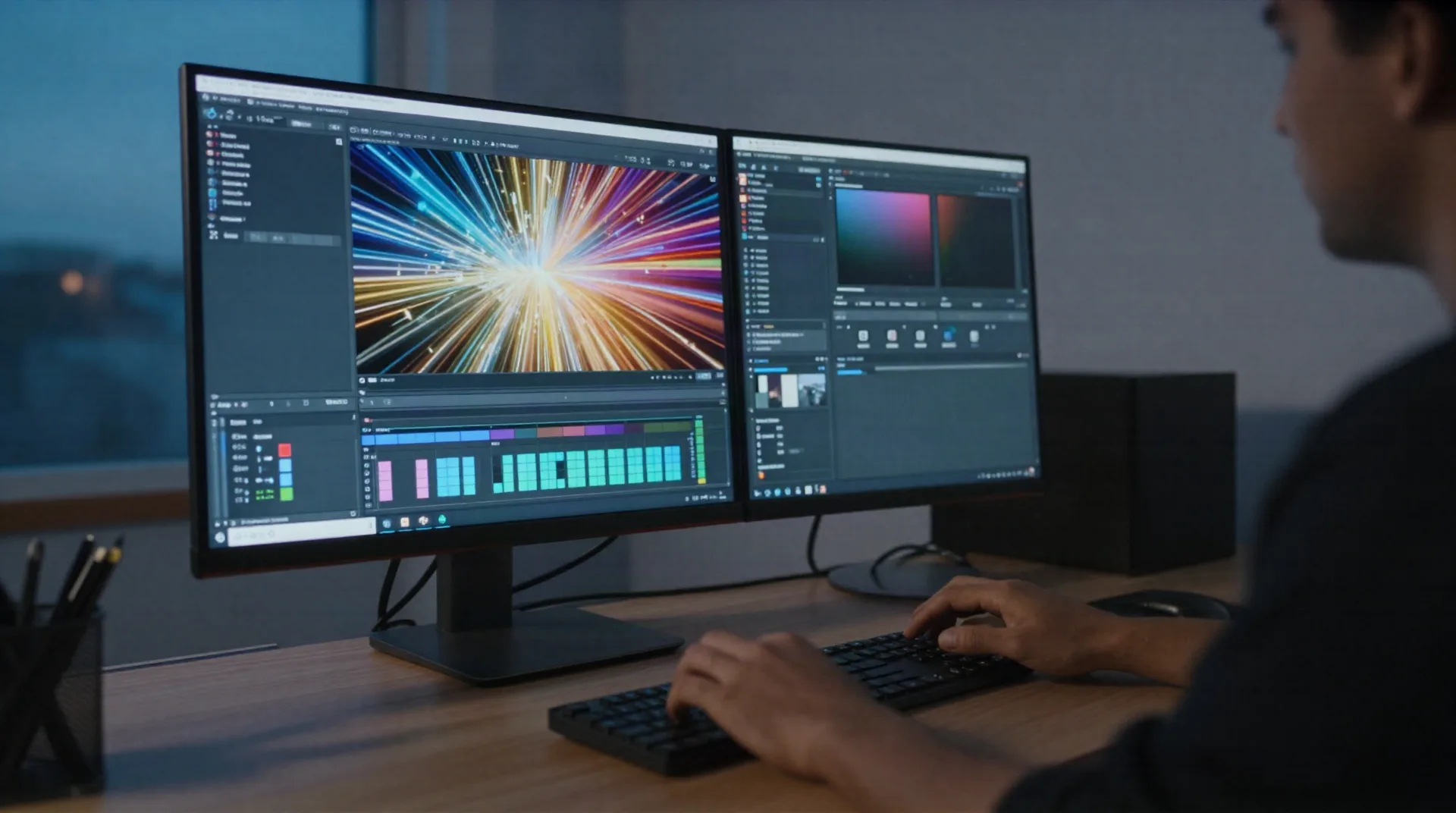
What actually drives your AI video bill
Credits per generation
Every clip burns credits based on length and resolution. Longer, higher-res generations cost more, even on the same plan.
Generation length caps
Most tools cap clips around 5 to 10 seconds per generation. Longer scenes mean stitching multiple paid generations together.
Retries add up
A generation you don't like still spends credits. Prompt iteration is normal, and it's the real hidden cost of these tools.
Free tier limits
Free plans are for testing, not production. Expect a one-time or monthly credit allowance, not unlimited generations.
Annual vs monthly billing
Paying annually typically knocks 20 to 30 percent off the monthly rate, worth it once you know you'll use the tool weekly.
Commercial usage rights
Check whether your plan includes commercial rights before you use outputs in client work or paid campaigns.
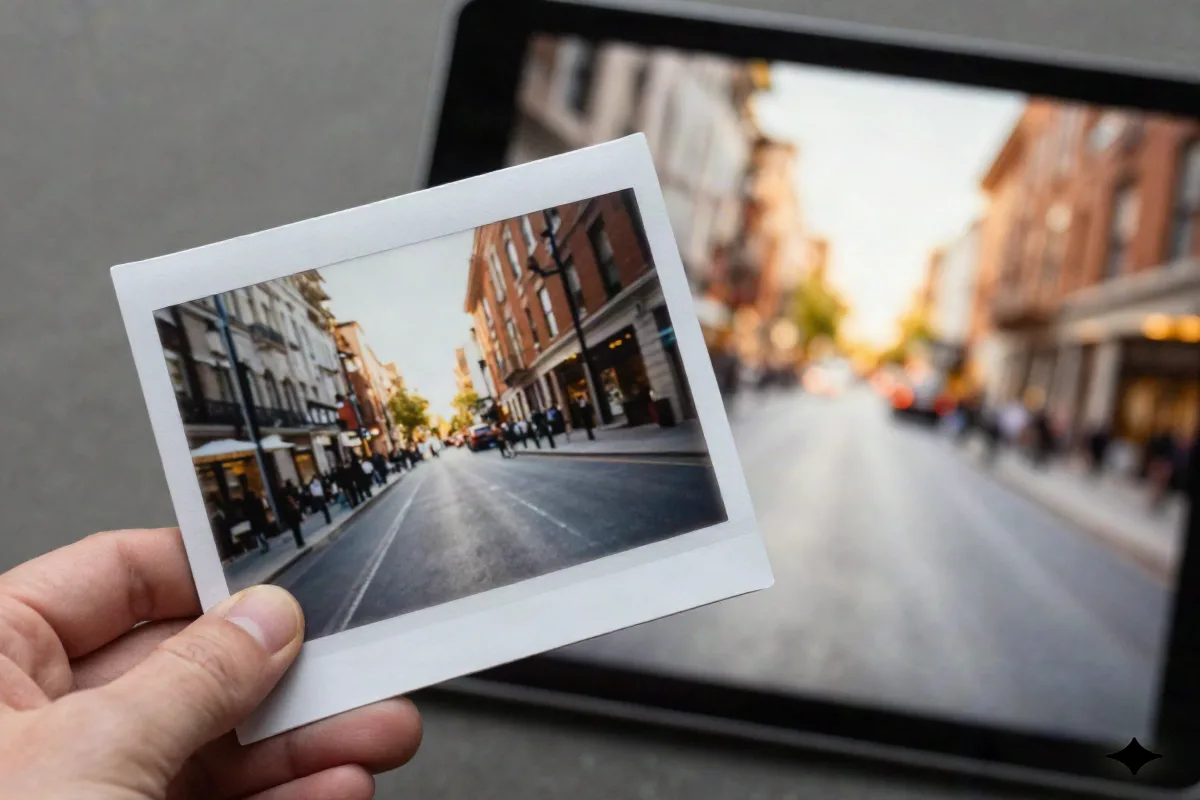
Turn a still into motion
Image-to-video is the use case most people underestimate when pricing out these tools. You upload one photo, describe the motion you want, and the model animates it: camera pan, subject movement, parallax. For e-commerce product shots or a single client photo that needs to feel alive on social, this is often the fastest path from zero to a usable clip.
- Works from a single reference photo
- Useful for product shots and portraits
- No filming, lighting, or crew needed
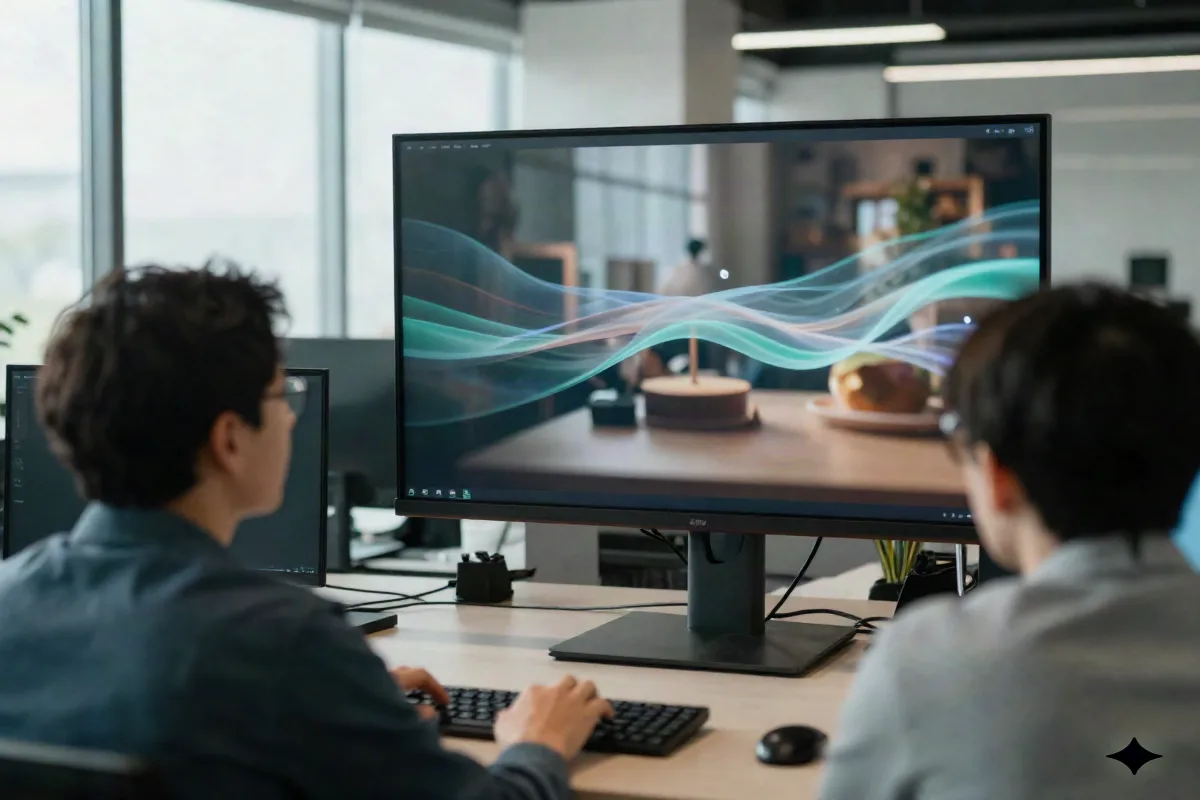
Cinematic B-roll without a shoot
Agencies and in-house marketing teams use AI video generation to fill gaps a real shoot can't justify budget for: background motion for a landing page, transitions between product shots, mood footage for a pitch deck. It's not replacing a full production. It's replacing the stock footage subscription nobody liked using anyway.
- Camera movement control: pan, zoom, dolly
- Consistent motion across multiple clips
- Good fit for social ads and pitch decks
How the pricing actually compares
Public pricing as of our last check, mid-2026. Both vendors update tiers often, confirm current numbers before you buy.
| Plan tier | Kling AI | Runway |
|---|---|---|
| Free tier | Yes, limited monthly credits | Yes, 125 one-time credits |
| Entry paid plan | From about $10/mo | About $12 to $15/mo (Standard) |
| Mid-tier plan | Same Pro tier, or pay-per-generation | About $28 to $35/mo (Pro) |
| Top plan | No separate top tier as of this check | About $76 to $95/mo (Unlimited) |
| Pay-as-you-go option | Yes, no subscription required | No, subscription only |
Kling AI's real tiers
Sourced from the Kling AI product page. Pricing changes periodically, check the live page before you subscribe.
Free
for testing and casual use
- Limited monthly credits
- Text-to-video and image-to-video
- Up to 10-second clips
- No credit card required to start
Pro
scales up to about $15/mo depending on plan
- Camera movement control: pan, zoom, dolly
- Consistent character motion across clips
- Up to 10-second high-res clips
- Access to the current Kling model
Pay-per-generation
no monthly commitment
- No subscription required
- Pay only for the clips you generate
- Same core generation features
- Good fit for occasional or one-off projects
Common questions
Is Runway or Kling AI cheaper?
Does Kling AI have a free plan?
What do AI video credits actually pay for?
Can I pay per generation instead of monthly?
How steep is the learning curve?
Does the price include commercial usage rights?
How long are the clips you can generate?
Is there a catch with Kling AI's lower entry price?
Pick a plan and start generating
Kling AI's free tier is enough to test real output before you spend anything.