Kling AI Free: Test Before You Pay
Kling AI free gives you a small daily credit budget to animate your stills. Here is what it covers, where it stops, and how to spend it well.
What Kling AI free actually covers
No card needed to start. You log in, claim the daily credits, and generate. These are the pieces worth knowing before you spend a single credit.
Text to video
Describe a scene and camera move, get a short clip back. Good for testing a look before you commit to a full storyboard.
Image to video
Animate a still from Midjourney, Flux or Nano Banana. This is where Kling earns its reputation for convincing motion.
Camera control
Pan, zoom and dolly language is read well. You direct the shot instead of hoping the model guesses the framing.
Daily credits
A fresh batch every 24 hours, no rollover. Free credits reward a steady habit, not a weekend binge.
Cheap experiments
Short clips at standard quality keep the cost per test low, so you can compare prompts side by side.
Fast learning curve
Within a few sessions you know how the model reads motion words, which saves paid credits later.
Animate a still instead of starting cold
You already have a frame you love from an image model. Image-to-video turns it into a few seconds of motion, so the look stays yours and Kling only adds movement. It is the best use of a tight free budget, because the model has less to invent. Keep the prompt short: one subject, one camera move, one mood word. Rain, slow dolly, handheld drift. Anything more and the credits go to chaos.
- Start from a clean frame with one clear subject
- Describe the move, not the whole scene again
- Keep clips short to stretch your daily credits
Build an animatic for a client pitch
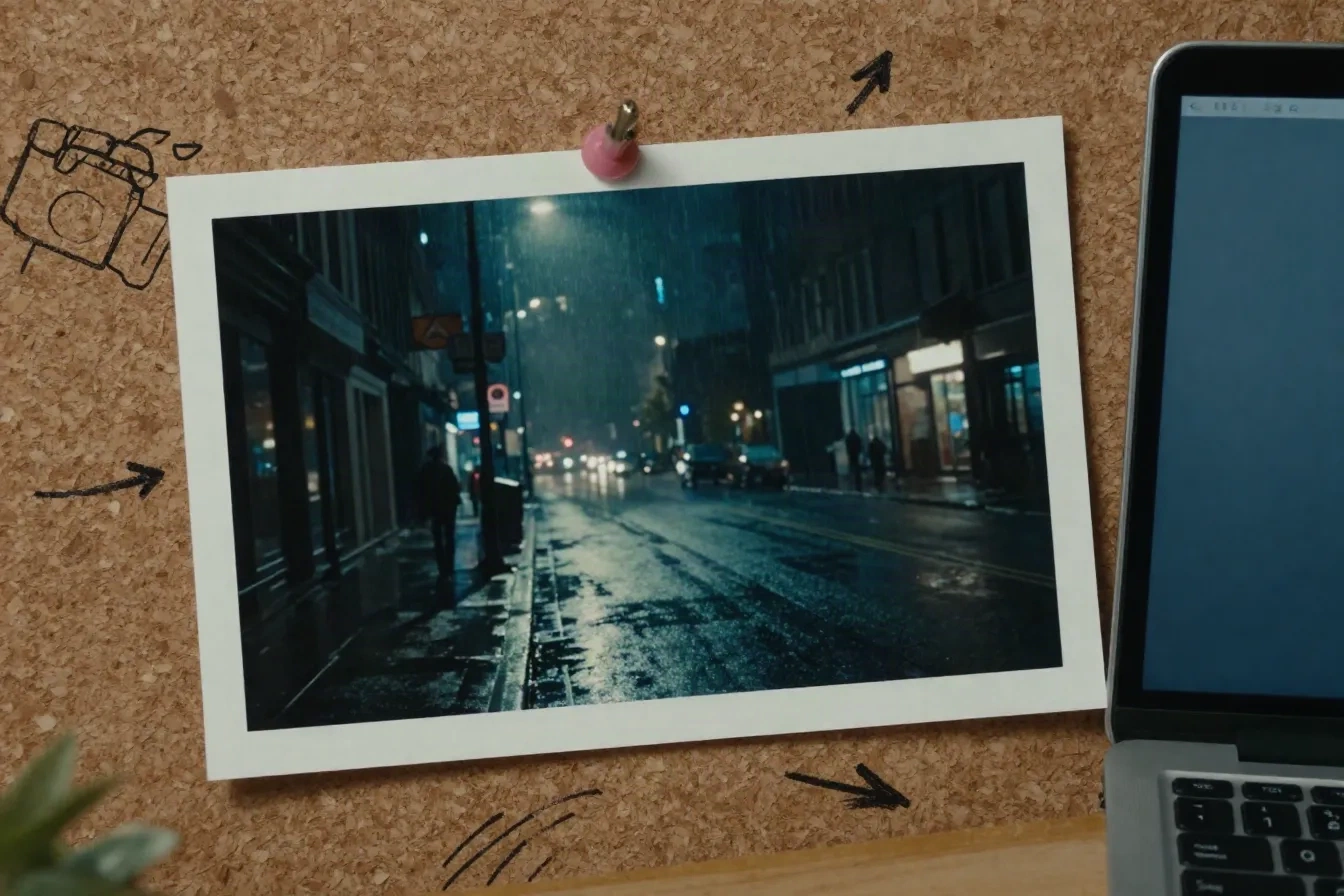
Art directors use free clips as moving moodboards. Three or four shots, same palette, same lens language, stitched into a rough sequence. The watermark does not matter at this stage, because the clip is a conversation starter, not a deliverable. If the client says yes to the direction, you redo the hero shot on a paid plan with clean export and commercial rights. You spent nothing to get the green light.
- Match palette and lens across every test shot
- Use the watermark as a reminder this is a draft
- Redo only the approved shots on a paid plan
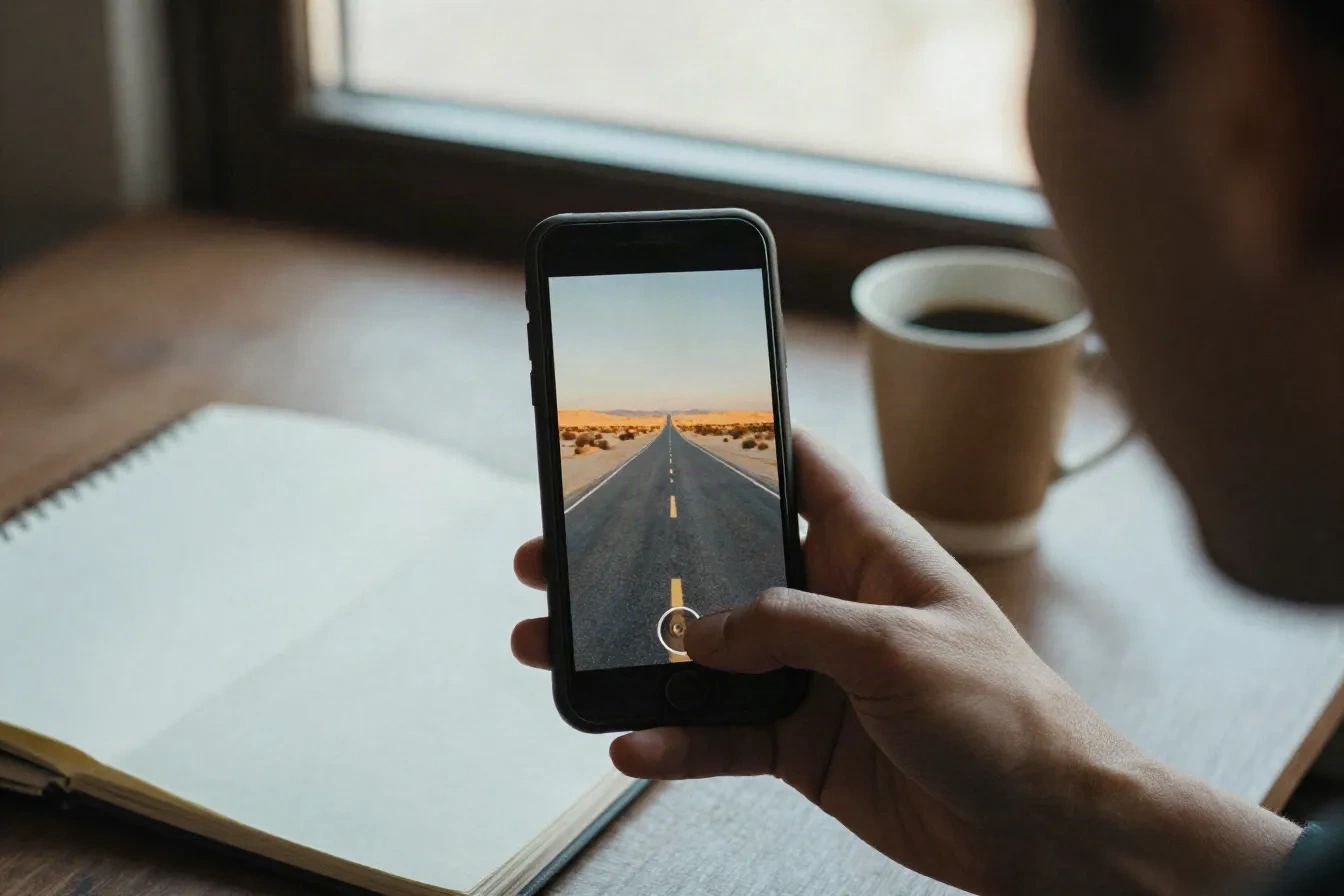
Spend your free credits in four steps
A simple routine that gets the most out of a small daily budget and tells you quickly if Kling fits your work.
-
1
Pick one reference frame
Choose a still with a single subject and clear light. Busy frames burn credits on artifacts you then have to throw away.
-
2
Write a one-line motion prompt
Name the camera move and one atmosphere cue. Slow push-in, light rain, soft handheld. Resist the urge to rewrite the scene.
-
3
Generate one short clip
Run a single short test and judge motion, faces and edges before you spend more. One good clip beats four mediocre ones.
-
4
Log what worked
Keep a note of the prompt, the move and the result. After a week you have your own cheat sheet for the model.
Free tier versus paid plans
Plan details change, so confirm the numbers on kling.ai. This is the shape of the trade-off today.
| Feature | Kling AI free | Kling AI paid |
|---|---|---|
| Daily credits | Small daily batch, no rollover | Monthly credit pool |
| Watermark | Visible on exports | Removable |
| Resolution | Lower, around 720p | 1080p and up on higher tiers |
| Commercial use | Not for client work | Available on paid plans |
| Queue speed | Standard, slower at peak | Faster on paid tiers |
| Best for | Testing and animatics | Final deliverables |
Start free, upgrade when it blocks you
Two honest options. Check current prices and credit counts on kling.ai before you decide.
Free
for testing the model
- Daily credits, reset every 24 hours
- Text to video and image to video
- Camera control prompts
- Watermarked, lower-resolution exports
- Personal testing only
Paid plans
for real projects
- Monthly credit pool, hundreds of credits
- No watermark on exports
- Higher resolution tiers
- Faster queue at peak hours
- Commercial use per plan terms
Kling AI free, answered
Is Kling AI really free?
How many videos can I make with Kling AI free credits?
Does the free plan add a watermark?
Can I use Kling AI free clips commercially?
What resolution does the free tier give you?
Is Kling AI good for image-to-video?
When should I upgrade from the free plan?
What are the best free alternatives to Kling AI?
Run your first free test today
Pick one still, write one line of motion, and see if Kling reads your style. It costs you nothing to find out.