Turn Your Stills Into Motion With Image To Video AI
Drop a Midjourney or Flux frame into Kling AI and get real camera motion in under a couple minutes, no rig, no reshoot.
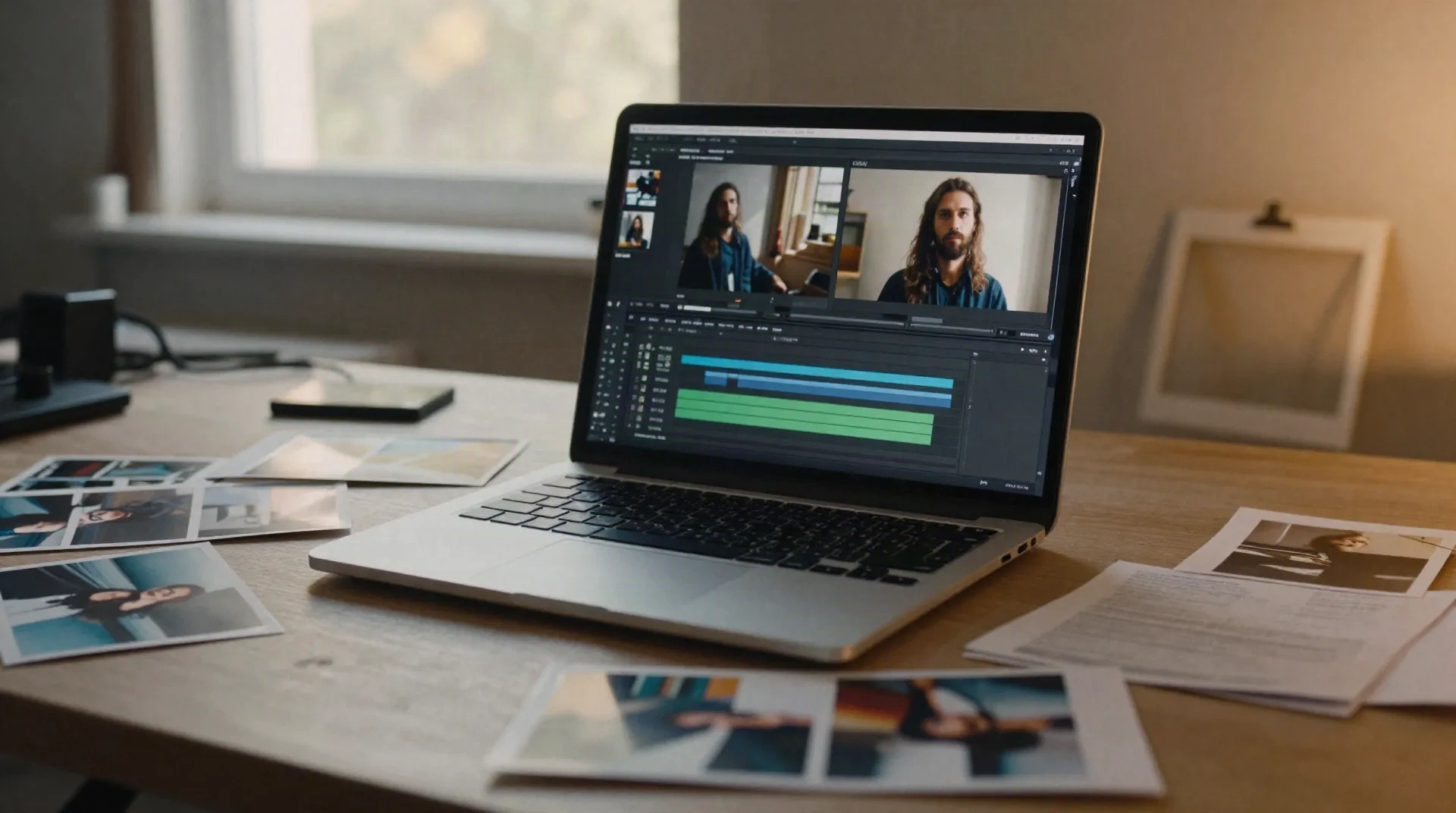
What Image To Video AI Actually Changes
Real camera motion
Pan, dolly or push in: Kling AI reads your still and adds motion that looks shot, not slapped on after the fact.
Keeps your style intact
Feed it a Flux or Midjourney frame and the output holds onto the lighting and grain you built the shot for.
Minutes, not a shoot day
No rig, no actor, no studio booking. One image in, a usable clip out, often in under two minutes.
Faces that stay put
Proportions and features hold steady across the clip, the exact thing that used to break most video models.
A free tier worth testing
Enough credits to run real work before you decide if the paid plan earns its ten dollars a month.
Iterate like you already do
Missed the mark? Adjust the source image or the motion line and run it again, same loop as any other output.
How It Works, Start To Clip
-
1
Pick your best still
Start with a Midjourney v7, Flux 1.1 Pro or Nano Banana Pro output you already like the framing on.
-
2
Drop it into Kling AI
Upload the frame, add a short motion line (camera move, subject action), and pick a clip length.
-
3
Set the camera move
Pan, push in, orbit, or let it mostly sit still and just breathe. Kling reads the image for physics.
-
4
Render and check the read
Most clips land in under a couple minutes. Re-roll the motion line if the physics feel off.
-
5
Drop it in your reel
Pull the file straight into your portfolio, moodboard or client deck. No extra export step.
For Reels That Don't Look Like Everyone Else's
Every art director on the desk has the same problem: a portfolio full of stills that all sit flat next to the next person's. Turning your strongest Midjourney or Flux frames into short motion clips with an image to video AI tool gives a reel actual rhythm, without a shoot budget or a video editor on retainer. You're not animating from scratch, you're extending a frame you already picked for a reason.
- Works from a single still, no storyboard needed
- Keeps the color grade and lighting from your original prompt
- Clips export in a size ready for a reel or a deck
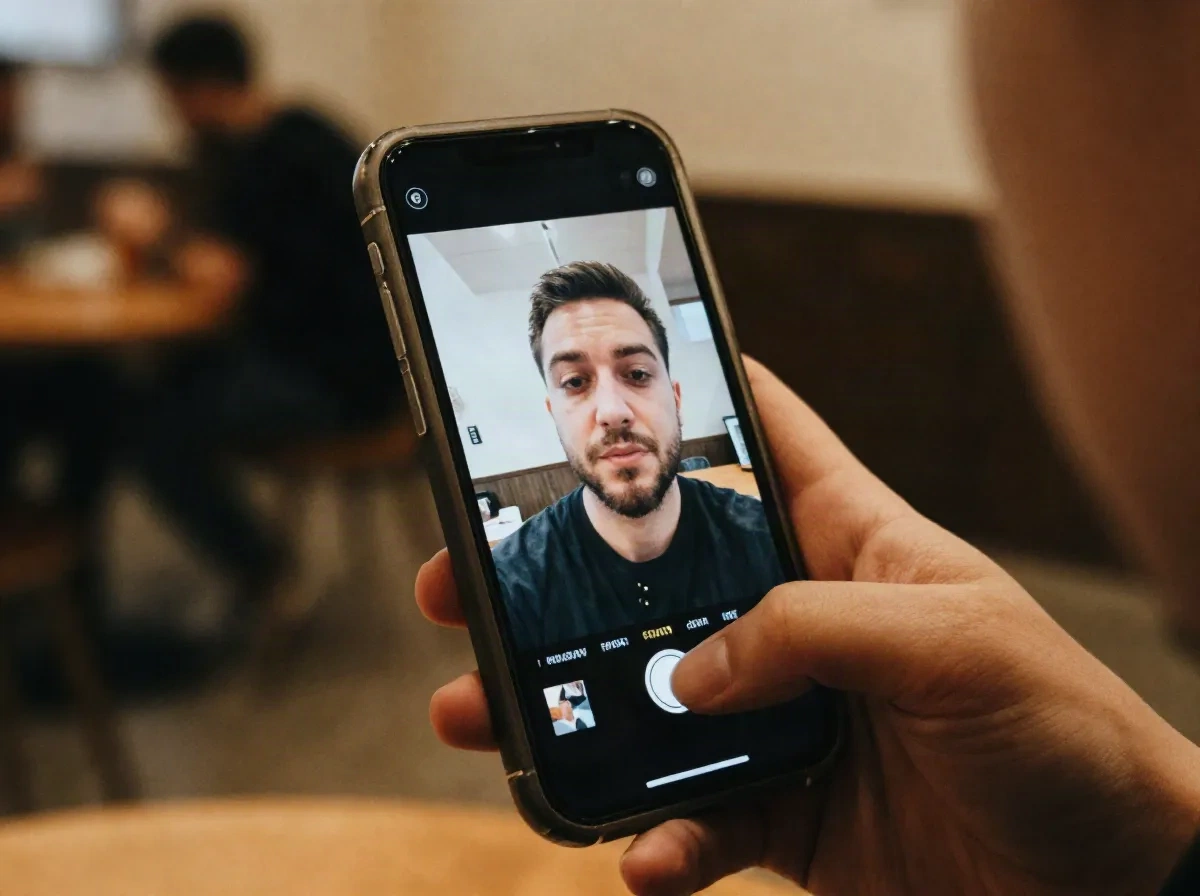
From Moodboard Frame To Motion Reference
Client decks land better with movement in them, even a few seconds of it. Instead of building a full animatic, pull the still that's already anchoring your moodboard and run it through Kling AI for a quick motion reference. It reads as intentional, not like a placeholder GIF, and it buys you a real conversation about pacing before anyone commits budget to full production.
- Turns a moodboard frame into a pitch-ready motion reference
- No animator or storyboard artist needed for a first pass
- Good enough resolution to sit inside a client deck
Common questions
What is image to video AI?
Can I use my Midjourney or Flux images with Kling AI?
How long are the video clips?
Is Kling AI free to try?
Does the character stay consistent across the clip?
What's the difference between text to video and image to video AI?
Is my data safe uploading images to Kling AI?
Can I control the camera movement?
Turn Your Next Still Into Motion
Free credits, no card needed to start testing.