Text to Video Prompt Examples That Actually Work in 2026
Summary
Text-to-video prompts that work follow a four-part structure: subject, action, camera, mood. Each video model has specific strengths - Runway handles complex camera behavior, Kling excels at object physics, Veo 3 generates native audio, and Sora manages longer narrative arcs. Lighting description is the most skipped variable and the one with the most impact on output quality. This guide includes 20 copy-ready prompts sorted by use case across all five models.
You spent 20 minutes crafting the perfect description and got back something that looks like a screensaver from 2004. There is a reason. The best text to video prompt examples out there share the same underlying logic: four layers, in order, no extras. This guide gives you the structure, then a stack of prompts you can copy and drop into Runway, Kling, Veo 3, Sora, or Pika right now. No theory without examples. No examples without a reason they work.
The 4-Part Formula Every Model Understands
Every model that outputs video - whether it is Runway Gen-4, Kling 3.0, or Sora - processes your prompt in roughly the same way. It builds the subject first, then the environment, then it figures out what is moving and from which angle it is watching.
The formula:
Subject (who or what, with at least one visual attribute) + Action (what is happening, visible and physical) + Camera (shot type plus movement) + Mood (lighting plus atmosphere)
That is the order. Subject before camera. Camera before mood. When you flip the order, the model averages the instructions and you get mud.
Prompt that works:
A woman in a red coat walks along a rain-slicked street at night, slow tracking shot from behind, neon signs reflecting in puddles, cinematic grain, 24mm lens
Prompt that does not:
Make a moody cinematic rainy night scene where someone is walking
The second version gives the model too much freedom on subject identity, movement direction, and camera position simultaneously. It guesses. And its guess is usually generic.
One rule before moving forward: keep camera modifiers to two or three. Research from Prompt Architects testing 200 prompts across Veo 3 and Kling showed that beyond three camera instructions, outputs average between conflicting commands and produce unstable motion. Pick one shot type. One movement. Done.
Runway Gen-4 Prompts: Motion Direction, Not Scene Changes
Runway Gen-4 generates in 5-second and 10-second clips. That is not long enough for multiple scene transitions. If your prompt implies two different environments or two subject states, Gen-4 will blur between them and give you neither.
The thing Gen-4 does unusually well: complex camera behavior. Dolly shots. Crane reveals. Tracking through a crowd. Describe that camera behavior and give it a single, clearly established subject.
Copy-ready prompts for Runway Gen-4:
A grey wolf stands at the edge of a frozen lake, camera slowly dollies forward until only its eyes fill the frame, flat winter light, fog over the water, slow motion, desaturated
A ceramic mug sits on a kitchen counter as steam rises from it, tight close-up locked shot, warm morning light from left window, shallow depth of field, slight rack focus from steam to mug surface
Aerial drone shot descending slowly toward a fishing village at dawn, wood boats below, mist over the harbor, cool blue tones, no movement in the village, tilt shifting down
What to skip on Gen-4: asking it to cut to another location, show a before/after, or shift the visual style mid-clip. Treat each prompt as a single photograph that starts moving.
Steal this.
Kling 3.0 Prompts: Put the Camera Last
Kling's official prompt guide recommends building prompts in this order: subject description, subject action, scene environment, then camera instruction at the end. The logic is that the model builds the world first and then figures out how to move through it.
In forty prompts tested on Kling 3.0, the camera-last structure produced noticeably cleaner motion consistency than front-loading camera language. The subject stays on-model across the clip, movement feels continuous rather than corrected.
The six core movements Kling handles cleanly: pan, tilt, zoom, tracking/dolly, roll, and pedestal. Name one. If you need two, combine them explicitly - "slow tilt up while panning left."
Copy-ready prompts for Kling 3.0:
A calligrapher writes Japanese characters on white paper, brush moving slowly across the page, sparse wooden desk in a quiet room, soft diffused window light, slow zoom in on the brushstroke as it dries
A city intersection at 3am, empty streets, traffic lights cycling through colors on wet asphalt, slow pedestal shot rising from ground level to street-lamp height, cool sodium light, no pedestrians
An old lighthouse on a cliff at dusk, waves crashing below, lighthouse beam rotating every four seconds, static medium shot, stormy blue-grey sky, high contrast
Where Kling beats the field right now: object physics. If your prompt involves liquid, fabric, or anything with weight and texture, Kling 3.0 is the current benchmark.
Veo 3 and Sora: When Sound and Physics Enter the Frame
Veo 3 introduced native audio generation. That changes how you write prompts for it. You can now describe sound as part of the scene and the model generates it in sync. "The creak of boat wood", "distant thunder", "rain on corrugated iron" - these are now valid prompt elements that produce results.
Sora 2 handles narrative arc better than any other model at the moment. Where Runway and Kling work best as single-scene engines, Sora can manage subject consistency across a longer clip with an implied before/after. The prompt can have a trajectory.
Copy-ready prompts for Veo 3 (with audio layer):
A street musician plays cello under a stone bridge at dusk, close-up on bow hand, gentle ambient echo in the audio, warm amber light from street lamps above, slow tracking shot around the performer, late autumn, leaves on the ground
Raindrops hitting a corrugated iron roof in a quiet countryside, each drop audible and distinct, camera locked on the roof surface in close-up, soft grey overcast light, shallow depth of field
Copy-ready prompts for Sora 2 (narrative arc):
A figure in a yellow raincoat walks toward the camera down an empty highway as clouds build behind them, camera tracks backward as they approach, the sky shifts from overcast grey to full storm, wind visible in the coat
A glass of red wine on a white tablecloth, slow dolly back to reveal an empty restaurant, late evening light fading, last candle going out in the background
Lighting Is the Variable You Are Skipping
Most prompts name the subject and the camera and then stop. Lighting is where outputs get interesting or stay generic. It is also the lever that separates a shot that looks rendered from one that feels like it was actually captured.
Lighting descriptions that consistently produce distinctive outputs:
Practical light only: light that comes from within the scene itself - a candle, a screen, neon, a fire. Produces documentary-style realism.
Backlit / contre-jour: subject in front of a bright source. High contrast, silhouette tendency, dramatic.
Single-source directional: one light from a specific angle named explicitly. "Harsh side light from the right at 3 o'clock position." The models understand clock positions.
Bounce and fill: soft, indirect light. "Soft diffused light bouncing off a white wall." Useful for portraits and close product shots.
Time-of-day cues: dawn, blue hour, golden hour, civil twilight. Each carries a specific color temperature the models recognize and apply consistently.
The fastest way to see the impact: take any prompt above and remove the lighting descriptor. Run both versions. The difference shows up in the first three seconds.
Pika and Luma Dream Machine: Short Loops and Texture Work
Pika handles short, controlled motion loops well - product animation, subtle parallax on a still, a single isolated gesture. Luma Dream Machine shines on texture-heavy subjects: water, fire, fabric, foliage. Use them for different things.
Copy-ready Pika prompts (motion loop focus):
A silver perfume bottle on black velvet, single slow 360-degree rotation, light catching the glass facets, studio white light, seamless loop
A flower bud slowly opening, macro close-up, green bokeh background, natural light, no cut, smooth loop
Copy-ready Luma Dream Machine prompts (texture and environment):
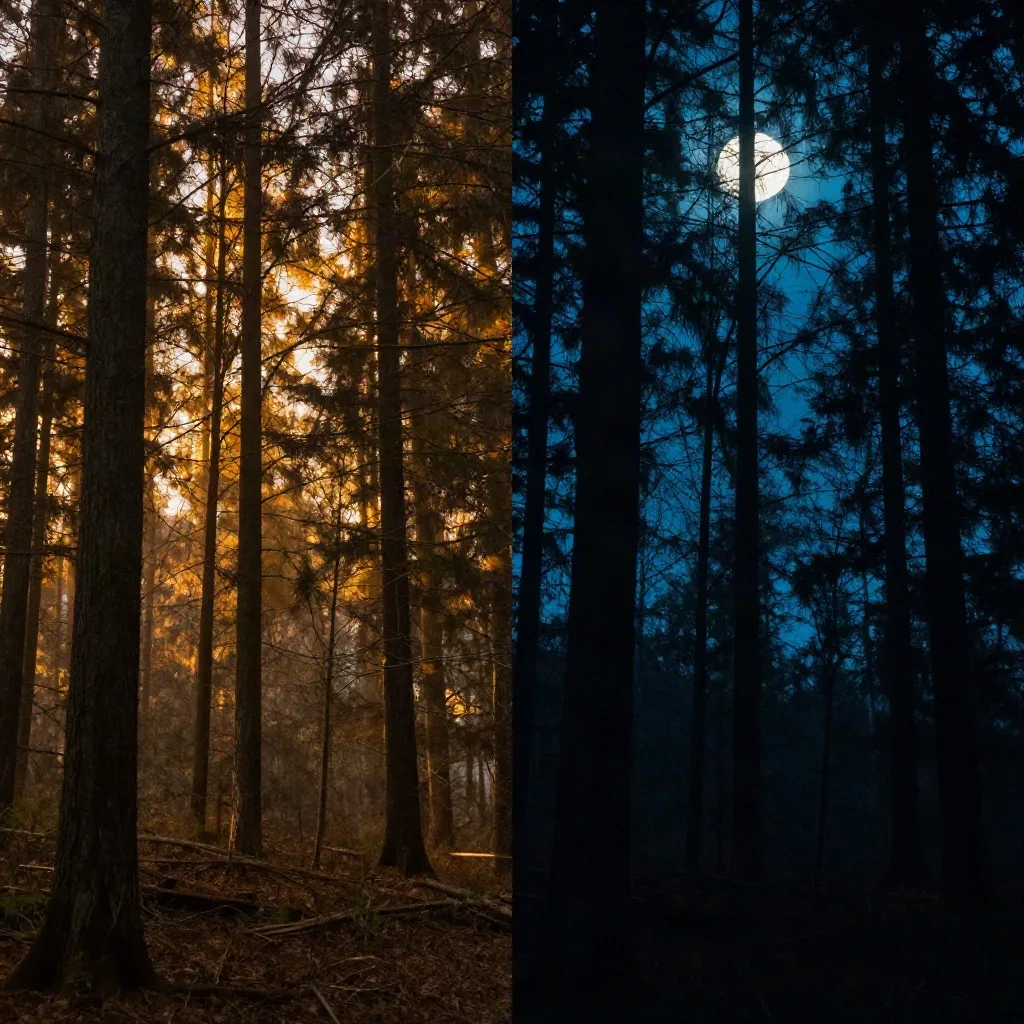
Dense autumn forest, slow push through the trees, leaves falling in the foreground, dappled golden light, shallow depth of field, handheld feel, overcast sky above the canopy
Shallow ocean water over a white sand bar, camera looking straight down, shadows of small fish visible below, crystal clear blue-green, slight current moving the sand patterns
With Luma, longer descriptions of the physical environment produce better texture work. The model responds well to material specificity: "white sand", "weathered oak", "polished concrete", "rough linen".
20 Prompts to Copy Right Now
Sorted by use case. Drop them straight into whatever model fits the subject.
Portrait and person:
A woman in her 60s reads a letter at a wooden table, natural light from a low window, tight over-shoulder shot, slow zoom onto the paper, quiet room
A man in a grey suit walks away from camera down a glass-and-steel corridor, camera tracks backward, fluorescent overhead light, end-of-day pace
Close-up of a child's hands building a structure from clay, warm kitchen light, locked camera, no face shown (add: quiet ambient sound for Veo 3)
Product and commercial: 4. A watch on a dark stone surface, slow rotation, single rim light from behind, black background, no other elements 5. A bottle of hot sauce poured in slow motion onto a taco, close-up, vivid color, warm food-photography light from directly above
Landscape and environment: 6. Salt flats at sunset, camera tracks along the surface at low angle, sky reflected in thin water layer, no wind, pure stillness 7. Thunderstorm over a wheat field, lightning strike in distance, locked wide shot, 5-second hold, no camera movement 8. Tokyo street at 2am, rain on the road, neon reflections, slow rack focus from foreground puddle to background signage
Abstract and texture: 9. Molten gold poured onto black marble, close-up, high-speed slow motion, steam rising, no camera movement 10. Blue ink dropped into a water tank, diffusing in three dimensions, macro close-up, pure white background
Architecture and space: 11. Interior of an abandoned train station, shafts of light from broken roof, slow crane shot rising from floor to ceiling, dust particles visible 12. Night exterior of a brutalist housing block, rain falling, one lit window per floor, static locked wide shot, cool grey tones
Narrative moment: 13. A phone on a table, screen lighting up and then going dark, locked close-up, late night kitchen, nobody in frame 14. An empty park bench in autumn, leaves blowing across it, slow zoom in, grey morning light 15. A door closing slowly on a sun-lit garden, camera just inside a dark room, natural backlight from outside
Nature and animal: 16. A fox walking through a snowy birch forest at dawn, slow tracking shot alongside, breath visible, no sudden movements 17. Macro close-up of a bee landing on a yellow flower, slow motion, soft natural light, green bokeh
Sport and motion: 18. A sprinter at starting blocks, then first three steps in extreme slow motion, track-level locked camera, stadium light 19. A kayak cutting through flat grey water in early morning, aerial shot from directly above, no land visible
Experimental: 20. A city time-lapse viewed through a glass of water on a windowsill, foreground glass sharp, background city blurred and in motion, dusk to night transition
Remix if you want, but start here.