How to Turn a Photo Into a Video: 3 Routes That Work
Summary
To turn a photo into a video, choose the route that fits the photo. An AI image-to-video model (Kling, Runway, Luma) adds real motion, a phone editor like CapCut adds a safe pan and zoom, and manual parallax gives full control. Crop to your final ratio, upload the photo as the first frame, write one camera move plus one subject move, and generate a 5 second clip. Iterate three times before blaming the photo, then trim, grade and add sound.
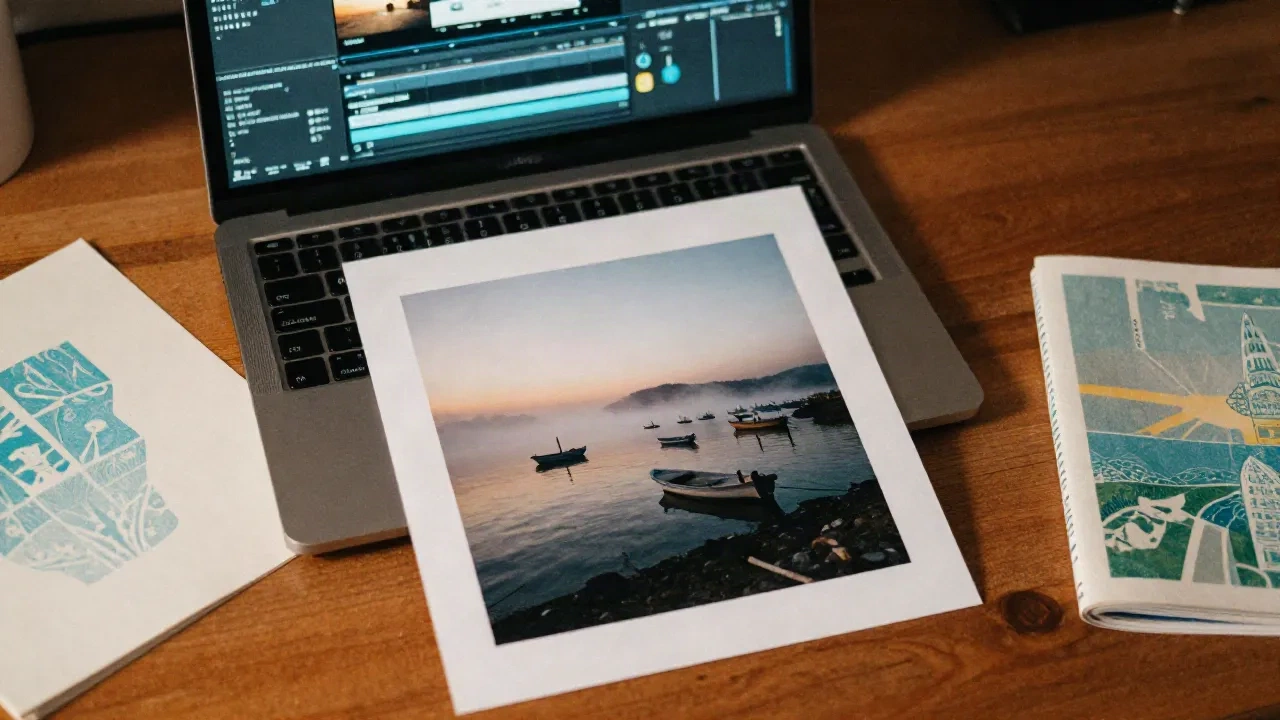
Here is how to turn a photo into a video: pick the route that fits the photo. An AI image-to-video model (Kling, Runway, Luma) gives real motion. A phone editor like CapCut gives a safe pan and zoom. Manual parallax gives you total control. Upload the photo, ask for one camera move and one subject move, generate a 5 second clip, then iterate. Below: how to choose, and what to write.
You already have the photo. The question is how much motion it can take before it falls apart.
Which route fits your photo?
Most guides hand you one tool and call it a day. That is how you end up with a stiff slideshow or a face that melts. Three routes cover nearly every case, and they fail in different ways.
AI image-to-video model. Best for landscapes, portraits, product shots, anything that should really move. Breaks on hands, text and crowds.
Editor with pan and zoom. Best for memorial slideshows and quick social posts. Breaks when it looks like a documentary from 2009.
Manual parallax (cut layers, move them). Best for hero images where you want zero surprises. Takes an evening.
Our default: start with a model. Drop to an editor when the model keeps inventing things you did not ask for.
Prep the photo before you upload anything
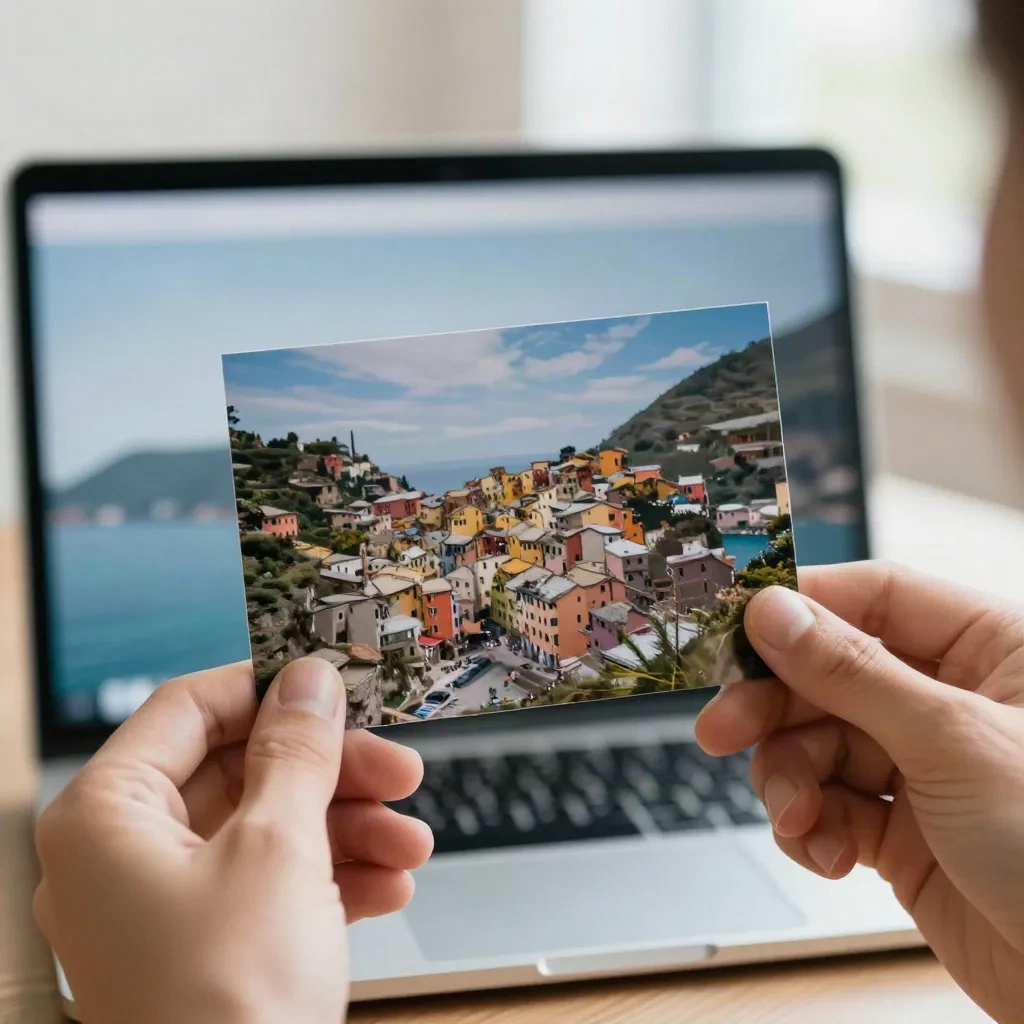
The model only knows the pixels you hand over. Five minutes here saves ten failed generations.
Crop to the final ratio first. 16:9 for YouTube and sites, 9:16 for Reels and Shorts. Cropping after generation throws away motion you paid for.
Fix the obvious damage. Dust, scratches, a blown sky. The model animates flaws as faithfully as it animates the good parts.
Upscale small files. A 600 pixel scan will wobble. Run it through an upscaler such as Topaz or Magnific before you animate it.
Look for hidden trouble. Text on signs, a crowd, a hand holding a phone. If you spot it, expect it to misbehave.
Quick test we use: squint at the photo. If you can name one subject and one direction it could drift, it will animate. If you cannot, crop tighter or pick another frame.
Plan the clip before you spend a credit
Credits disappear fast, so decide three things first.
Ratio. Vertical for Reels, Shorts and TikTok. Horizontal for sites and YouTube. Square only if you are posting to a feed that still loves squares. Match the photo to the format before upload, not after.
Length. Aim for 5 seconds. A single photo rarely carries more than that without drifting, and short clips are cheap to redo. If you need 20 seconds, plan four clips and a cut.
Purpose. A hero loop wants almost no motion. A story beat wants a clear move. A product teaser wants the product to stay exactly as it is. Write the purpose on a sticky note, because it decides the prompt.
Route 1: an AI image-to-video model
This is the route most people mean when they type "turn a photo into a video". You upload the photo as the first frame, describe the motion, and the model returns a short clip.
Settings are boring, which is good news. Pick the aspect ratio, pick the length, write the prompt. Most tools produce 5 to 10 second clips reliably, and Runway's own image-to-video guide says the same: longer than that and generations get less reliable. Treat every clip as one shot, not a film.
Which tool? We have run the same photo through several. Short version:
Kling is where we go first for people and natural motion: hair, fabric, water. It holds a face better than most, but it is slower in busy hours.
Runway gives you the most direct camera control. If your prompt is mostly "push in slowly" or "static hold", it behaves.
Luma likes dramatic, cinematic motion and start and end frames. Great for a landscape with a mood. Skip it for a product shot that must stay exact.
What to write in the prompt
Forget the twelve-adjective prompt. Image-to-video already knows what is in the frame, because you gave it the frame. Your job is only to say what changes.
Use this order: camera move, subject move, atmosphere.
Slow push in. Fog drifts across the water, the rowboat sways slightly. Soft morning light, calm.
That is the whole prompt. Steal this structure and swap the nouns.
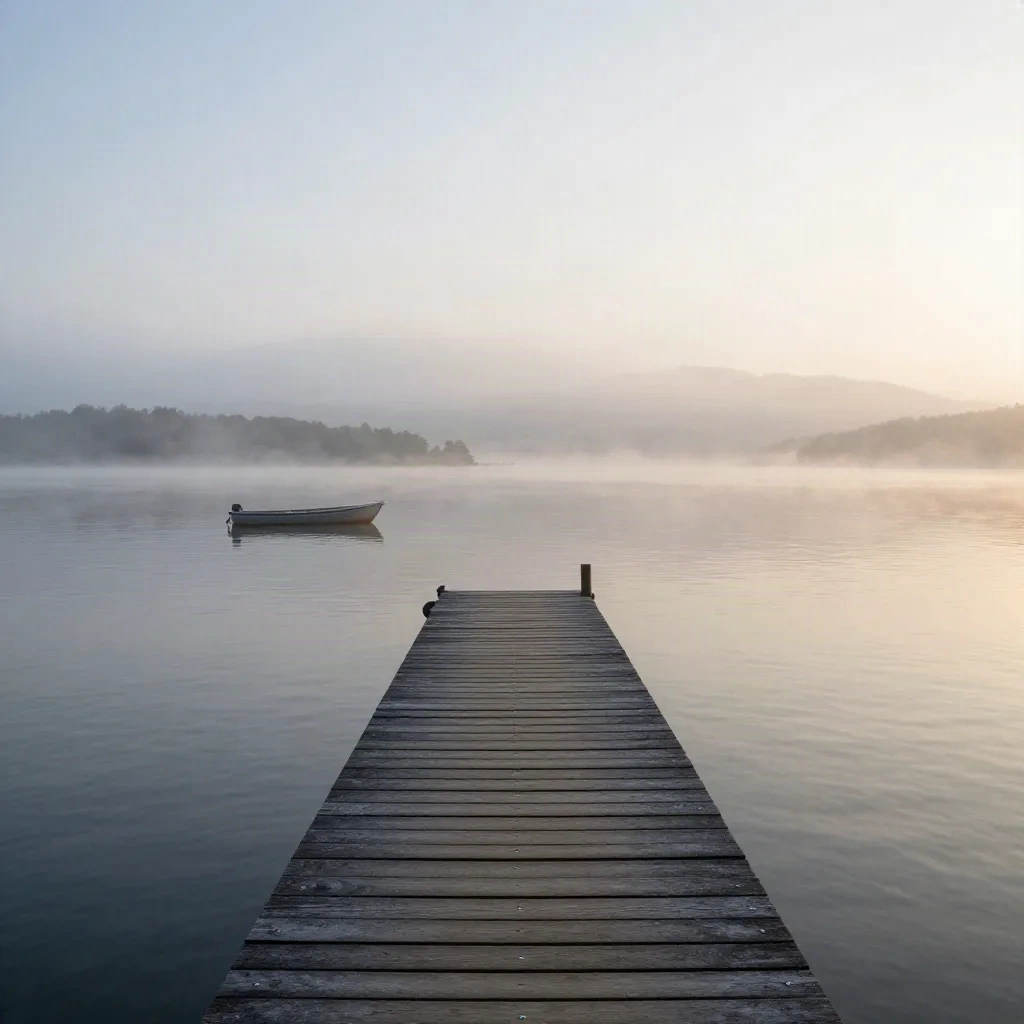
This pier is the ideal source. One clear subject, layers you can read (dock, water, hills), and nothing for the model to invent. Compare that with a close crop of hands holding a cup: the model has to guess fingers, and it will.
Prompts by photo type
Copy, then change the details.
Landscape: "Slow push in, mist drifts left to right, water ripples gently, golden hour."
Portrait: "Subtle handheld sway, the person blinks and breathes naturally, wind moves hair slightly. Keep the face unchanged."
Product shot: "Static camera, slow 20 degree orbit, soft highlight sweeps across the surface. Product stays sharp and unchanged."
Street scene: "Locked off camera, pedestrians walk through the frame, a bus passes in the background."
Two rules we never break. One camera move per clip. One subject move per clip. Ask for three things and you get a smoothie.
A worked example, start to finish
Take the pier photo above. We cropped it to 16:9, upscaled it once, and uploaded it as the first frame. The first prompt was lazy: "make it cinematic". The clip came back with a camera swooping over the lake and a second boat that did not exist.
Second attempt: "Slow push in. Fog drifts left to right, the rowboat sways slightly." Better. The boat behaved, but the fog looked like smoke. Third attempt: same prompt, plus "soft, barely moving mist". That one we kept. Three generations, one change each time, about ten minutes.
That is the loop. Change one variable, read the result, change the next. Do not rewrite the whole prompt every time, or you never learn what moved the needle.
Route 2: pan and zoom in an editor
Sometimes you do not want the model to invent anything. A funeral slideshow, an anniversary reel, a real estate listing where the kitchen must look like the kitchen.
In CapCut, drop the photo on the timeline, set the clip to 4 or 5 seconds, add keyframes at start and end, and scale from 100 percent to 112 percent. Done. The motion is a camera move on a flat picture, so nothing can melt.
Keep it subtle. Past about 120 percent you start seeing pixels. If you want it to feel less like a slideshow, add a few seconds of ambient sound: street noise, waves, a room tone. Sound sells motion more than the zoom does.
Route 3: manual parallax
If the picture is a hero image on a site and you need it exact, cut it into layers. Foreground, middle, background, sky. Fill the holes behind each layer, then move the layers at different speeds. Close layers move more, far layers barely at all.
It takes an evening the first time and ten minutes after that. The upside is control: no hallucinated hands, no drifting logos. The downside is that the motion is limited to a gentle depth effect. We use it for hero loops and nothing else.
Old family photos need a gentler hand
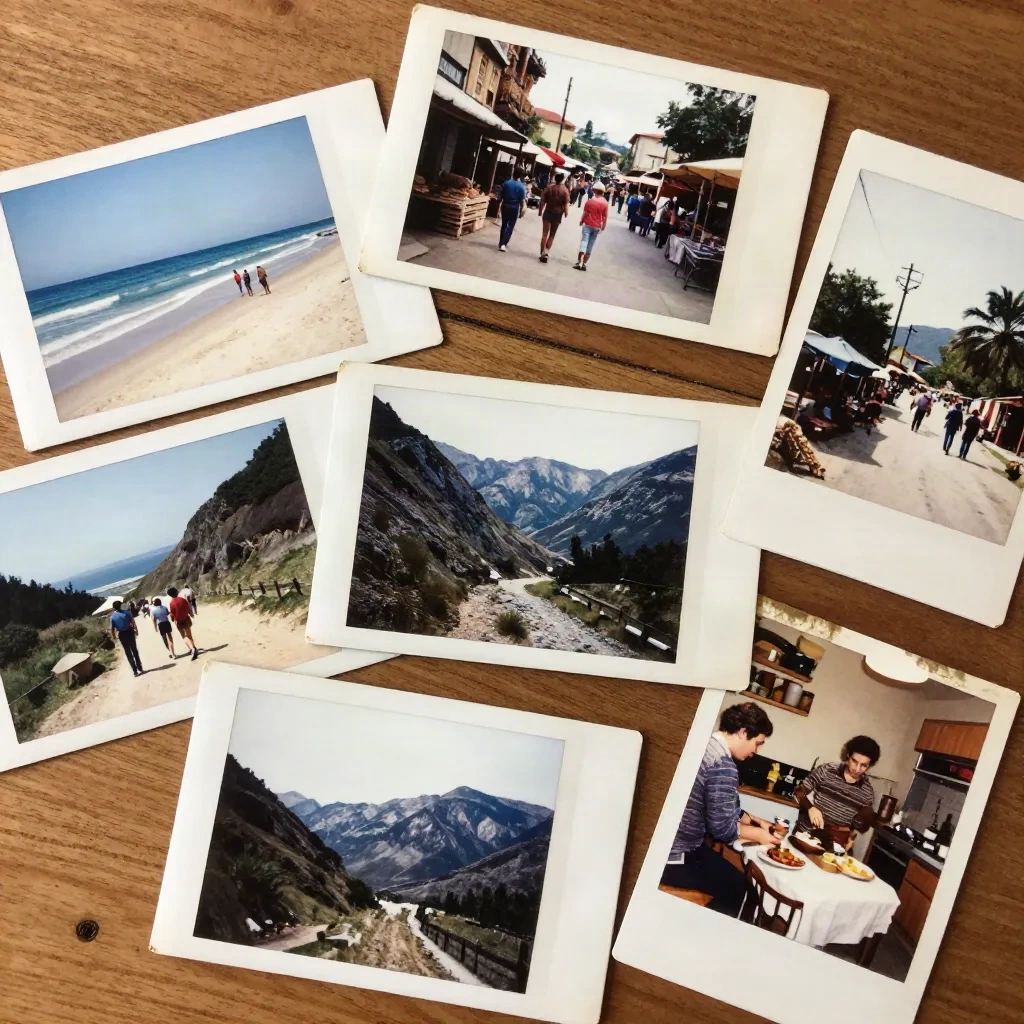
Animating an old snapshot hits people in a specific place, so go carefully.
Scan at 600 dpi or photograph it flat in daylight.
Clean it first. Restore, then animate. Never the other way round.
Use a minimal prompt: "very subtle motion, gentle breathing, soft light, keep faces unchanged".
Pick the lowest motion setting. In Midjourney that is the
--motion lowoption.
The results are often moving, and occasionally uncanny. If the face drifts into someone else, throw the clip away. A slightly wrong grandparent is worse than a still photo.
One more thing. Animate photos of people only if you have the right to, and say that it is AI when you share it. Do it with family photos you own. Skip it for strangers, public figures and anyone who would object.
When the clip is almost right
It will be, a lot of the time. Before you regenerate blindly, change one thing.
Face drifts: shorten the clip, lower the motion, repeat "keep the face unchanged".
Camera moves the wrong way: state the direction twice, plainly. "Camera pushes in, does not pan."
Too much happening: delete everything from the prompt except the camera move.
Weird edges: crop the source tighter and rerun. Fewer edge pixels, fewer inventions.
Generate three variations before you decide the photo is the problem. Pick the best, not the first.
Skip these
Anything with printed text in the frame. It will swim.
Group photos with more than three or four faces.
Prompts that say "make it cinematic" and nothing else. You gave the model no information.
Chasing 30 seconds in one go. Make several 5 second clips and cut them together.
Finish it like you mean it
A raw model clip looks like a raw model clip. Three small moves fix that. Trim the first and last half second, where motion is weakest. Add a gentle color grade so a run of clips matches. Add sound. If you made a few clips from the same photo family, cut between them on a motion beat.
Which route should you pick?
Want real motion and you can live with a little risk: model. Need it exact and fast: editor. Need a loop that never surprises you: parallax. And if the photo has a crowd, a sign, and a hand holding a phone, honestly, leave it still. Crack it open, pick the one frame in the set that can actually move, and make that the video.