Family Christmas Photo Ideas: Build the Scene First
Summary
The best family christmas photo ideas start with a clear visual brief, not a Pinterest scroll. This guide covers five proven scene setups with copy-ready AI prompts for Midjourney and Ideogram, the lighting variables that matter in December, outfit palette combinations that don't fight the scene, and how to turn an AI-generated reference image into a real shoot brief your photographer can use on the day.
You have three weeks until Christmas. Your family is in town. Someone's going to suggest a photo. And then you're going to spend 45 minutes on Pinterest staring at other people's stockings.
Skip that. The best family christmas photo ideas start with a visual brief, not a mood board spiral. Build the reference first, then call everyone in. This guide gives you five tested scene setups, the lighting variables that actually matter, and the AI prompts to generate your reference images in under ten minutes before anyone touches a camera.
Stop browsing. Start briefing.
Every Christmas family photo that works is built on a clear decision made before the shoot: indoor or outdoor, candid or posed, natural window light or fireplace glow. Most families skip this step entirely. They show up, pick a spot near the tree, and hope for the best.
An art director doesn't browse. They brief. That means choosing a color palette first (warm amber versus cool blue-silver), a lighting source (window light at 3pm versus a roaring fireplace), and the emotional register (laughter and chaos versus quiet and structured). Three decisions. That's the brief.
AI collapses the time between "I have an idea" and "here's the reference." Drop a prompt into Midjourney or Ideogram, iterate twice, and you have a reference image to show your photographer or your family before anyone gets dressed. No mood board spiral. No six-tab Pinterest session. One image that says: this is the shot.
The scene brief has four components: setting, light, palette, and mood. Get those four clear and the execution takes care of itself.
Five scene setups that hold up every time
These are the family christmas photo scene setups that survive the greeting card industry, the SERP, and three generations of grandparent taste. They work because the structure is clear, the light sources are manageable, and nobody has to hold a pose for longer than two minutes.
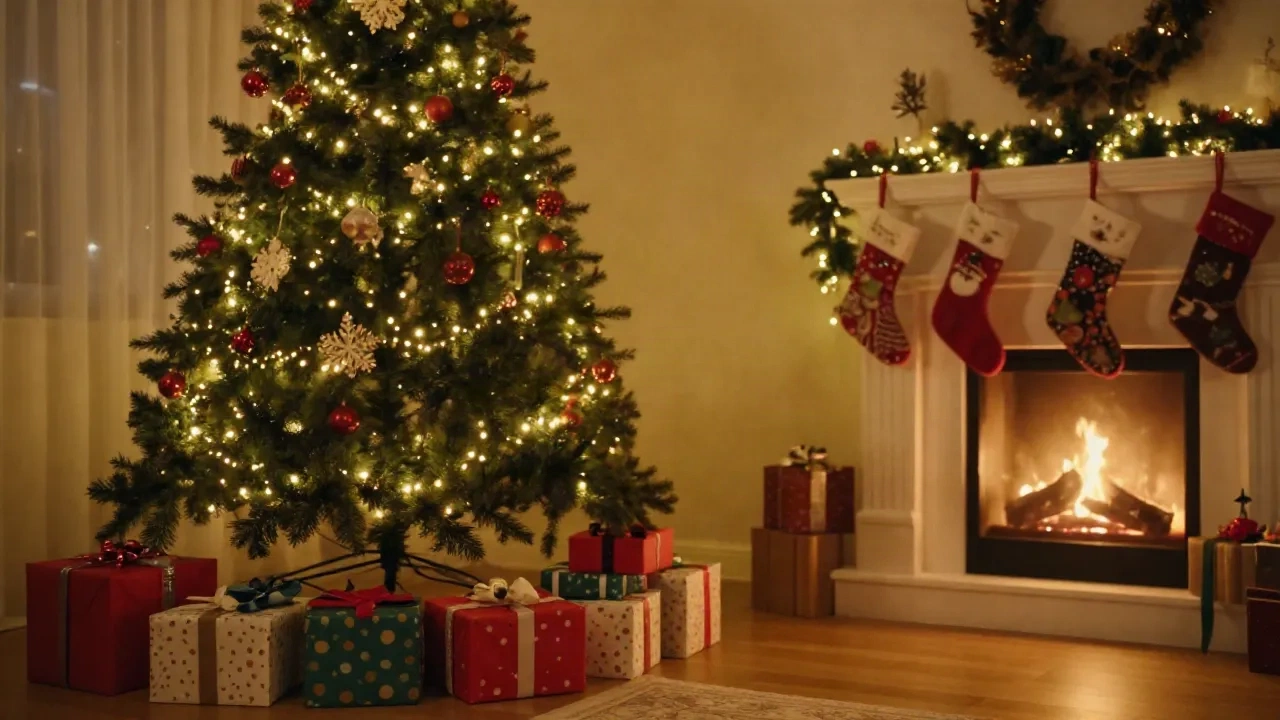
The fireplace anchor. Everyone gathered in front of a lit fireplace, stockings visible, warm amber light from the fire as the key source. Works for any family size. The fireplace gives you a natural focal point and handles the lighting without any intervention.
The tree-lighting moment. Someone plugs in the lights, or the whole family watches the tree come on for the first time. Candid, not posed. Backlit by the tree itself. The best shots here happen before anyone knows you're shooting.
The kitchen table. Family around a table with mugs, food, or a gingerbread house in progress. Natural overhead light from a pendant or window, foreground chaos built in. This scene is underused because it feels too normal -- which is exactly why it reads as genuine.
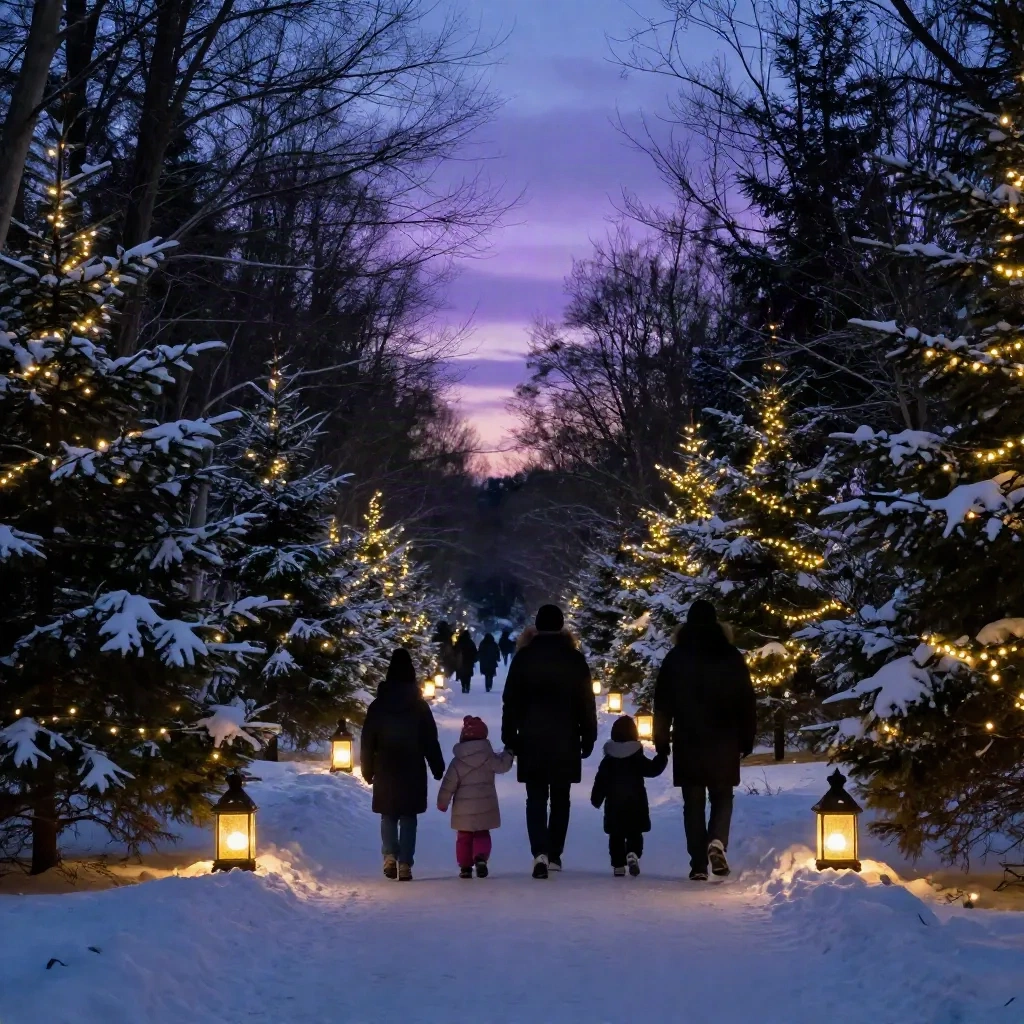
The outdoor walk. Snow optional. The family walking toward the camera on a path, park road, or neighborhood street. Backlit by the December afternoon sky. Faces stay relaxed because nobody said "smile" -- they're just walking.
The reading corner. One adult reading to kids on a large armchair or couch, lit by a floor lamp and the glow of the Christmas tree. Quiet, intimate. Works for any family configuration and requires no coordination from anyone.
The prompts to generate each scene
Here are five prompts you can drop directly into Midjourney v7 or Ideogram -- one per scene above. These are tested. Adjust the family size and seasonal details to match your situation. Keep the technical terms (focal length, film grain, photorealistic) and change everything else.
Fireplace anchor:
a multigenerational family gathered in front of a glowing fireplace, warm amber light, Christmas stockings on the mantle, soft bokeh background, candid laughing expressions, 85mm f/1.4, photorealistic, no recognizable faces, warm holiday atmosphere
Tree-lighting moment:
a family from behind watching a Christmas tree light up in a dark living room, warm golden backlight, silhouettes, cozy interior, film grain, wide angle, photorealistic, cinematic
Kitchen table:
overhead documentary shot of a family gathered at a kitchen table with mugs of hot chocolate and a gingerbread house in progress, natural soft window light, messy and warm, photojournalism style, photorealistic
Outdoor walk:
a small family walking toward camera on a snowy park path, afternoon backlight flare, coordinating earthy winter outfits, natural motion, 50mm f/2.0, photorealistic, golden hour
Reading corner:
an adult reading a picture book to two young children curled on a large armchair, lit by a nearby floor lamp and a Christmas tree, intimate warm glow, film grain texture, photorealistic, shallow depth of field
Steal these. Remix if you want, but start here.
Lighting: the one variable that kills the shot
You can nail the scene, the outfits, and the pose and still lose the photo on lighting. December light is brutal -- short days, low sun angle, overhead indoor bulbs that turn everyone an unpleasant orange.
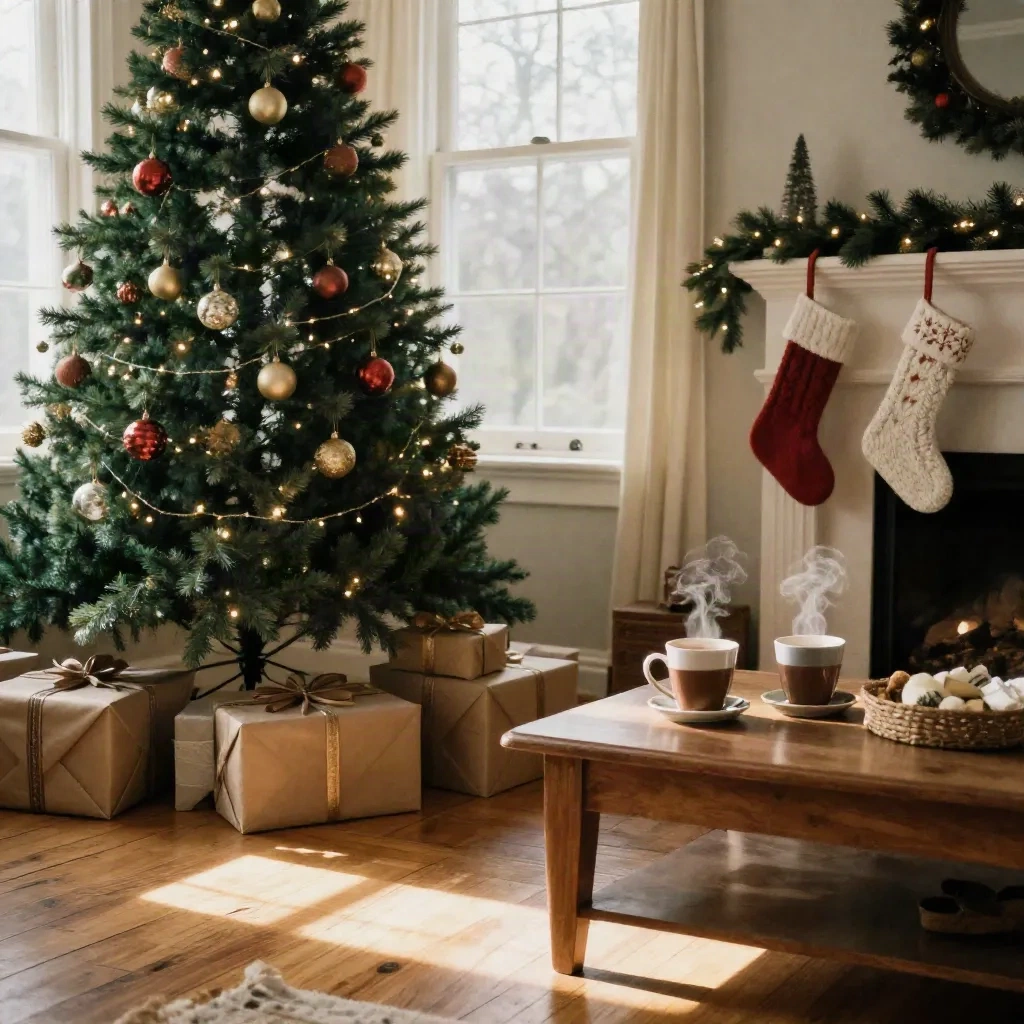
The fix is not complicated. Natural window light between 10am and 2pm in December is the most forgiving source you have. Position your family facing the window -- light hitting their faces, not their backs. The light is soft and even. No harsh shadows, no squinting.
For evening shots, the fireplace and the Christmas tree are your practicals. Turn off the overhead lights entirely. Let the tree and fire do the work. Your phone camera will struggle -- a real camera at ISO 3200 or higher handles it fine.
For the outdoor walk scene, aim for 3pm in December. The sun is low enough to create backlight without blinding anyone. Everything turns gold. Shoot in a ten-minute window and you get five strong options.
What kills most Christmas family photos is not bad composition or wrong outfits. It is an overhead ceiling light left on when it should have been switched off before the shoot started.
Outfit palette: three combinations that don't fight the scene
The outfit palette is part of the scene brief. Get it wrong and every other decision gets undermined.
Warm earth tones. Rust, camel, cream, olive. Works with the fireplace anchor and the outdoor walk. No red-green holiday cliche. Photographs clean in warm light.
Neutral with one accent. Cream, off-white, grey -- and one person in a deep burgundy or forest green. Gives the eye somewhere to go without the whole frame competing. Good for the reading corner and the kitchen table.
Classic navy and white. Lower risk than red. Works outdoors and in high-contrast light. Pairs cleanly with most backgrounds. If you're printing this at card size and sending to 60 people, this is the safe call.
The one combination to avoid: everyone in matching red-and-green Christmas sweaters unless the irony is fully intentional and executed well. The sweaters read well in another decade. Now they read as a stock image search result.
Midjourney, Ideogram, Photoroom: which tool for which job
Not every tool handles family christmas photo ideas the same way. Here's the breakdown.
Midjourney v7 is the strongest for cinematic, lit, photorealistic family scenes. The style reference system lets you feed it a reference image and hold the lighting consistent across six iterations. Use it for your main scene brief. If you only use one tool for this, use this one.
Ideogram handles text inside images well -- useful if you want a scene that includes a named gift tag, a "Merry Christmas" sign, or a card layout as a design element. Less photorealistic than Midjourney for complex human arrangements, but strong on graphic composition and typography.
Photoroom is not a generation tool. It is a removal and replacement tool. Use it to cut your actual family out of a bad background and drop them into a cleaner scene. Fast and specific -- good for post-shoot cleanup when the subjects are right but the context isn't.
Claid.ai is the upscaling option. If you generate a reference image at standard resolution and want to print it at card or frame size, Claid handles the upscale without adding obvious artifacts. Run the export through Claid before sending anything to a print service.
Using the AI reference as a shoot brief
This is the workflow most people skip. The AI-generated image is not the deliverable -- it is the brief you hand to your photographer.
Generate the fireplace scene in Midjourney. Put it on your phone. Show it to your photographer before the session. Say: "This lighting. This angle. This color temperature." You just eliminated 20 minutes of setup time and one misunderstanding about what "cozy" means to you versus what it means to them.
The same logic applies for a DIY shoot with a tripod. The reference image tells you where to position the camera, how far back to set the framing, and whether the Christmas tree needs to be in the left third or the right. Decisions made in advance, not on the spot with everyone standing in the living room.
Photographers have worked from shot lists and references for decades. AI just makes generating those references faster. The workflow is the same -- the prep step is shorter.
Physical cards: Shutterfly and Minted
Once you have the shot, you need somewhere to send it. For physical Christmas cards, two options hold up consistently.
Shutterfly is the volume play. Fast turnaround, broad template library, pricing that holds up when you're ordering for 60 recipients. Paper quality is consistent -- not exceptional, but reliable. Use the standard matte finish for photos with a lot of dark tones.
Minted is the quality play. Better paper stock, more distinct design options, noticeably crisper output on fine-grain photos. If you are printing your family photo at 5x7 or larger for someone to frame, Minted is worth the price difference.
Both services integrate easily with a downloaded JPEG or PNG from your shoot. Neither requires special file prep beyond standard photo export at the correct resolution.
Build the brief, then shoot
The family christmas photo ideas that hold up every year are the ones someone decided on before the shoot started. One scene. One lighting source. One outfit palette. One reference image to show everyone involved.
You don't need 400 pins. You need one clear image and five minutes of agreement around it.
Copy the prompts above. Drop them into Midjourney. Pick the scene that fits your space and your people. Generate the reference. Show it to whoever is showing up. Then shoot the real thing.