Family Christmas Photo Ideas You Can Create With AI
Summary
Twelve family christmas photo ideas built prompt by prompt, tested in Flux 1.1 Pro, Midjourney v7, and OpenArt. The complete set covers six indoor scenes, four outdoor shots, and two card formats. Each prompt includes the specific film stock references and lighting variables that separate a real-looking image from generic AI output. Use as final outputs or as visual moodboards.
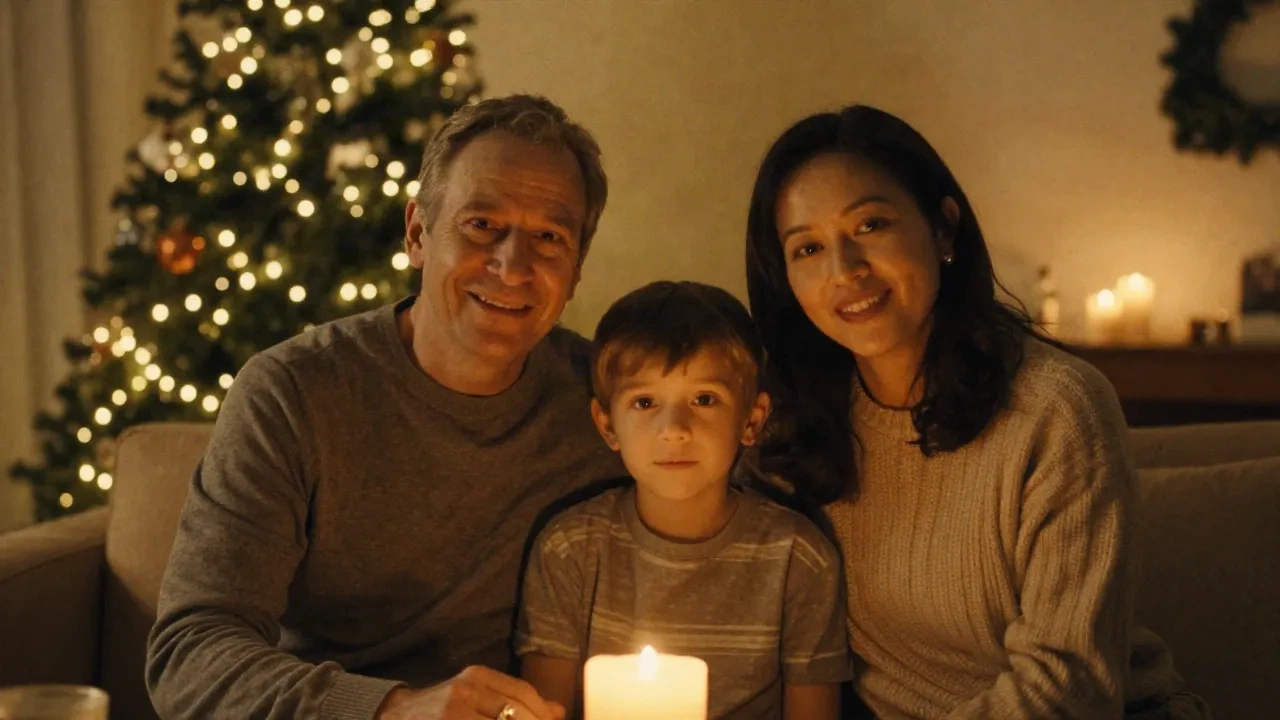
You typed "family christmas portrait warm cozy" into Midjourney. What came out looks like a pharmacy Christmas card, AI edition. Not the model's fault. The brief is the problem.
These twelve family christmas photo ideas are built prompt by prompt, tested in Flux 1.1 Pro and Midjourney v7. Copy them directly, adjust one variable at a time, and use them either as final outputs or as visual briefs to hand a real photographer before the shoot. The variables are the same either way.
Why AI Christmas Photos Look Generic (And the Fix Is Three Words)
"Cozy family christmas" is not a prompt. It is a category. AI models have seen millions of images tagged exactly that, and they average them. You get the mean of every holiday stock photo, served at 1024 pixels.
The fix: add a film stock, a light source, and one atmospheric detail that breaks the pattern. "Kodak Portra 400, window sidelight, breath vapor visible" gives the model three real constraints on top of the scene. The results stop looking like stock. It takes ten extra seconds to type. Every prompt below uses this structure.
One thing to avoid: adjectives that do not describe physics. "Warm" is not a lighting instruction. "Fireplace glow" is. "Cozy" is a mood, not a light source. "Tungsten practical at f/1.8" is. The more physically specific the description, the more the model has to work with.
6 Indoor Family Christmas Photo Ideas to Build in Flux
These six briefs are tested in Flux 1.1 Pro at 16:9 for covers and 1:1 for social crops. Run at least three seeds per prompt and pick the composition that holds. Save the losers - they often produce better backgrounds for compositing.
1. Living room, fireplace glow
family portrait by a fireplace, warm amber sidelight, soft christmas tree bokeh in background, Kodak Portra 400 grain, candid not posed, genuine laughter, no text
Swap "fireplace" for "fairy lights cluster" if you want softer, less directional diffusion. The bokeh behind reads completely differently.
2. Kitchen, morning of December 25
family in mismatched holiday sweaters at a kitchen island, morning window light, table cluttered with wrapping paper and coffee cups, Fujifilm 400H grain, editorial style, no text
"Mismatched" breaks the catalog look. "Matching" produces the department store version.
3. Staircase descent, christmas eve
children running down a staircase toward christmas tree glowing below, parents watching from above, motion blur on kids, cinematic low-angle, Leica M6 aesthetic, warm tungsten light, no text
The low angle with motion blur is what separates this from a posed group shot. It reads as a real moment.
4. Window reading, snow outside
grandmother and grandchild reading together by a large window, soft overcast outside light, cozy armchair, christmas decorations blurred in background, Hasselblad medium format look, intimate, no text
The Hasselblad reference shifts the aspect ratio sense and the tonal quality. Try "Mamiya RZ67" for a slightly warmer version.
5. Wrapping presents together
family seated on living room floor surrounded by gifts and wrapping paper, top-down editorial angle, natural diffused window light, mix of ages from young child to grandparent, genuine concentration, Kodak Gold 200, no text
Top-down is underused for christmas portrait prompts. It removes the problem of AI-generated faces being imperfect in close-up.
6. Dinner table, full family
multi-generational family christmas dinner, long table with candles, motion and genuine laughter, editorial overhead angle, Fujifilm Superia 400, warm tungsten, not staged, no text
Overhead again, for the same reason. The warm tungsten and Fujifilm Superia combination reads period-accurate to the 1990s family photo, which is exactly the nostalgia tone that works here.
4 Outdoor Family Christmas Photo Ideas That Don't Look Like a Department Store Ad
AI defaults to a pristine winter wonderland: perfect snow, zero mud, blue sky. That is the department store version, and it reads as generated immediately.
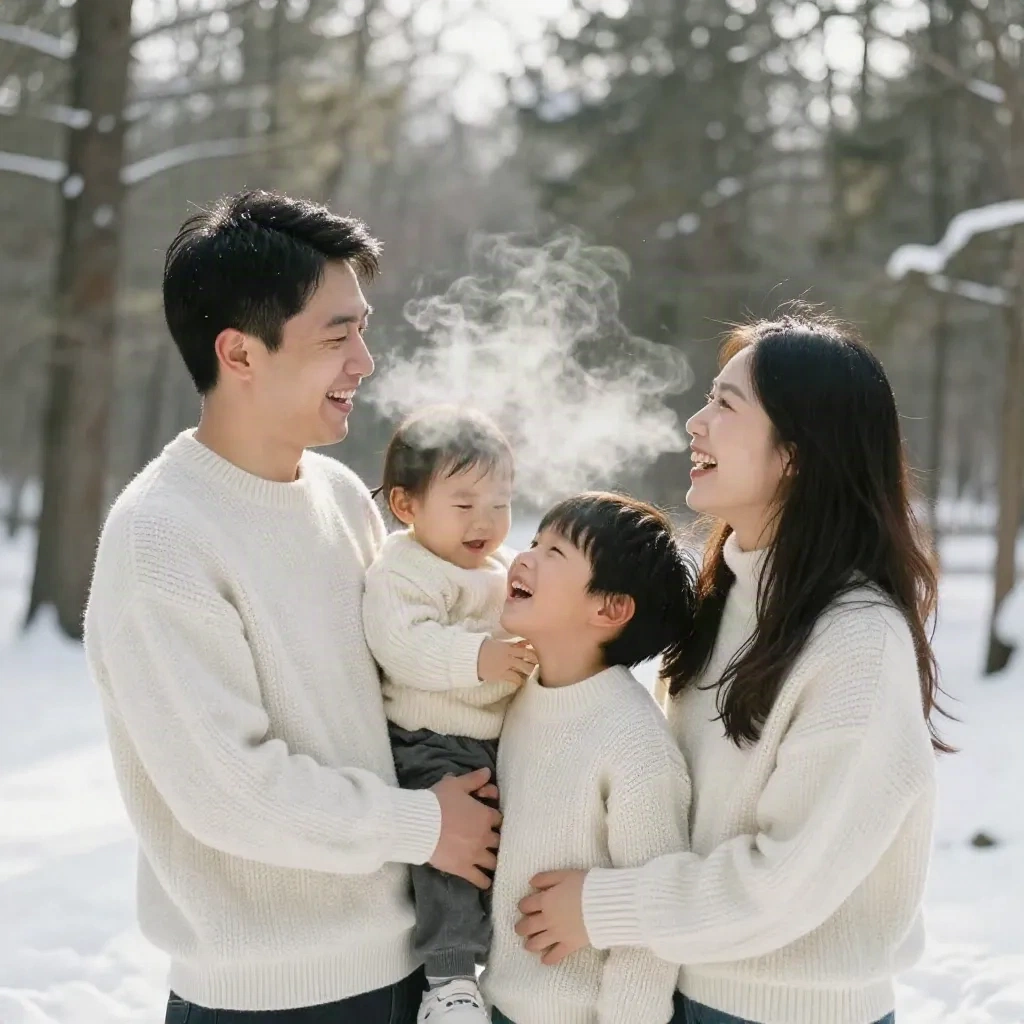
The fix: add atmospheric imperfection. Breath vapor. Flat overcast instead of sun. Slightly wet pavement under snow. One person in the wrong coat. That is when the shot stops looking like it was generated by someone who has never been outside in winter.
7. Snowy forest path, overcast light
family walking through a snowy birch forest, flat overcast light, matching cream knit sweaters, breath vapor visible, real snow texture on ground, candid mid-step not posed, Leica film look, no text
"Mid-step" is the key addition. Posed feet together reads as stock. Mid-stride reads as real.
8. Front door, just back from somewhere
family arriving home in winter dusk, front porch with christmas wreath, one child being carried, one person holding bags, door partially open with warm light spilling out, Kodak Tri-X grain, no text
The warm light spilling from the door versus the cold dusk outside creates natural contrast. The model handles this well in Flux.
9. City sidewalk, christmas lights
urban family christmas portrait, wet pavement reflection of christmas lights, everyone bundled up, one kid slightly ahead pulling on parent arm, street bokeh, Fujifilm Acros grain, dusk, no text
"Wet pavement reflection" is the atmospheric imperfection that makes this read as real. Add it to any urban prompt.
10. Backyard, chaos of snowman building
parents watching kids build a snowman in backyard, slightly out-of-focus foreground fence, genuine chaotic energy, overcast flat light, snow on coats and boots, Kodak Portra 800 pushed, not posed, no text
"Kodak Portra 800 pushed" introduces visible grain and shadow lift that reads as documentary. Exactly right for a candid outdoor scene.
The Lighting Variables That Actually Change the Output
Most prompt guides write "warm light" and stop there. Here are the variables that shift the model's output in testable, reproducible ways:
Film stock: Kodak Portra 400 (warm skin tones, gentle grain), Fujifilm 400H (cooler, slight magenta lift), Kodak Tri-X (gritty black-and-white documentary), Kodak Gold 200 (saturated vintage), Fujifilm Superia 400 (nostalgic, slightly faded highlights).
Light source: "fireplace glow" versus "tungsten practical" versus "window sidelight" versus "overcast flat light" versus "fairy lights cluster" - each describes a different quality, direction, and color temperature. The model responds to these differently.
Atmospheric specificity: "breath vapor visible", "snow falling mid-frame", "rain-wet pavement", "candle flicker on faces", "shadows from fairy lights on wall" - these add physical detail that forces the model away from stock averages.
Pose language: "candid mid-step", "genuine laughter", "slightly messy hair", "tired but happy", "one kid slightly ahead of the group" - these break the stiffness that marks AI output as generated.
Pick two from each category and add them to any prompt above. That is not engineering, that is just moodboard discipline.
Flux vs Midjourney vs OpenArt for Christmas Portraits
Different tools handle these prompts differently, and it is worth knowing where each one wins.
Flux 1.1 Pro handles photo-realistic interior shots best. Skin tone rendering is more consistent, and the film stock references land closer to accurate. For prompts 1 through 6, start there.
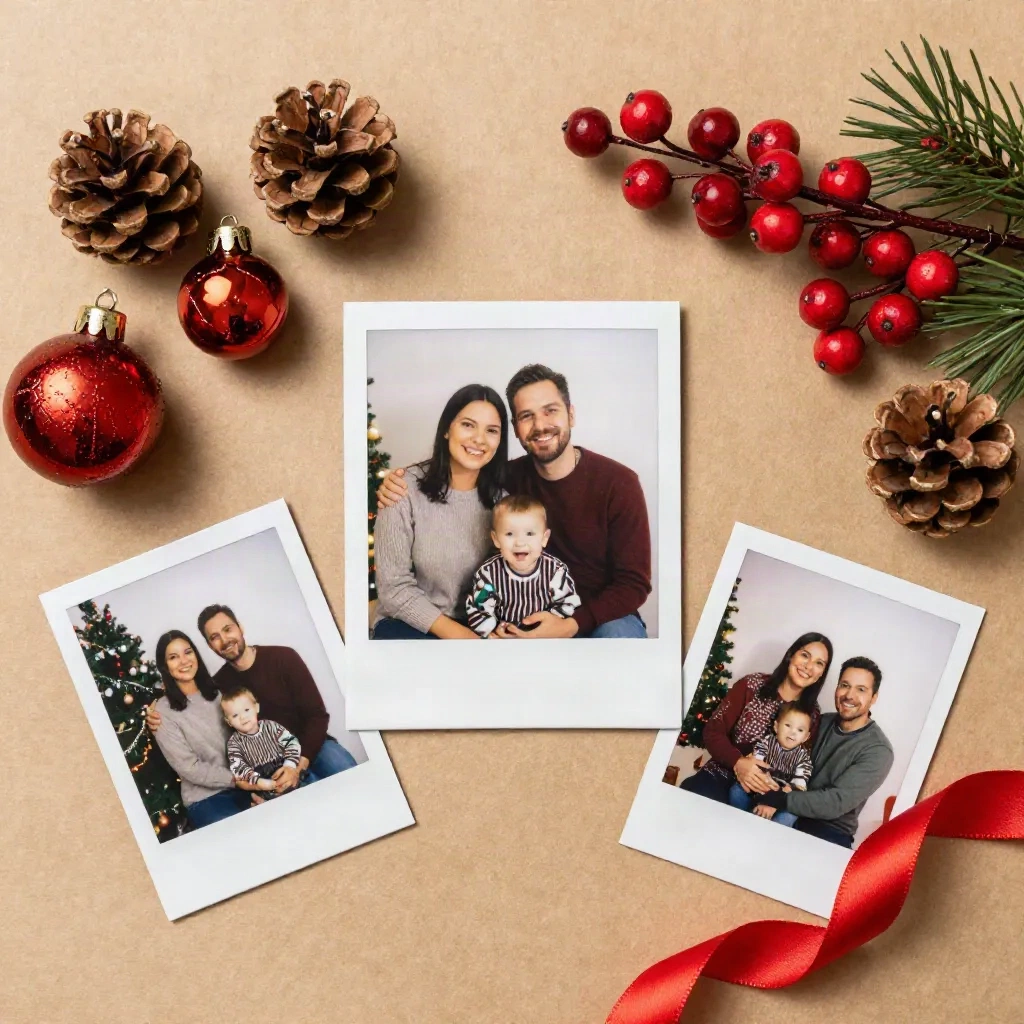
Midjourney v7 has better compositional sense and handles illustration-adjacent styles more precisely. The card prompts (11 and 12 below) run better in Midjourney than Flux. It also tends to produce more cinematic framing on outdoor wide shots.
OpenArt's advantage is iteration speed and cost. You can run the same prompt across Flux, SDXL, and Ideogram side by side in one interface, without switching tabs or accounts. For the first pass on any new prompt brief, OpenArt is the fastest way to find the look before committing to Flux's per-image cost.
The prompts in this guide were written with Flux 1.1 Pro as the primary target, but tested in all three. Keep the structure, swap the tool.
How to Use These as Moodboards Before the Real Shoot
These prompts are not built only for final outputs. The more useful workflow: generate ten variations in OpenArt or Flux, identify three that nail the look, and hand them to your photographer as a visual brief before the session.
That changes the shoot conversation entirely. Instead of "I want something cozy and festive" - which means nothing to a photographer - you show up with three AI-generated reference images and say: "this light quality, this level of candid, this color palette." The photographer knows exactly what to match.
Run the prompt at lower resolution first - 512x512 in OpenArt - for faster iteration. Once you land the look, upscale with Magnific or Topaz for presentation-quality output. The moodboarding workflow costs less than an hour. The resulting shoot brief takes two minutes to explain.
Two Ideas for the Card Itself
Most families stop at the portrait. The prompt can go further.
11. Illustrated portrait card (not photo-real)
christmas card illustration, family portrait in risograph print style, limited 3-color palette in deep red, cream, and forest green, flat shapes, no text, square format
Swap "risograph" for "linocut woodblock print" or "vintage letterpress offset" for different results. Midjourney v7 handles these illustration styles more precisely than Flux on this type of brief. Test both before committing.
12. The minimalist silhouette card
minimal christmas greeting illustration, family silhouette at a window, warm interior light from inside, snow falling outside, graphic design style, Pantone deep red and cream, single focal point, no text
This one works well framed as a print too. Add --ar 5:7 in Midjourney for A5 card dimensions, or set image_size to 1240x1748 in Flux for the same ratio.
The Copy-Ready Template
Pull this structure any time you are building a new variant:
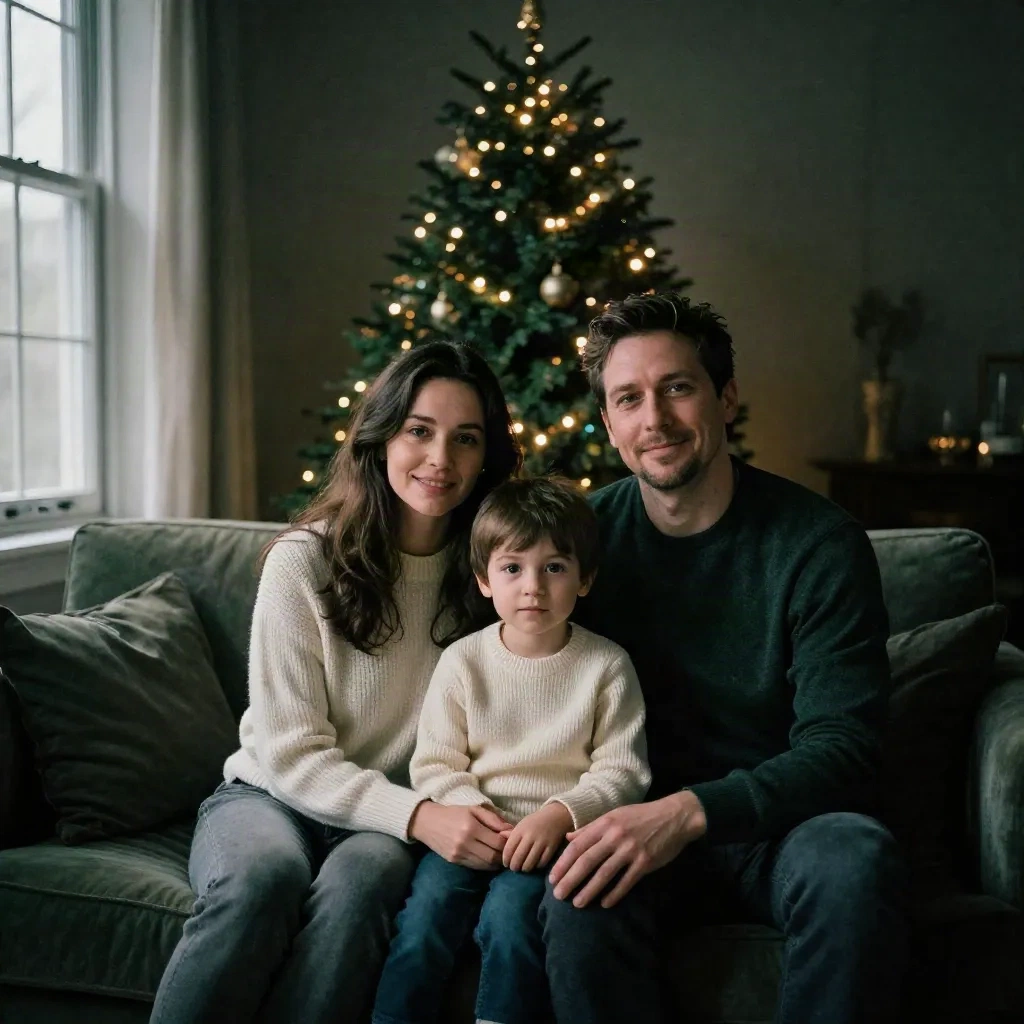
[scene: indoor or outdoor + location], [light: source + quality], [people: ages + relationship + number], [outfits: color palette + style], [mood: emotion + energy], [film stock or camera aesthetic], [format note if needed], no text
Example filled in:
grandparents and two grandchildren on a backyard porch with christmas lights strung above, warm tungsten light, everyone in navy and cream, grandpa in a Santa hat, genuine laughter, Kodak Portra 400, no text
Drop it into Flux. Run three seeds. Take the one that holds the composition. Remix if you want, but start here.
The twelve family christmas photo ideas above are starting points, not finished outputs. The real work is the iteration: run three seeds, identify what the model got right, adjust one variable, run three more. That is how the brief gets to a real image.
One question worth sitting with before the session: are you generating this as a final output, or as a moodboard for someone else's camera? The answer changes which variables to push. Go wild either way.