AI Video Ideas for Art Directors: 12 Formats That Work
Summary
The best AI video ideas in 2026 are not YouTube formats, they are visual briefs. This guide gives 12 AI video ideas built for art directors and creative technologists, each with the image-to-video setup, the right model choice (Kling 3.0, Flux, Runway), and one skip to avoid. Tested in production, not theoretical. Drop the idea into your next prompt session and see what comes out.
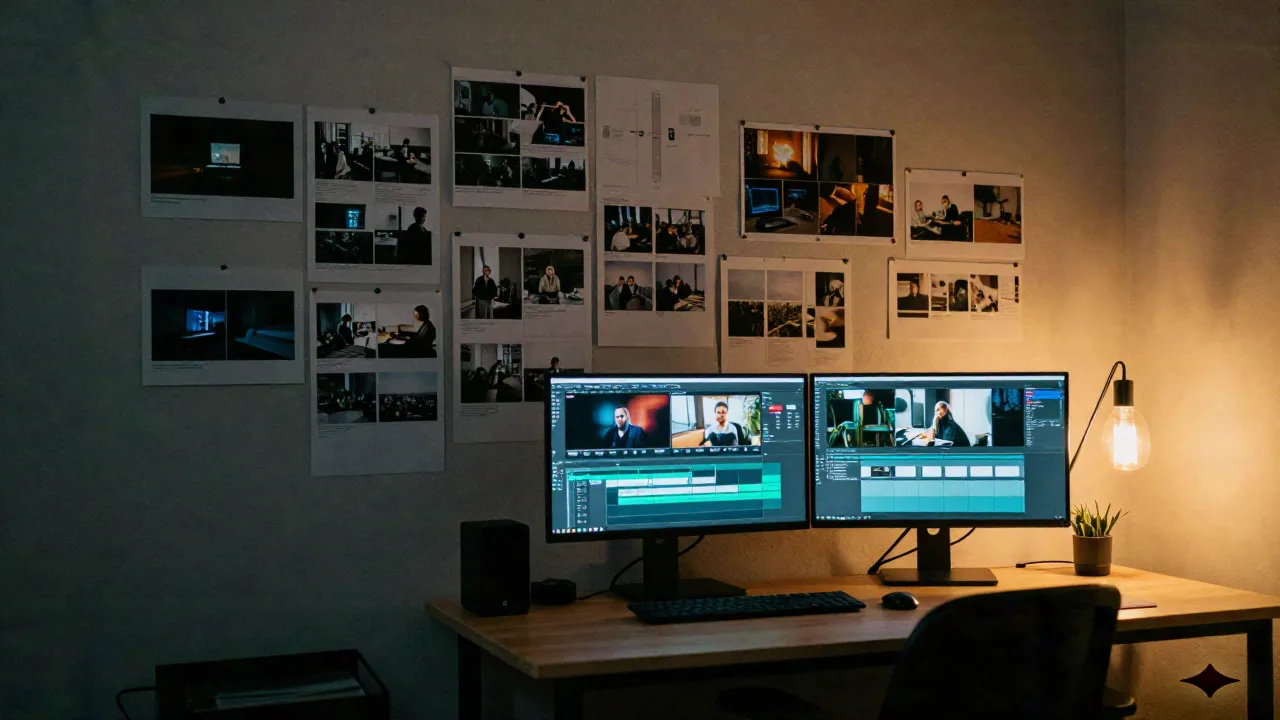
You've spent 40 minutes prompting a text-to-video model and the output looks like a screensaver from 2009. The idea was solid. The brief was not.
AI video ideas for creators who think visually are not the same as YouTube content formats. They are shot briefs, image setups, movement logic, model choices. Here are 12 that hold up in production, with the setup for each.
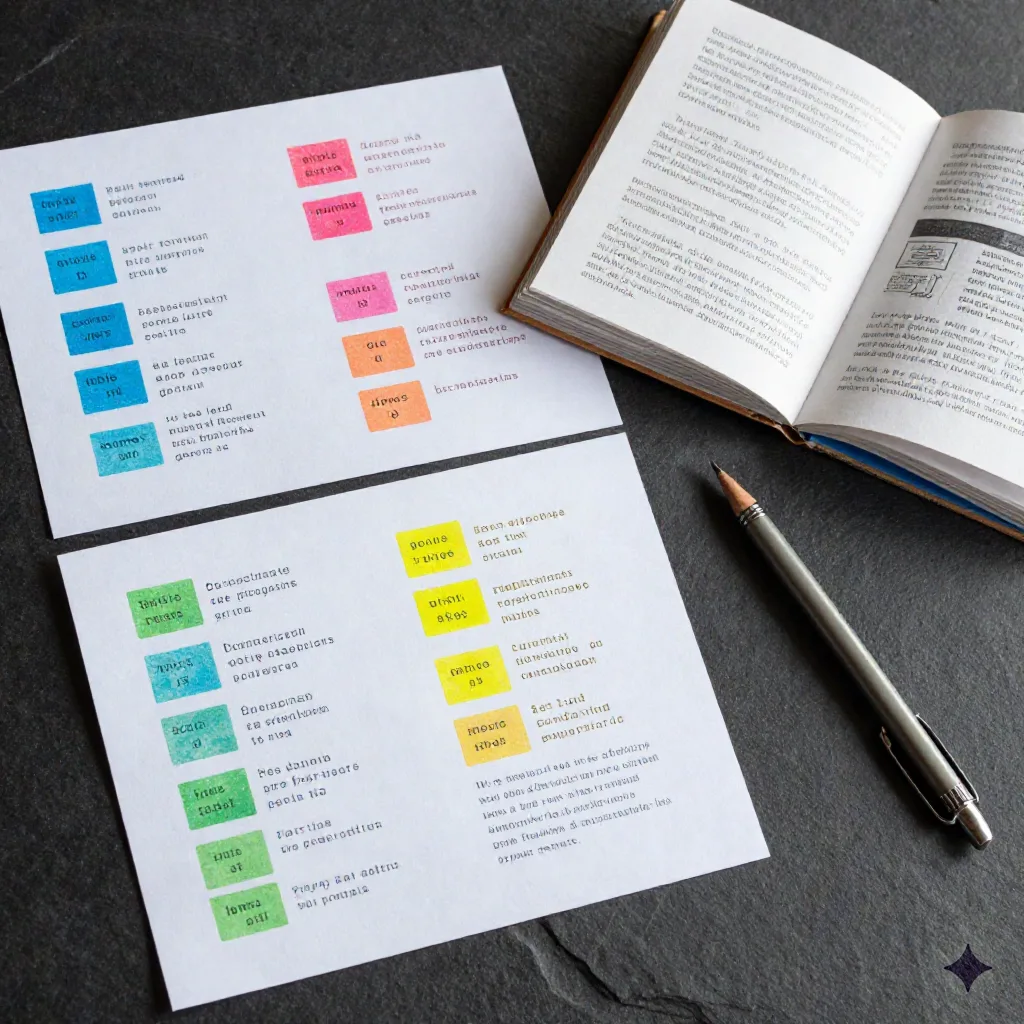
Why text-to-video ideas mostly fail without an image anchor
Text-to-video is the default. It is also the bottleneck. Without a reference image, the model invents its own visual logic, and that logic is usually generic. The same prompt run ten times gives you ten different strangers in ten different rooms.
Image-to-video flips this. You lock the frame first, then ask the model to move inside it. Your character stays your character. Your light stays your light.
So every AI video idea below comes with an image brief, the frame you need to build before you animate. Skip this step and skip the results.
Cinematic establishing shots for visual essays
The format: a 5-8 second aerial or wide shot that opens a visual essay, a brand film, or a concept reel. No faces. No copy. Just a world that breathes.
Image brief: Generate a still of the exact environment, empty street at blue hour, rooftop at golden hour, industrial loft with diffused light, at 16:9 or 2.39:1. The less movement in the still, the more control you have in animation.
Model: Kling 3.0. Its motion generation on wide environmental shots is the cleanest right now. Runway Gen-3 is a strong second if you want more cinematic camera movement baked in.
Skip: Prompting the establishing shot directly in text-to-video. You get a different city, a different time of day, a different lens choice every time. Lock the image first.
Character portrait loops for music packaging
The format: a 3-6 second looping portrait, slight hair movement, a breath, a blink, for album art pages, music video intros, or editorial headers.
Image brief: Generate the portrait at 1:1 or 4:5. Clean background or deep shadow. The character should be centered with face taking up at least 40% of frame. Nail the lighting in the still, Kling will preserve it.
Model: Kling 3.0 with a minimal motion prompt. Something like: face tilts slightly, hair moves gently in light wind, slow and natural. Avoid action verbs. The model handles subtle motion much better than dramatic movement.
Skip: Looping at the video level (crossfade edit). The seam always shows. Instead, generate 6 seconds and hold the last frame for another 2, cleaner.
B-roll sequences for voiceover-driven content
The format: 3-5 shots of 5-8 seconds each, cut under narration. The visual layer that makes a voiceover essay or a documentary-style short feel made.
Image brief: Generate each shot as a separate still before animating. Treat it like a storyboard, you are building a sequence, not a single image. Each still needs a different camera angle and depth: wide, medium, detail.
Model: Mix Kling 3.0 (for wide and medium shots with environmental movement) and Flux 1.1 Pro (as the image generator for the stills). Flux handles photorealistic stills better than Midjourney v7 for this kind of grounded, non-stylized look.
Skip: Generating all B-roll from the same base image. The shots will feel like variations, not a sequence. Build each still independently.
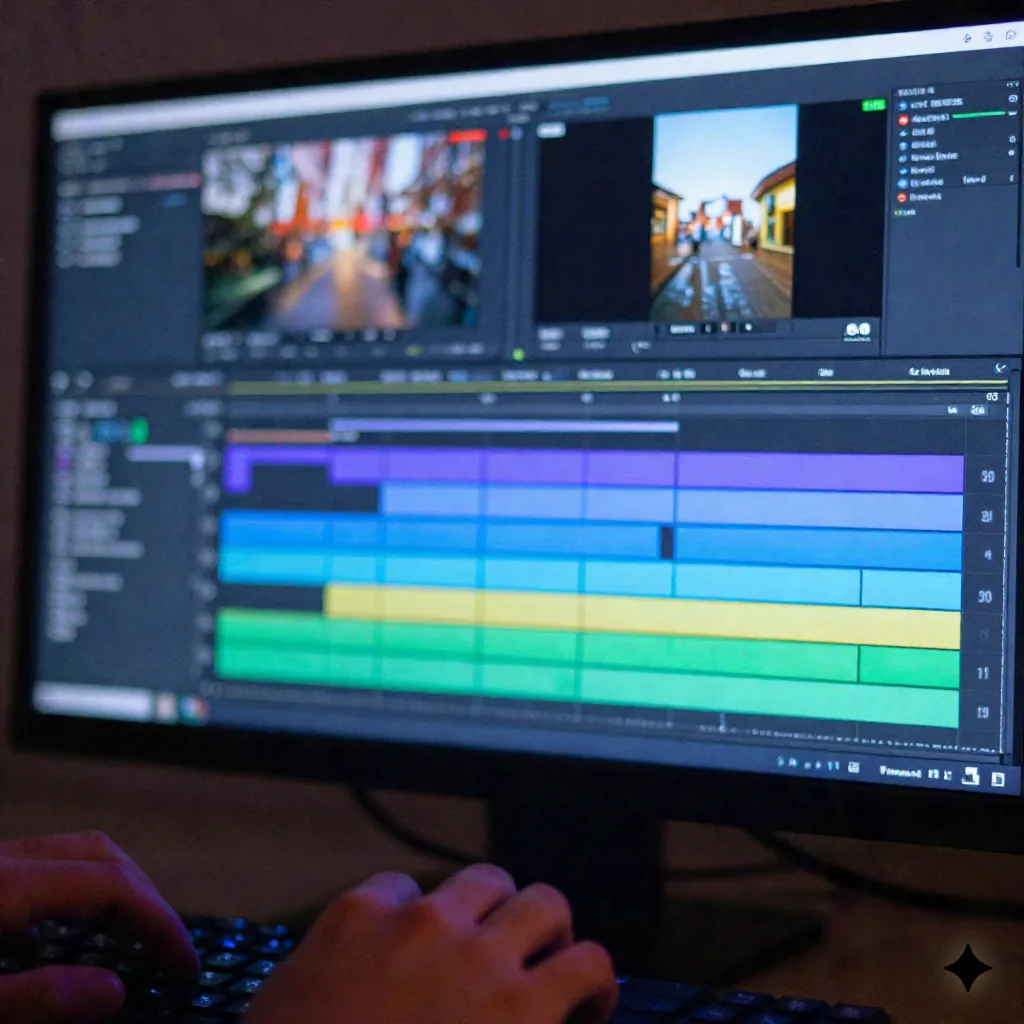
Abstract texture loops for motion design
The format: 6-10 second seamlessly looping abstract textures, ink dispersing in water, fabric grain shifting, concrete surface breathing, for title sequences, motion design backgrounds, or social content.
Image brief: Generate the texture at high resolution (1024x1024 minimum). The texture should have no dominant directional element, flowing left-to-right movement rarely loops cleanly. Organic, non-directional textures loop much better.
Model: Runway Gen-3 Alpha is the best option here. Its handling of non-representational motion, material simulation, fluid dynamics feel, is better than Kling for abstract content.
Skip: Using a still photo as the source for texture loops. The compression artifacts from JPEG or even PNG can show up as movement artifacts in the animation. Generate the source image with a model that outputs clean edges.
Product reveal sequences for indie brand work
The format: a 6-12 second reveal, object enters frame, rotates or lifts, settles, for product pages, pitch decks, or lookbooks.
Image brief: Shoot or generate the product on a neutral surface with strong directional light. The shadow needs to be visible, it grounds the object when it moves. Place the product slightly off-center in the still; the model will fill the frame with more interesting movement.
Model: Kling 3.0 with a slow motion prompt. Object slowly rotates clockwise, soft studio light, camera holds still. For product reveals with more speed or dynamic entry, Higgsfield's motion control tools are worth trying, more control over camera behavior.
Skip: Prompting a floating product on a white background. White backgrounds flatten depth and the model loses spatial reference. Give it shadow. Give it surface.
Fashion editorial loops for social content
The format: a 4-8 second fashion editorial clip, fabric in motion, a slow turn, a hand adjusting a collar, for brand Instagram, editorial headers, or lookbook intros.
Image brief: Generate the editorial still at 4:5 or 9:16 depending on the platform. Fabric texture and drape matter more than the face here, the model animates fabric movement well when the texture has detail in the still. Dark studio or natural window light both work.
Model: Kling 3.0. It handles fabric and clothing movement better than most alternatives. Keep the motion prompt minimal: fabric moves gently, model shifts weight slightly, natural breathing.
Skip: Generating fashion B-roll with synthetic skin tones in the base image. Generated skin in Kling sometimes drifts in short clips, especially on close-up shots. Use medium or wide frames for fashion editorial.
Moodboard animation for client presentations
The format: a 15-30 second animated moodboard, a sequence of AI images dissolving into each other with subtle motion on each frame, for agency pitches, creative briefs, or direction decks.
Image brief: Generate 5-8 stills with visual coherence, same color palette, same light quality, same level of abstraction. Animate each one for 3-4 seconds with minimal movement, then edit with 0.5s dissolves. The result feels like a film reference reel.
Model: Flux 1.1 Pro for the stills (palette consistency is better), then Kling 3.0 for the light motion on each frame. The combination is more reliable than using a single model for both.
Steal this. The motion prompt for each frame: camera holds completely still, extremely subtle ambient movement, like a photograph barely breathing. That framing keeps the motion restrained and the focus on the image.
Time-of-day transitions for architectural and interior content
The format: a 6-10 second clip where a space transitions from one light state to another, morning to midday, golden hour to blue hour, for architecture portfolios, hospitality brands, or real estate content.
Image brief: Generate both light states as separate stills, same composition, same camera angle, different lighting. You animate each independently, then cut or dissolve between them in the edit. Do not ask the model to do the transition internally, it cannot handle gradual light changes across a clip reliably.
Model: Kling 3.0 for both. Prompt each clip: light shifts slowly across surfaces, no camera movement, environmental stillness.
Skip: Trying to generate the full light transition in a single text-to-video prompt. The model will invent its own spatial logic and the room will look different by the end of the clip.
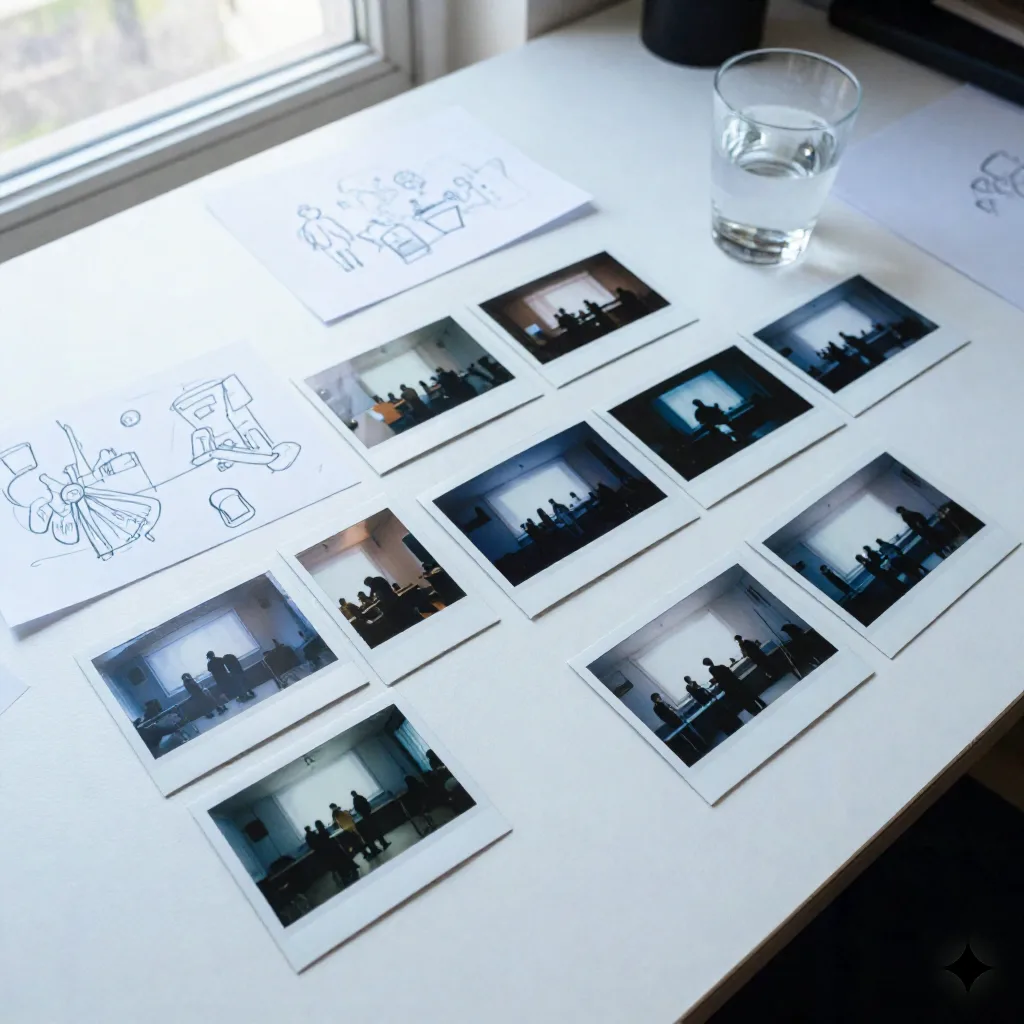
Narrative micro-films for art projects and showreels
The format: a 60-90 second short narrative, 8-12 shots, a character in a world, a story that does not need dialogue, for film showreels, gallery submissions, or personal projects.
Image brief: This is where a character reference sheet pays off. Generate your character from 4-6 angles in the same visual style before you animate anything. Use these stills as your reference pool, pull the right angle for each shot. Consistency breaks down fast without this.
Model: Kling 3.0 for outdoor and wide environmental shots. Runway Gen-3 for interior close-ups and face-forward medium shots, it handles skin and facial micro-movement better. Mix both in the timeline.
Skip: Trying to build a coherent narrative from a single character reference image. The model will drift. Four to six angles is the minimum to hold consistency across 8-12 shots.
Loop content for music videos and visual albums
The format: 3-6 second visually cohesive loops, abstract imagery, landscape moments, texture shots, cut in rhythm to a track for music video content or visual album covers.
Image brief: Generate all stills before animating. Work in sets of 3, each set shares a color palette and light temperature. This lets you cut between sets at track sections without the visual language breaking. Each still should have a single focal element and negative space for the motion to breathe into.
Model: Flux 1.1 Pro for stills (stronger on stylized, painterly, or photorealistic depending on the prompt), Kling 3.0 for animation. For more experimental, glitchy motion aesthetics, Runway's motion brush feature gives you manual control over where the movement happens.
Remix si tu veux, mais commence par ça. Build your palette in one image generation session before you touch the video tools. Three images, same color temperature, different compositions. Then animate.
Short-form social content built from still photography
The format: 6-15 second social clips, a still photograph with subtle, natural animation, for Instagram or portfolio teasers where you have existing photography but want motion.
Image brief: This is one case where you can use a real photograph as the source. Upload a clean, high-res still, minimum 1024px on the short side, and animate it directly. The real photograph gives you ground truth that pure AI generations sometimes lack in skin and material quality.
Model: Kling 3.0 handles real photo input well. Keep the motion prompt extremely minimal: slight environmental movement, natural ambient animation. More instruction = more artifacts on real-photo sources.
Skip: Using compressed social media screenshots as the source image. The compression creates artifacts that get worse in animation. Go back to the original file.
What to build first
Pick the format that matches what you are actually making right now, not the most ambitious one.
If you have a client brief on your desk: moodboard animation or product reveal. If you have a personal project: cinematic establishing shots or the narrative micro-film. If you have five minutes and want to test a model: character portrait loop.
The idea is the brief. The brief is the image. Build the image first, then drop it into Kling and see what moves.