AI Oil Painting Prompts That Actually Look Painted
Summary
AI oil painting works when you stop asking for a filter and start asking for paint: impasto ridges, canvas weave, uneven light catching thick brushstrokes. Midjourney v7 leans painterly by default; Flux 1.1 Pro needs heavier style-forcing to fight its photoreal instinct. We tested prompts across four models this week, kept five that hold up, and skipped the one-click filter apps that flatten everything into the same waxy sheen.
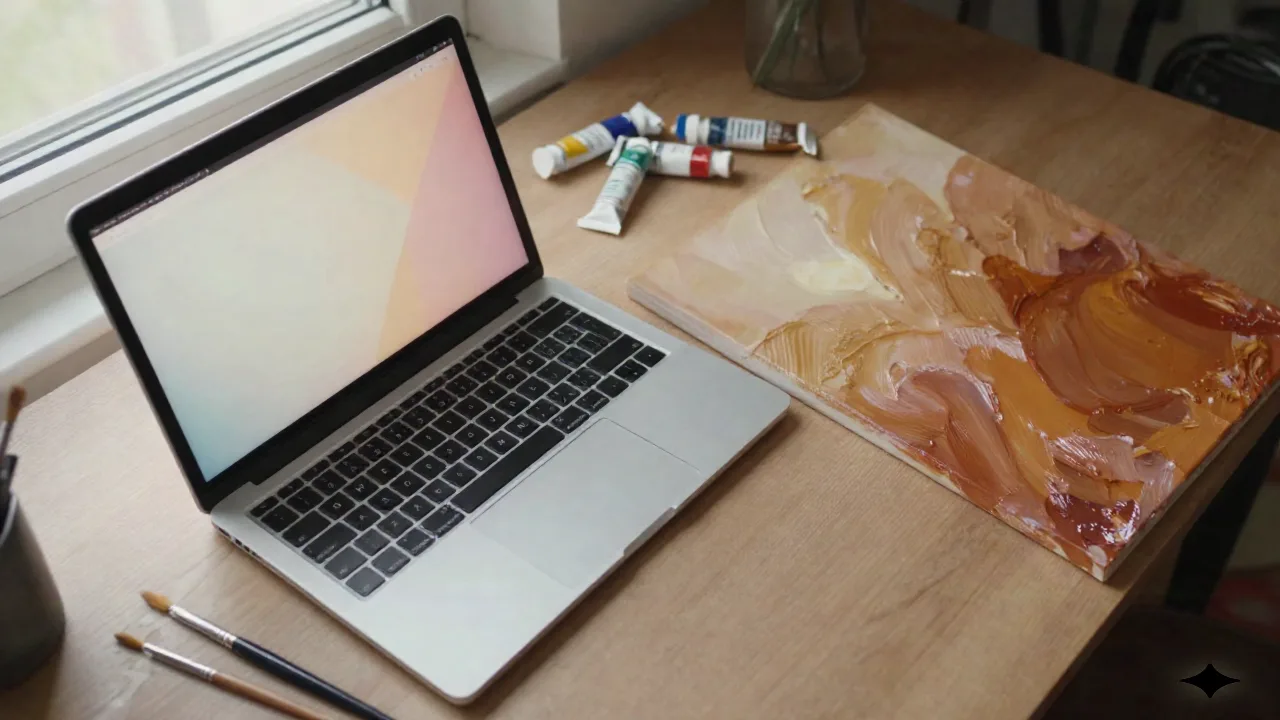
You want ai oil painting output that reads as painted, not filtered: visible brushstrokes, canvas grain, paint that catches light unevenly across the ridges. That means picking a model that actually renders texture (Midjourney v7 or Flux 1.1 Pro, not a one-click filter app), then writing a prompt that names the brush technique, the paint thickness and the light direction instead of just typing "oil painting." We ran 40-odd prompts across four models this week. Here's what held up, and what to skip.
Why Most "Oil Painting" Prompts Come Out Flat
Type "oil painting" alone into any model and you get the same result: a soft, waxy filter over what is still obviously a photo. No ridges. No drag marks. No canvas weave catching the light.
That's because "oil painting" as a bare tag reads as a style label, not a material description. The model has nothing to physically render, so it renders a sheen instead: warmer color grading, a slight blur, maybe a faint canvas pattern stamped over the top like wallpaper. It's the visual equivalent of putting a filter on a selfie and calling it a self-portrait.
We ran the same base prompt through four models with just the words "oil painting" appended, then ran it again with the material vocabulary below swapped in. Same seed range, same composition brief. The difference wasn't subtle: the bare-tag version came back flat almost every time, and the material-vocabulary version came back with actual dimensional paint on eight runs out of ten.
The fix isn't a better model. It's a better prompt. You have to describe the paint, not the genre. Think like you're briefing a painter, not tagging a folder.
The Six Words That Actually Build Texture
Steal this. Swap "oil painting" for these six, and use at least three per prompt:
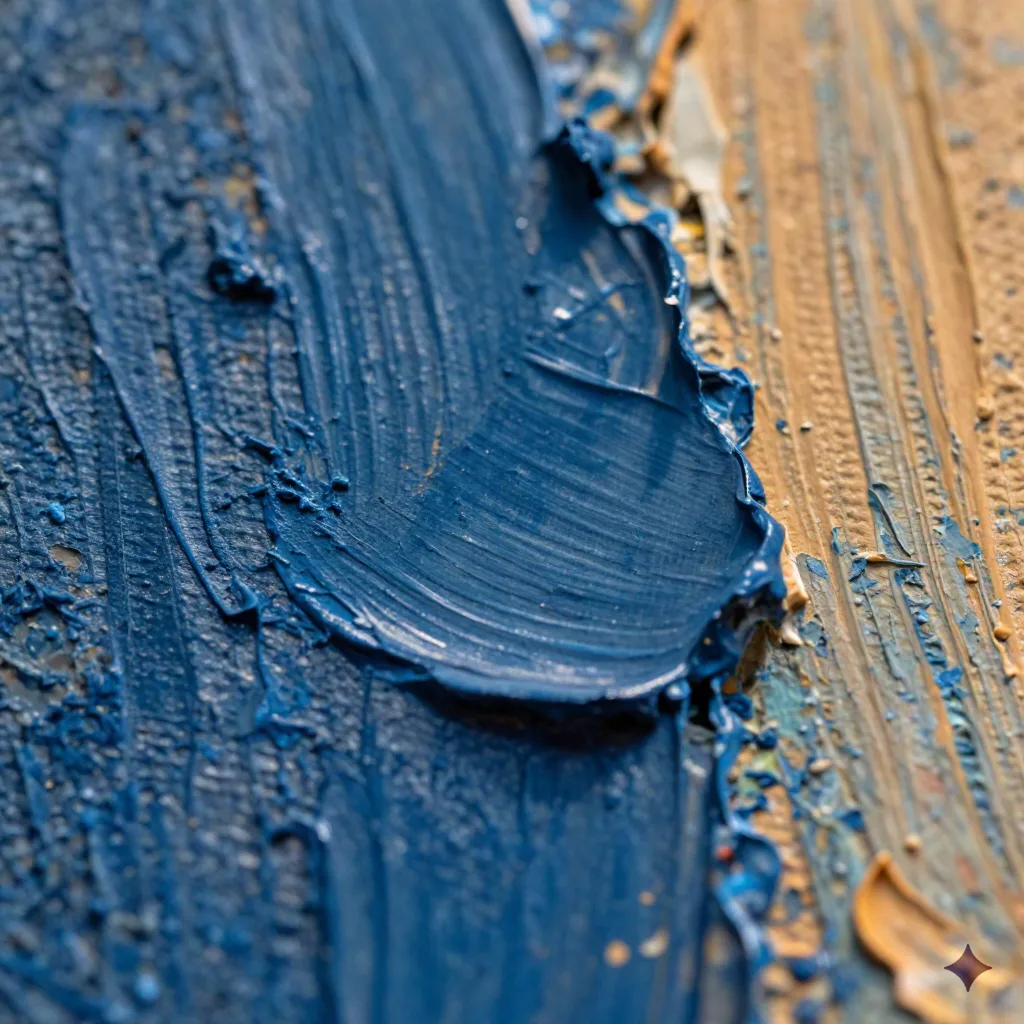
Impasto: thick, raised paint the light physically catches
Palette knife: flat, dragged strokes instead of soft brush blending
Dry-brush texture: visible bristle streaks, unevenly loaded paint
Canvas weave: the grain showing through thin passages
Glazed layers: translucent color built up in passes, not flat fill
Visible brush drag: direction and pressure you can trace with your eye
A prompt like "portrait, thick impasto, palette-knife highlights, visible brush drag across the jaw, canvas weave visible in the shadows" does more work than five paragraphs of mood description. It's specific enough that the model has an actual surface to build, not just a vibe to approximate.
One more thing worth testing: order matters. Front-load the material words before the subject and the composition tends to hold the texture more consistently across the frame, not just on the focal point.
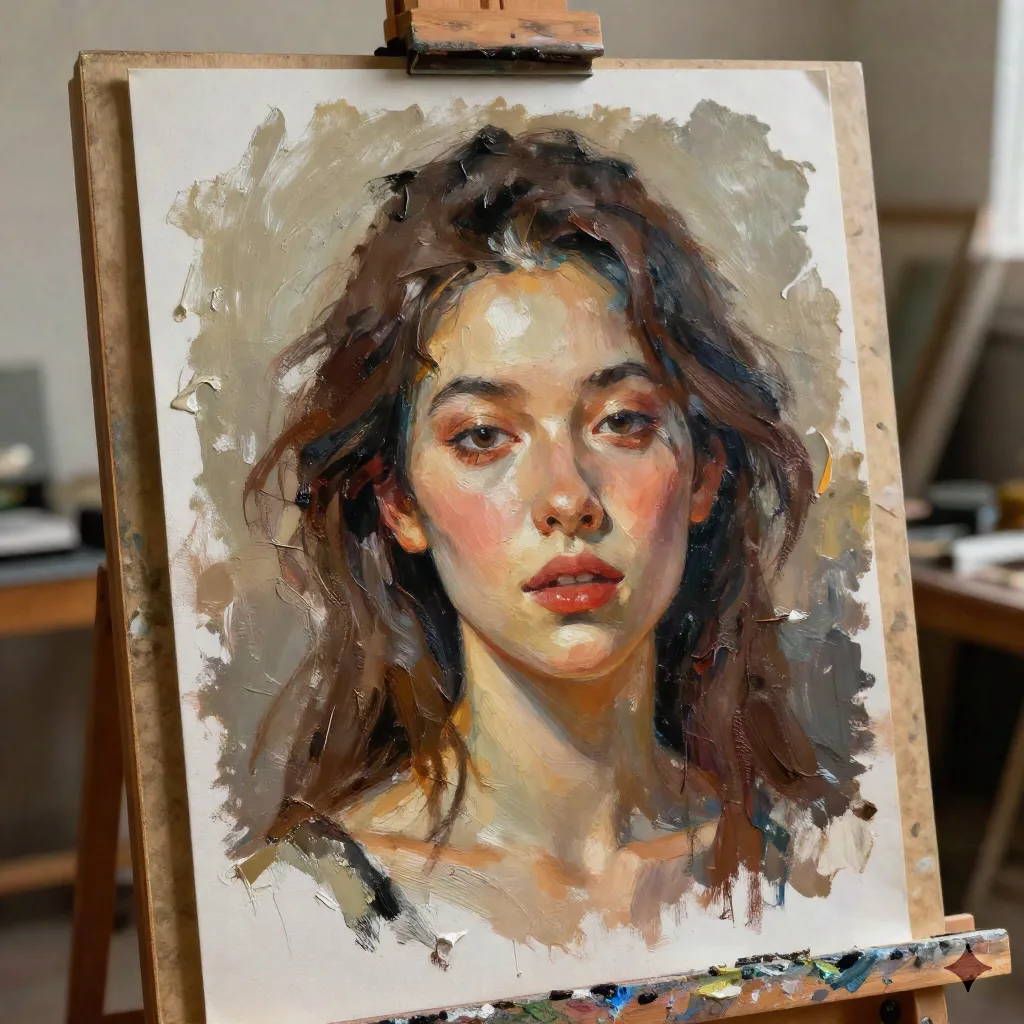
Midjourney v7 vs Flux 1.1 Pro: Same Prompt, Different Paint
Drop the same prompt into Midjourney v7 and Flux 1.1 Pro and you get two different arguments about what "painted" means.
Midjourney v7 leans painterly by default. Even a short, lazy prompt comes back with soft graded light and atmospheric depth, so the impasto vocabulary above reads as a natural extension of what the model already wants to do. It's the easier of the two to get a passable canvas out of on the first try, and it tolerates a shorter prompt without losing the illusion.
Flux 1.1 Pro is the literal one. Its default instinct is photoreal, and it holds compositional instructions tightly, so you have to push harder on texture language or you get a technically accurate photo with a light paint glaze slapped on top. What you get in exchange is control: if your brief has a specific pose, a specific object placement, or a specific crop in mind, Flux holds it far more reliably than Midjourney does.
Skip if you're shopping for a single "best" model here. There isn't one. Pick based on whether you'd rather fight for accuracy (Flux) or fight for texture (Midjourney), and budget an extra round or two of prompt revision either way.
Nano Banana Pro and SD3.5: Where They Surprise You
Nano Banana Pro isn't built for painterly work out of the box, but its chained-edit workflow means you can generate a photoreal base, then run a second pass asking specifically for impasto and canvas texture on top of the first result. That two-step approach beats a single mega-prompt more often than not, especially on subjects with a lot of fine detail, where one giant prompt tends to lose the texture instructions somewhere in the middle.
SD3.5, especially through a fine-tuned or LoRA-tuned checkpoint, gets closest to a real impasto surface of anything we tested this round. The ridges hold shape, the color mixing looks like actual pigment blending rather than a gradient, and the canvas weave shows through thin passages the way it should. The catch is you need a platform built for custom models and canvas-style editing to get there, not a bare prompt box, and that's a heavier lift than typing a sentence into Midjourney.
Steal These: Five Oil Painting Prompts Ready to Copy
Copy the prompt, drop it into your model of choice, adjust the light, and see what holds.
Portrait: "Painted portrait, thick impasto highlights on the cheekbones, palette-knife texture, warm chiaroscuro light, canvas weave visible in the shadow side, visible brush drag."
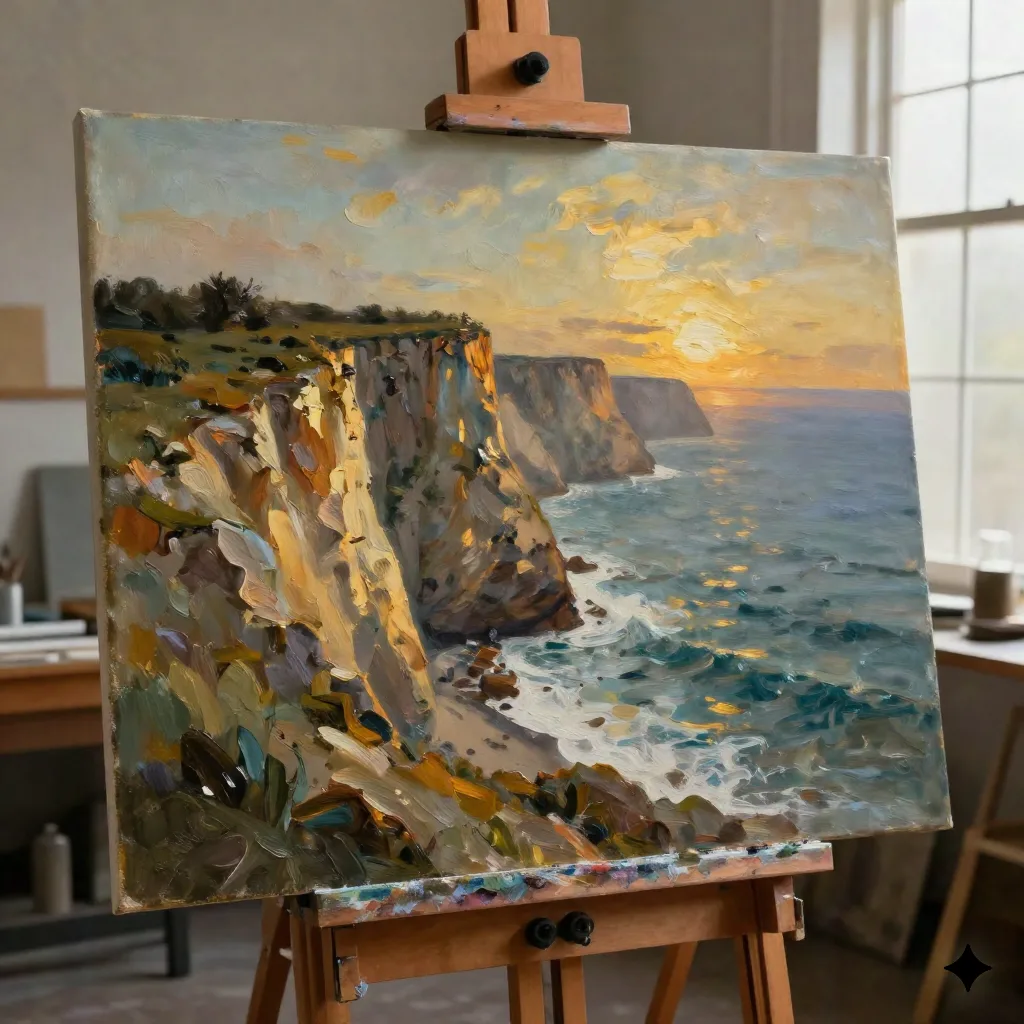
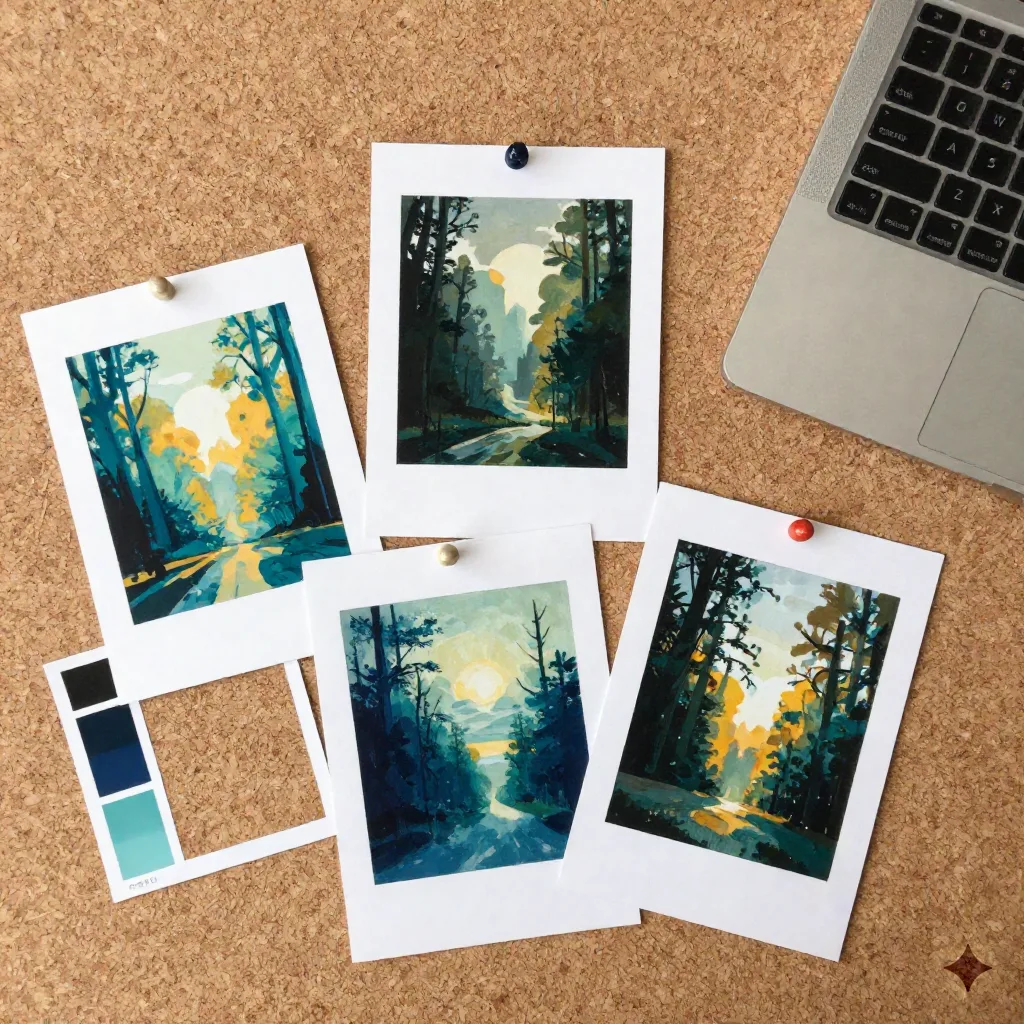
Landscape: "Coastal cliff landscape, expressive palette-knife strokes, thick paint ridges catching golden-hour light, canvas edges visible, layered glazes in the sky."
Still life: "Still life of fruit and ceramics on a wooden table, dry-brush texture on the highlights, visible canvas weave, soft studio side-light, Dutch-master color palette."
Stormy seascape: "Stormy seascape, heavy impasto on the wave crests, palette-knife foam, dark glazed underlayers, dramatic side-lit contrast."
Urban night scene: "Rain-lit city street at night, thick impasto reflections on wet pavement, palette-knife highlights on the signage glow, canvas weave visible in the dark passages."
Run all five through the same model back to back and you'll start to see which failure modes are model-specific and which ones are yours. That's the fastest way to actually learn a model's texture ceiling instead of guessing at it one prompt at a time.
Fixing the Three Things That Break the Illusion
Even with the right vocabulary, three failure modes keep showing up across every model we tested:
Over-smoothed skin. Faces render with photo-grade smoothing that fights the impasto you asked for elsewhere in the frame, so you end up with a textured jacket next to a face that looks airbrushed. Add "textured brushwork on skin, no smoothing" directly after any face description, and repeat the material word closer to the face if the model keeps defaulting back.
Flat, uniform lighting. Ridges need side light to read as ridges. A flatly lit prompt gives you paint-colored flatness instead of paint-textured relief, because there's no shadow to catch on the raised paint. Push for "raking side light" or a named time of day like golden hour, and avoid asking for "soft even lighting" in the same prompt, since that instruction directly fights the texture you're trying to build.
Vector-clean edges. Some models snap edges too crisp, which reads as illustration, not paint. "Soft, uneven edges" or "no hard vector lines" walks that back, and it's often the single fix that moves an image from "digital painting filter" to "something that looks like it was actually painted."
Skip the One-Click Filter Apps
The photo-to-oil-painting filter apps that show up first in search results skip texture entirely. Upload a photo, get back the same photo with a waxy blur and a canvas-pattern overlay stamped on top. No ridges. No brush direction. No weight to the paint. Run your finger across the description and you'll notice they talk about "effects" and "filters," never about brushwork, because there isn't any being simulated under the hood.
They're fine for a five-second novelty, a quick social post, or a gift mockup nobody is going to zoom into. They're not what "ai oil painting" should mean if you actually care about the result holding up at print size or under close inspection.
If you want to test bundled models without committing to one paid tool first, a multi-model box that lets you run the same prompt across a few engines side by side saves you the subscription gamble, and it's a faster way to find your preferred texture ceiling than paying for four separate trials.
What We'd Actually Run This Week
Start with the portrait prompt above in Midjourney v7 if you want the easy win, or Flux 1.1 Pro if the composition has to be exact. Add the six texture words before you add anything else. Fix lighting before you fix color, since a flat-lit canvas reads wrong no matter how good the palette is.
Remix the prompts if you want, but run the portrait one first. It's the fastest way to see whether a model actually understands paint, or whether it's still just handing you a filter with better marketing. What does your test run come back with?