AI Image Prompts That Don't Look Like Everyone Else's
Summary
Most AI image prompts fail because one of six slots gets left empty: subject, style, lighting, composition, mood, technical. This piece breaks down that six-slot brief and tests it across Midjourney v7, Flux 1.1 Pro, and Stable Diffusion 3.5, which each read the same brief differently. You get five ready-to-steal prompts, the lighting vocabulary that kills the flat AI look, and a system for building a real prompt library instead of a screenshot graveyard.
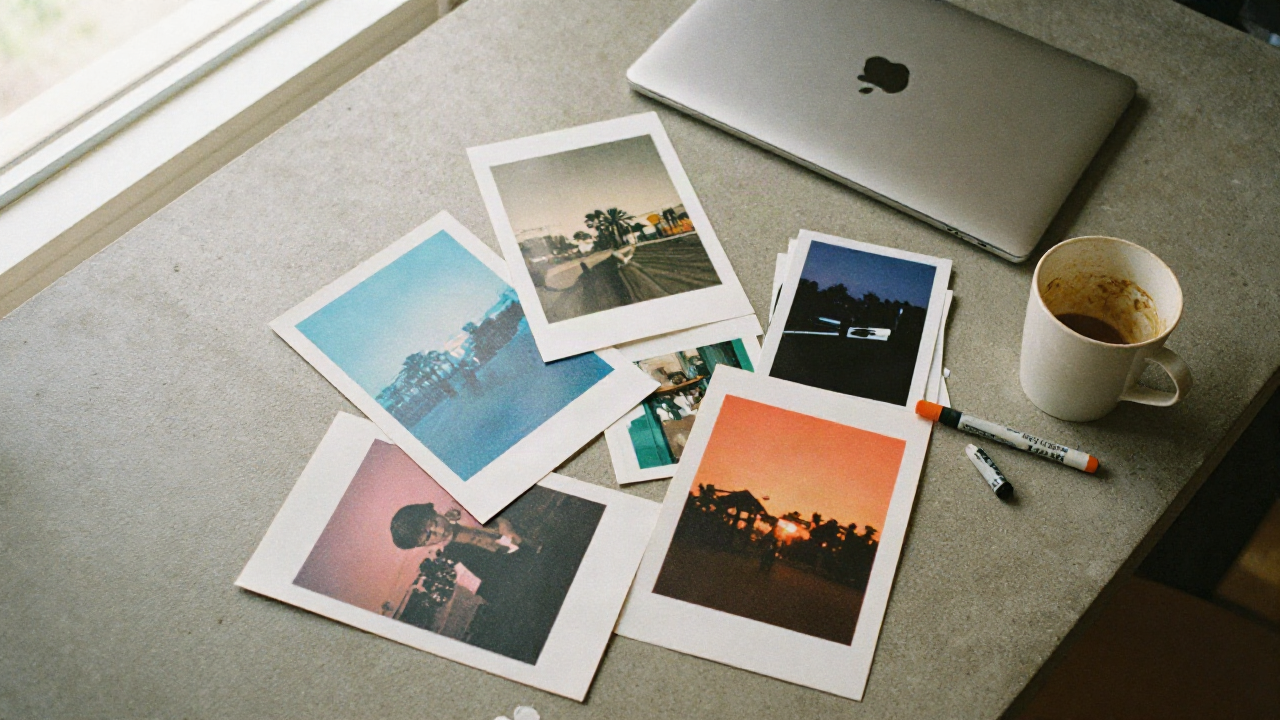
Good AI image prompts aren't longer, they're structured. Six slots: subject, style, lighting, composition, mood, technical. Skip one and Midjourney or Flux fills it with the most generic option they've got, which is exactly why your renders look like everyone else's Pinterest board. This isn't about stacking adjectives until something sticks. It's about naming every decision a real photographer or art director would make before the shutter even opens. That's the entire difference between a lucky output and a repeatable one.
You've probably done the thing where you type "a woman in a park, cinematic, 8k, best quality" and get back the same over-lit, over-smoothed default the model gives everyone who types that exact sentence. That's not bad luck. That's a prompt with three empty slots, filled in by the model's most generic guess.
The Six-Slot Brief Every Working Prompt Actually Follows
Forget the comma-separated keyword soup. "Fox, forest, autumn, misty, sunlight, 8k, best quality" tells the model nothing about what you actually want, so it defaults to stock-photo mush. Every model has seen ten thousand images tagged with those exact words, and it averages all of them into the safest possible output.
The brief that holds up across models: subject, style, lighting, composition, mood, technical. Six slots. If you can't name what goes in a slot, the model picks for you, and it picks the average of every image it's ever seen tagged that way. That's the "AI look" you're trying to shake.
Subject first, always. Not "a woman," but what she's doing, wearing, holding, and where. Style next: name a medium or a movement, not a vibe. "Cinematic" means nothing specific to a model, it's a marketing word, not a visual instruction. "Kodachrome slide film, 1978" means something a model can actually simulate.
Composition is the slot people skip most. Lens choice, angle, framing distance: a 35mm three-quarter low angle reads completely differently than an 85mm tight close-up, and the model needs you to pick one instead of guessing at "a nice shot."
Crack it open and look at what's actually in a working prompt: a subject doing something concrete, a named style, a light source with direction, a lens and framing choice, an emotional register, and whatever parameter flags the model needs. Miss two of those and you get the fortieth variation of the same beige portrait everyone else is also generating this week.
Mood is the slot most people either skip entirely or overload with three contradictory adjectives at once. Pick one register: quiet, tense, celebratory, clinical. Not "epic and serene and dramatic" stacked together, which just tells the model to average three moods into a flat, undecided middle. And technical last, not first: aspect ratio, seed, model-specific flags. It's the slot that locks the other five in place once you've actually decided what they say.
Midjourney v7, Flux 1.1 Pro, SD3.5: Same Brief, Different Rules
We ran the same six-slot brief through three models, same subject, same lighting cue, same framing. The outputs diverged more than we expected, which is the whole point of testing instead of assuming.
Midjourney v7 wants short, high-signal phrases, not full sentences. It rewards --sref for style consistency and reads --stylize more aggressively than earlier versions did. Push a full paragraph at it and it starts averaging the noise back out into something safer and blander. It's still the model with the strongest sense of mood and atmospheric lighting of the three, but it needs you to be economical about how you ask.
Flux 1.1 Pro goes the other way entirely. It follows natural-language briefs closely and rewards detail, particularly camera and film-stock specifics. Say "85mm, f/1.8, Kodak Portra 400" and Flux actually holds onto that grain and color response instead of smoothing it away into plastic. This is the model to reach for when the brief is a photograph, not an illustration, and it's become the professional default for exactly that reason.
Stable Diffusion 3.5 rewards structured, weighted keywords: parentheses to push emphasis up, brackets to pull it down. (rim light:1.4) behaves differently than typing "strong rim light" in a sentence, and that numeric control is the entire appeal. If you're building a pipeline with custom LoRAs and ControlNet, SD3.5 is still the one you own end to end, self-hosted or through a front end.
None of these are objectively "better." They're different control surfaces built for different jobs. Pick the one whose control surface matches the brief you wrote, not the one everyone's screenshotting on X this week because it happened to nail one lucky output.
Worth saying plainly: switching models mid-project because one output disappointed you is the fastest way to end up with a folder of mismatched styles and no throughline. Decide the model based on the brief, run the same brief through three or four seeds before you judge the model itself, and only switch tools if the control surface genuinely can't do what the brief asks for.
The Lighting Vocabulary That Kills the AI Look
Here's the fastest fix for renders that scream "generated": name the light source and its direction. Not "good lighting," which is a sentence with zero information in it. A source, a quality, a direction.
"Low sun filtering through bamboo, hard shadows raking left" gives the model a physical setup to simulate, the way a gaffer would light a set. "Nice lighting" gives it nothing, so it defaults to the flat, shadowless, over-lit look that's become the unmistakable tell of a rushed prompt written in thirty seconds.
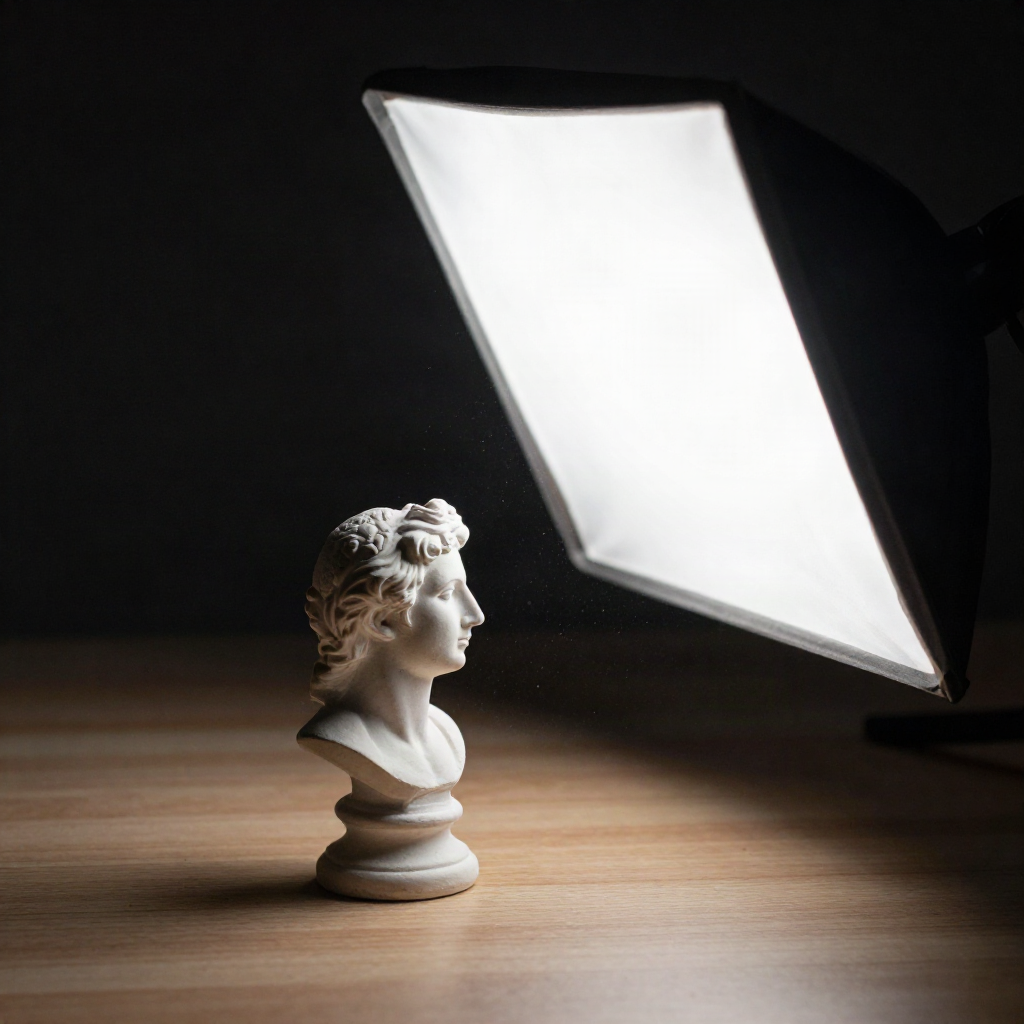
Borrow from actual lighting vocabulary instead of inventing your own: Rembrandt lighting for a small triangle of light on the shadowed cheek, rim light for separation from the background, volumetric fog for atmosphere with real depth to it. These aren't decorative words picked to sound fancy. Each one tells the model to simulate a specific physical setup instead of guessing at what you meant.
Add "RAW photo" or "unprocessed" to the technical slot if the plastic-skin over-smoothing is your recurring problem. It's a small phrase that does a disproportionate amount of work against the over-rendered look every model defaults to when the prompt leaves it room to guess.
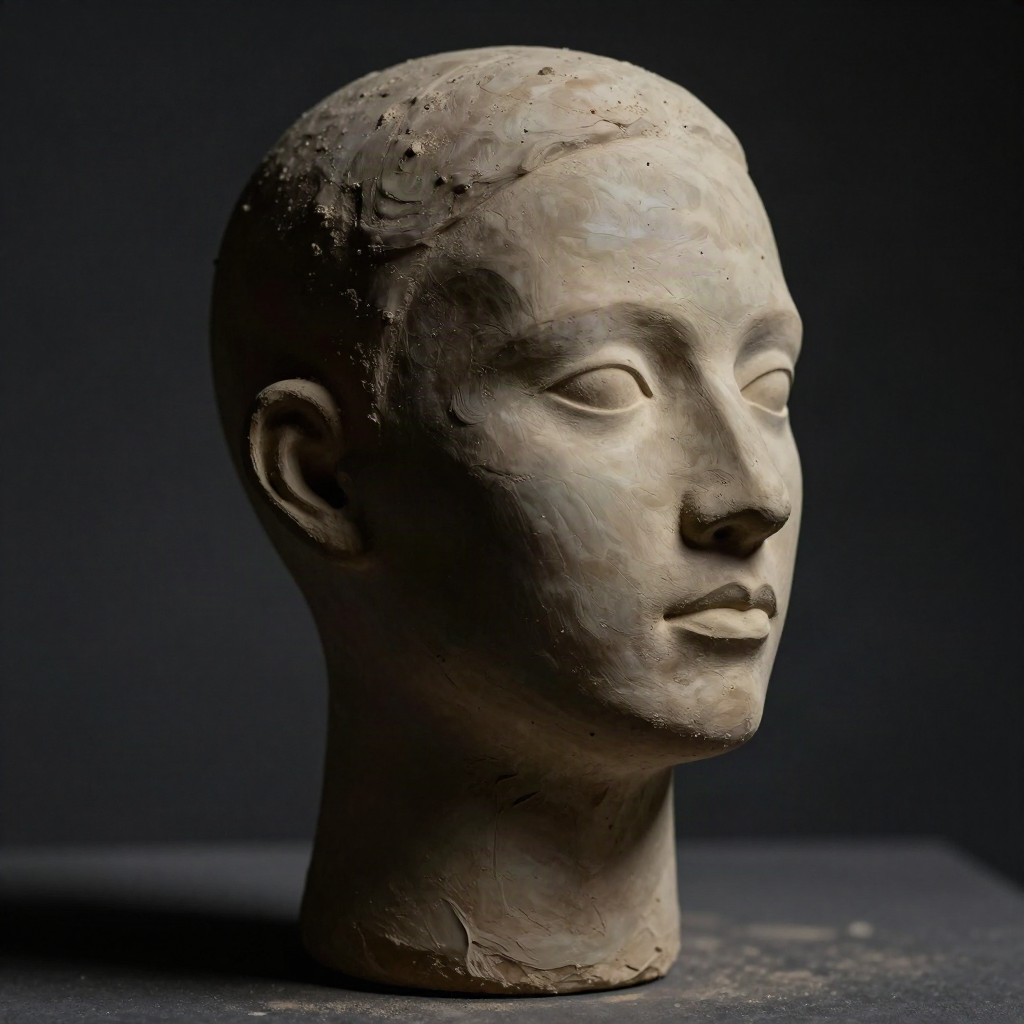
Five Prompts You Can Steal Right Now
We tested these across the three models above. They're not finished art, they're starting points built on the six-slot structure. Change the subject, keep the bones intact.
Editorial portrait: "Three-quarter portrait, low-angle, 35mm lens, Rembrandt lighting from camera left, muted autumn palette, quiet and resolved expression, film grain, RAW photo."
Product-adjacent still life: "Overhead flat lay on raw concrete, single hard-edged shadow from window light, one object slightly off-center, desaturated tones, unprocessed."
Brutalist architecture: "Wide shot, symmetrical concrete facade, overcast diffused light, no people in frame, cold color grade, 24mm lens, documentary framing."
Riso-print texture study: "Two-color riso print aesthetic, visible registration offset, flat color blocks, halftone dot pattern, visible paper grain."
Moody landscape: "Wide shot, low sun filtering through fog, cool color temperature, long shadows, minimal color palette, cinematic composition."
Drop any of these into Flux for photorealism or Midjourney for atmosphere, and watch which slot breaks first when the output disappoints you. That's usually the exact slot you need to tighten next round, not a reason to reroll blindly.
Building a Prompt Library Instead of a Screenshot Graveyard
Most people's "prompt collection" is forty screenshots buried in a Notes app, none labeled, none reusable six weeks later when you actually need that exact lighting setup again. That's not a library, that's a graveyard you'll never dig through.
A working library tags by slot, not by vibe. File a prompt under "lighting: hard side light" and "style: riso print," not under "cool one" or "the fox thing." When you need a specific lighting setup a month from now, you find it in ten seconds instead of scrolling a camera roll hoping to recognize a thumbnail.
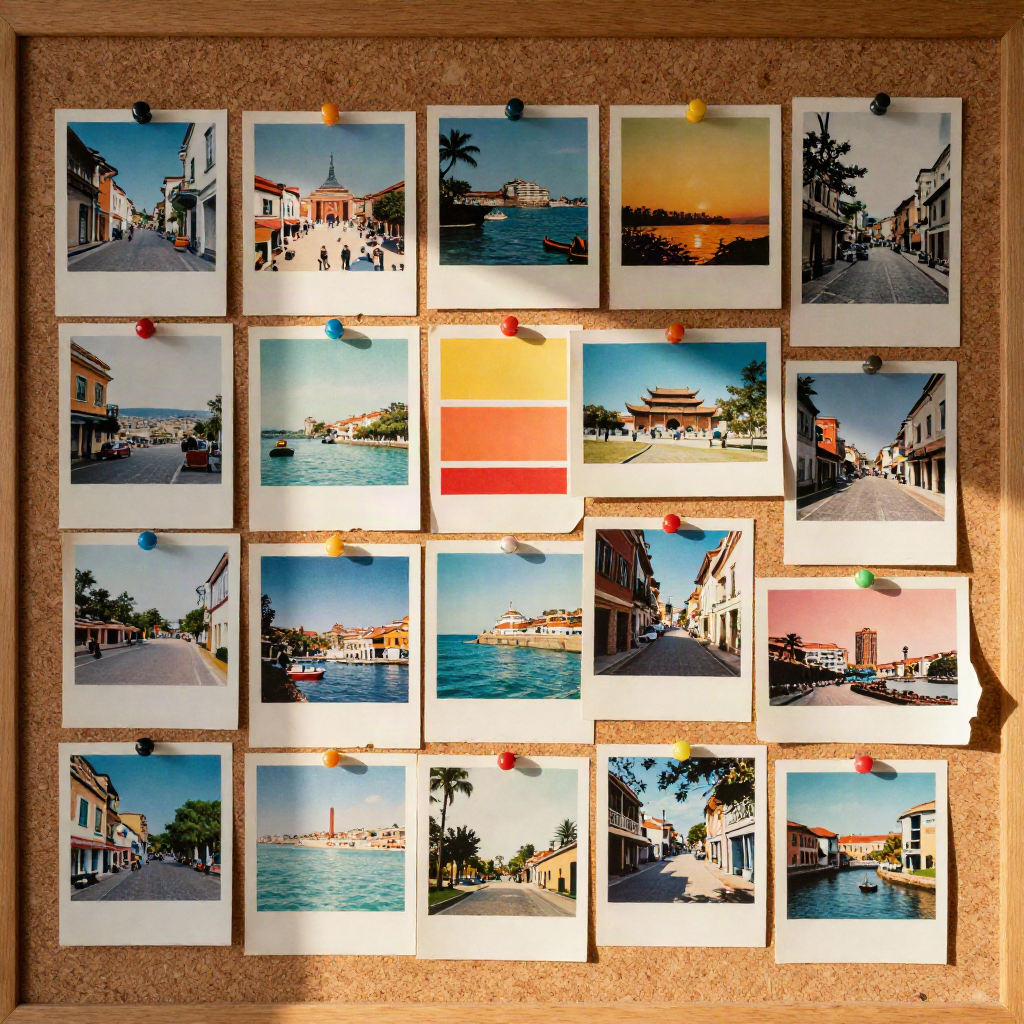
This is also where Are.na earns its place in the workflow, not as a nice-to-have but as the step before the step. Are.na-ise your references before you write a single prompt: block out the visual DNA (light, texture, palette) in a channel first, then translate that channel into the six slots. It's slower than typing straight into a model, but the outputs stop looking interchangeable with everyone else's.
When Iterating More Just Makes It Worse
Lock the seed. Change one slot per round. That's the whole discipline, and almost nobody does it.
The instinct when an output disappoints is to reroll ten times and hope the random seed saves you. What actually works: keep the seed fixed, change exactly one variable at a time, lighting first, then composition, then mood, and evaluate the result against the brief you originally wrote, not against whether you personally like the vibe today. "Does this match what I asked for" beats "do I like it" every single time, because the second question has no endpoint and you'll burn a hundred generations chasing a feeling instead of a spec.
If you've changed four things at once and you're still rerolling with no improvement, the brief was incomplete from the start. Go back to the six slots. Something's empty, and no amount of rerolling fixes an empty slot.
For deeper technical control on the photorealism side, Black Forest Labs documents Flux's prompt adherence and guidance-scale behavior in more detail than most third-party guides bother to, worth the fifteen minutes if you're pushing past casual use.
So Which Model Do You Actually Run This On First?
Flux 1.1 Pro if the brief reads like a photograph. Midjourney v7 if it reads like a mood. SD3.5 if you need to own the pipeline end to end and stack custom LoRAs on top of a base model.
There's no universal answer here, and anyone selling you one is selling you a template pack, not a method. Write the six-slot brief first, decide what kind of image it actually describes once it's on the page, and only then pick the model that matches. Steal the five prompts above, break them, rebuild them for your own subject and your own reference stack. That's the actual job, and it's a better use of an afternoon than scrolling someone else's showcase feed for the hundredth time.