AI Generated Image Detector: What Really Works Now
Summary
An ai generated image detector is a classifier trained on camera photos and generator outputs, and the best ones reach low-90s accuracy on clean files. Screenshots, compression, upscaling and stylized art weaken the signal, and false positives on real photos happen. Watermarks and C2PA credentials are stronger evidence when present, but missing ones prove nothing. Use two detectors, ask for original files, and treat scores as triage.
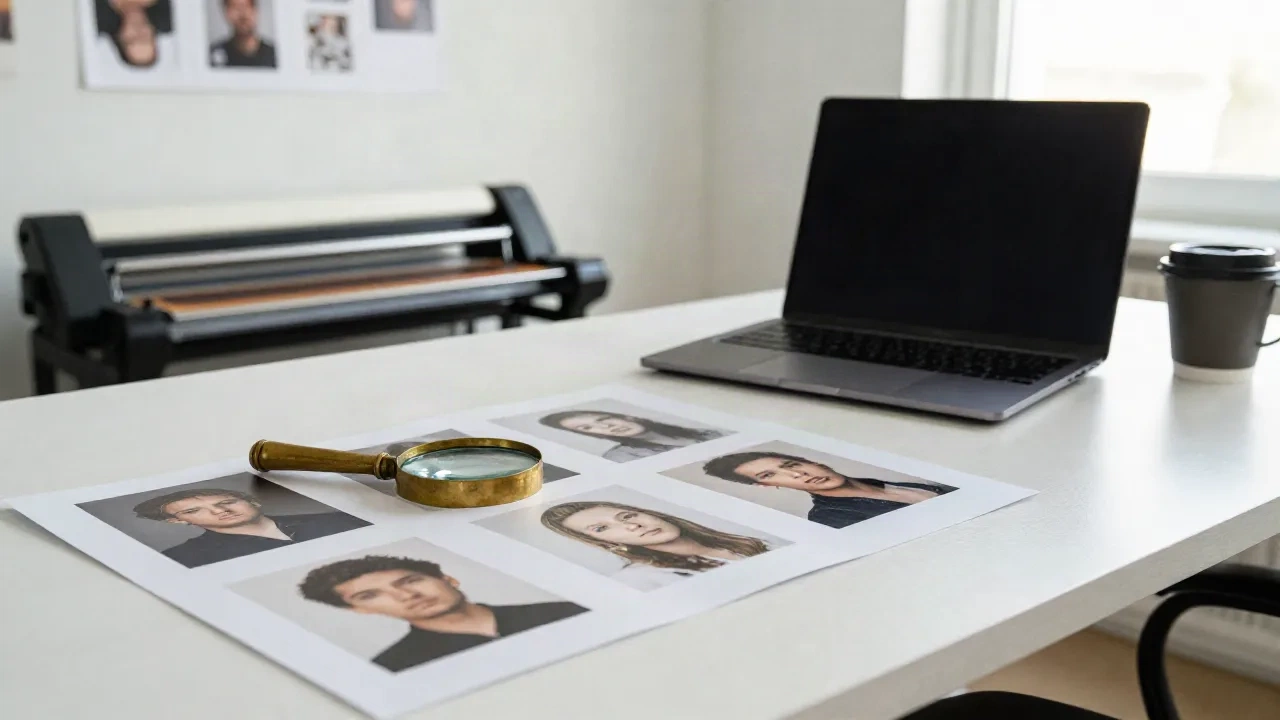
You have an image on your screen and one question: real or generated? An ai generated image detector will give you a percentage in three seconds, and that number is right less often than the interface makes you feel. Here is what holds up, what breaks, and the routine an art director can run before an image goes into a client deck.
Short version: treat a detector as a smoke alarm, not a judge.
What does an AI image detector actually look at?
Most detectors are classifiers trained on two piles: photos from cameras, and outputs from generators like Midjourney, Stable Diffusion and DALL-E. They learn statistical habits. Noise patterns, frequency artifacts, the way fine texture repeats when a model fills in detail.
That is the whole trick. No magic, just a model that has seen a lot of both piles. It also explains the main weakness. A detector is only as good as the generators it trained on, and the generators move every few months.
Some tools add a second layer: they read provenance data and watermarks. Those are a different animal, and we get to them further down.
How accurate are they, really?
Depends who is holding the ruler. One roundup that ran eight tools on a small set of real photos plus Midjourney v6, DALL-E 3 and Stable Diffusion outputs reports Hive Moderation at about 94% and Illuminarty at about 91%. Those are decent numbers on clean, uncompressed files.
Now read the fine print. The same write-up admits that real-world accuracy shifts with post-editing and with compression on upload. Vendors also publish their own benchmarks, which is a bit like a chef reviewing his own restaurant.
Here is the test we would run, and the one you can run in ten minutes. Take three groups of files you know the origin of:
straight outputs from Midjourney v7 and Flux
the same files after a screenshot and a JPEG re-save
real photos and scans, including old film stock
Expect three things. Clean generations get caught most of the time. The re-saved copies get caught noticeably less. And a few real photos, especially soft or heavily retouched ones, get flagged as AI. That last group is the one nobody puts on the landing page.
Vendors do publish false-positive numbers. One tool cites a 0.16% flag rate on 10,000 pre-2022 human-made images, which is impressive, but it is the vendor's own benchmark on a specific dataset. Your retouched, over-sharpened client photo is not that dataset.
Skip any tool that shows a single confident percentage with no explanation. Worth using: tools that show which region of the image looks off, and that admit when they are unsure.
Why do screenshots and re-saves wreck the result?
Because the evidence lives in fragile places. The pixel-level fingerprints that classifiers rely on get smeared by resizing, recompression and filters. Instagram, X and most chat apps do all three the moment you upload.
Same story for metadata. Content credentials and EXIF fields sit in the file container, and platforms routinely strip them. A missing credential proves nothing. It does not mean the image is fake, and it does not mean it is real.
That is the part people miss. The absence of a signal is not a signal.
Watermarks and content credentials: better signal, smaller coverage
Two systems matter in 2026. Content Credentials from the C2PA standard attach a signed record of the tool and the edits to the file. SynthID-style watermarks embed an invisible signal in the pixels at generation time. This explainer on C2PA versus SynthID lays out the split well: credentials tell you the story of a file, the watermark tells you which generator made it, and neither works without the generator playing along.
When they are present, they beat any classifier. A valid signature is evidence, not a guess.
The catch is coverage. Open-weight models run locally, so nobody has to attach anything. If your reference came out of a home-brewed Flux or SD3.5 pipeline, expect nothing. Steal this rule: a positive provenance hit is strong, a negative one is silence.
The art director routine: five checks before you trust a result
Detectors are one input. This is the order we work in.
Look at the image at 200% first. Hands, teeth, jewelry, text on signs, the seam where hair meets background. Old tells, but they still catch the lazy stuff.
Ask for the original file. A camera RAW or a layered PSD is worth more than any score.
Run two detectors, not one. If they disagree, that disagreement is your finding.
Reverse image search. A real photo usually has a history. A fresh generation usually has none.
Check provenance data if the file has any left.
None of this is fast. It does not have to be. You only run it when the image matters: a client brief, a contest entry, a source you plan to credit.
What does a detector score mean when it says 60%?
Not much. A classifier output is a confidence from a model, not a probability that the image is fake in the real world. Different tools calibrate differently, so 60% in one product can mean the same thing as 85% in another.
Two rules keep you honest. First, ignore the middle band. Anything between roughly 30% and 70% is the tool shrugging. Second, never compare scores across products. Compare verdicts on the same image, and look at where they disagree.
The disagreement is where the interesting work is. If one tool says 92% AI and another says 8%, one of them was never trained on that generator, or the file was mangled in transit. Go back to the source, ask for the original, and check the metadata again.
Which images fool detectors most often?
Some categories are reliably hard, and worth knowing before you put trust in a score.
Heavily stylized work. Riso print looks, flat illustration, grainy film emulation: the more the style pushes away from a camera, the less a photo-trained classifier has to hold on to.
Upscaled and sharpened files. Detail added after generation muddies the fingerprint of the original model.
Small crops. A 400 px thumbnail carries far less signal than a full frame.
Hybrid images. A real photo with an AI-generated sky, or a generated portrait with real retouching, sits in the gray zone by design. Most tools return one score for the whole file, so the honest answer is often "partly".
Fresh models. Any generator released after the detector's last training run is a blind spot until the vendor catches up. That gap is a few weeks at best and a few months at worst.
If your day job involves references from Are.na boards, stock libraries and social feeds, assume a chunk of what you collect is already hybrid. Label it in your moodboard, note the source, and move on.
What the generators themselves are doing about it
The models you already use are the reason this problem exists, so let's look at where each one stands on labeling its own output.
Midjourney outputs are famously polished, which makes the "too clean" tell weaker with every version.
Adobe Firefly leans on Content Credentials by default, which makes its files the easiest to verify, as long as nobody strips the metadata on the way to you.
Krea is where a lot of us iterate in real time. Fast loops, plenty of stylization, and no promise that anything downstream can tell where an image came from.
Upscalers matter here too. Running a generation through Magnific adds real texture, and that texture is exactly what confuses a classifier trained on raw model output. If you plan to test a detector, test it on upscaled files too.
Blunt take: none of these tools are built to make your life easier as a verifier. That job is yours.
Should you rely on a detector for client work?
Worth it if you use it as triage. A flagged image gets a closer look. A clean score buys nothing beyond "no alarm went off".
Skip it if you are tempted to use a score as proof in a dispute, a takedown or a contest ruling. False positives on real art are the ugly part. Photographers and illustrators have been accused on the strength of one tool's output, and a flat percentage is a weak thing to stand behind.
What we would actually do: write down the process. Which tools, which version, which date, which files. A dated note beats a screenshot of a score.
And if you are the one making the images, keep your working files. Layers, seeds, prompt notes, the ugly early drafts. It is the cheapest insurance an art director can buy, and it is also good moodboard hygiene.
Where to go next
Pick five images you know the origin of, three real and two generated, run them through two detectors, then screenshot and re-run. You will learn more about these tools in that session than any landing page will tell you.
Then remix the experiment with your own stack. Which of your favorite models gets caught first? Which one slips through?