Veo Alternatives 2026: 5 AI Video Models Tested Here
Summary
Veo alternatives worth testing in 2026: Kling AI comes closest on motion quality and camera control while keeping a real free tier, Runway packs multiple models into one subscription, Hailuo is the cheapest entry point, Luma suits agent-driven pipelines, and Pika covers fast social clips. None of them replicate Veo's native audio generation yet. If per-second API pricing or Google ecosystem lock-in is what's pushing you to look elsewhere, Kling AI is the pick we'd make first, with the other four covering different budgets, resolutions and workflows.
Searching for Veo alternatives usually starts with one frustration: native audio baked into the same generation pass is great, but it's gated behind Google's paid AI plans or per-second API pricing, and every clip caps at 8 seconds. We tested five real alternatives against it. Kling AI gets closest on motion quality for less money, Runway bundles multiple models into one subscription, Hailuo is the value pick, Luma suits agent-driven pipelines, and Pika covers fast social clips. None of them match Veo's audio yet.
Why look past Veo at all
Veo 3.1's output is genuinely good. Physics-accurate motion, tight prompt adherence, audio that's actually synced to what's on screen instead of bolted on afterward. That part isn't in question.
What pushes people toward alternatives is everything around the model. Consumer access lives inside Google AI Pro or Ultra subscriptions, credit-metered. The developer API bills per second, roughly $0.40/sec at 720p-1080p standard quality, more at 4K. An 8-second clip at 4K adds up fast if you're iterating on a shot ten times before it lands.
If you're not already living inside Gemini, Flow, and Vertex AI, that's real friction. The five models below are what we'd actually reach for instead.
Kling AI: the closest thing to a straight swap
Kling 3.0 is the one that keeps coming up in blind output comparisons against Veo and (the now-discontinued) Sora. Camera control, consistent character motion, and image-to-video that doesn't fall apart on movement, all present.
The free tier has enough credits to actually finish a real test, not just a five-second toy clip. Pro tiers run $10-15/month, a fraction of what Veo's API costs for equivalent output.
What you give up: native audio. Kling generates video only, so you're still pairing it with a separate audio tool if the clip needs dialogue or sound design. For plenty of use cases (b-roll, moodboard animation, silent social loops) that's a non-issue.
Runway: one subscription, multiple models
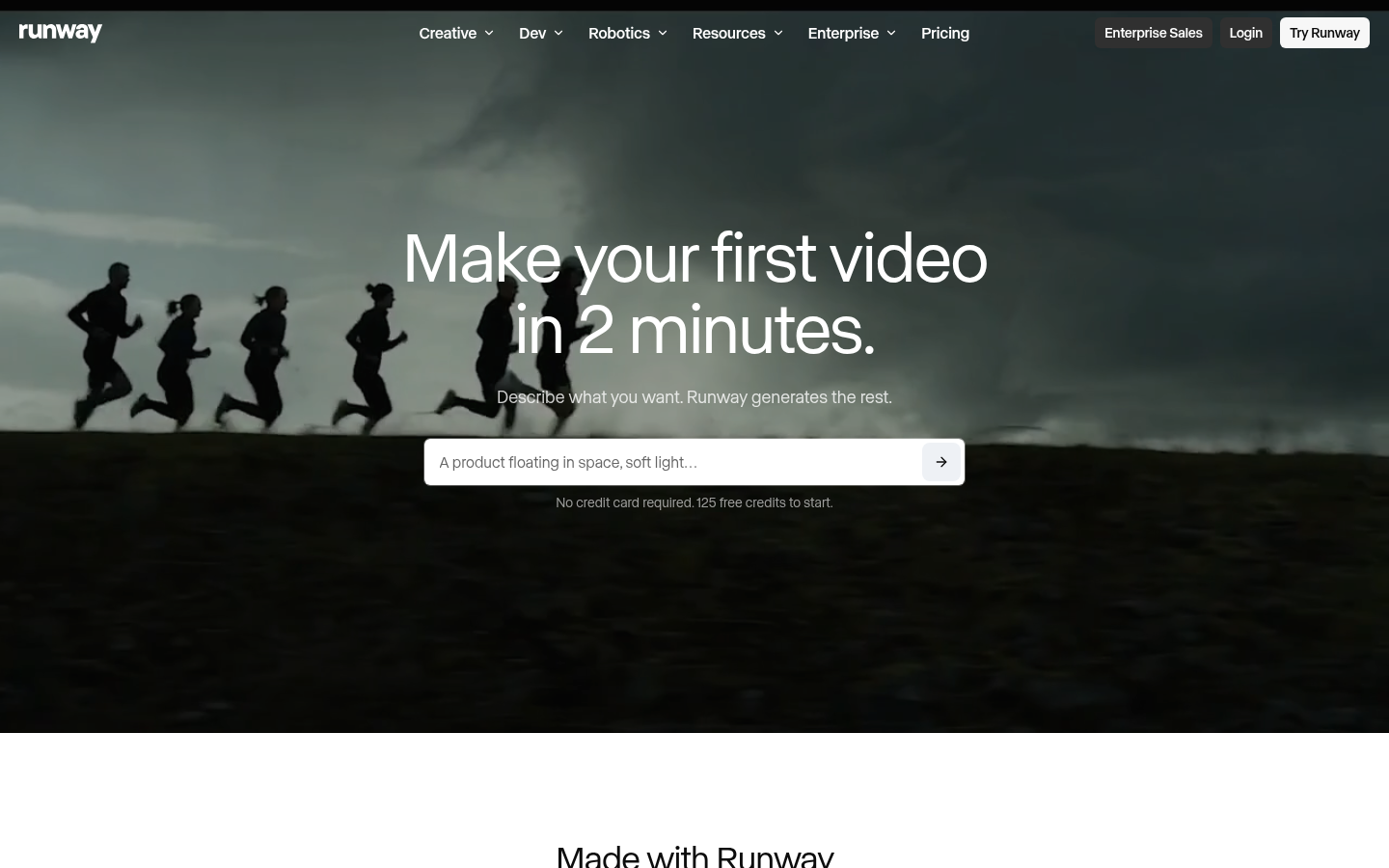
Runway stopped being just "a video model" a while back. It ships its own Gen-4.5, but the bigger pitch now is the aggregator layer: one login gets you Kling 3.0, Veo 3.1 itself, Seedance 2.0, and Nano Banana Pro, plus Aleph 2.0 for frame-level editing after generation.
That's the real differentiator versus a single-model tool. If your workflow needs editing on top of generation, not just raw output, Runway covers more of the pipeline in one place.
Free tier gives you 125 one-time credits to test before paying. Standard runs $12/month, Pro $28, Max $76 for teams burning through longer 4K renders. Credits disappear quickly once you're working at higher resolutions, so budget before you commit to a tier.
Hailuo: the value pick when Veo's API bill stings
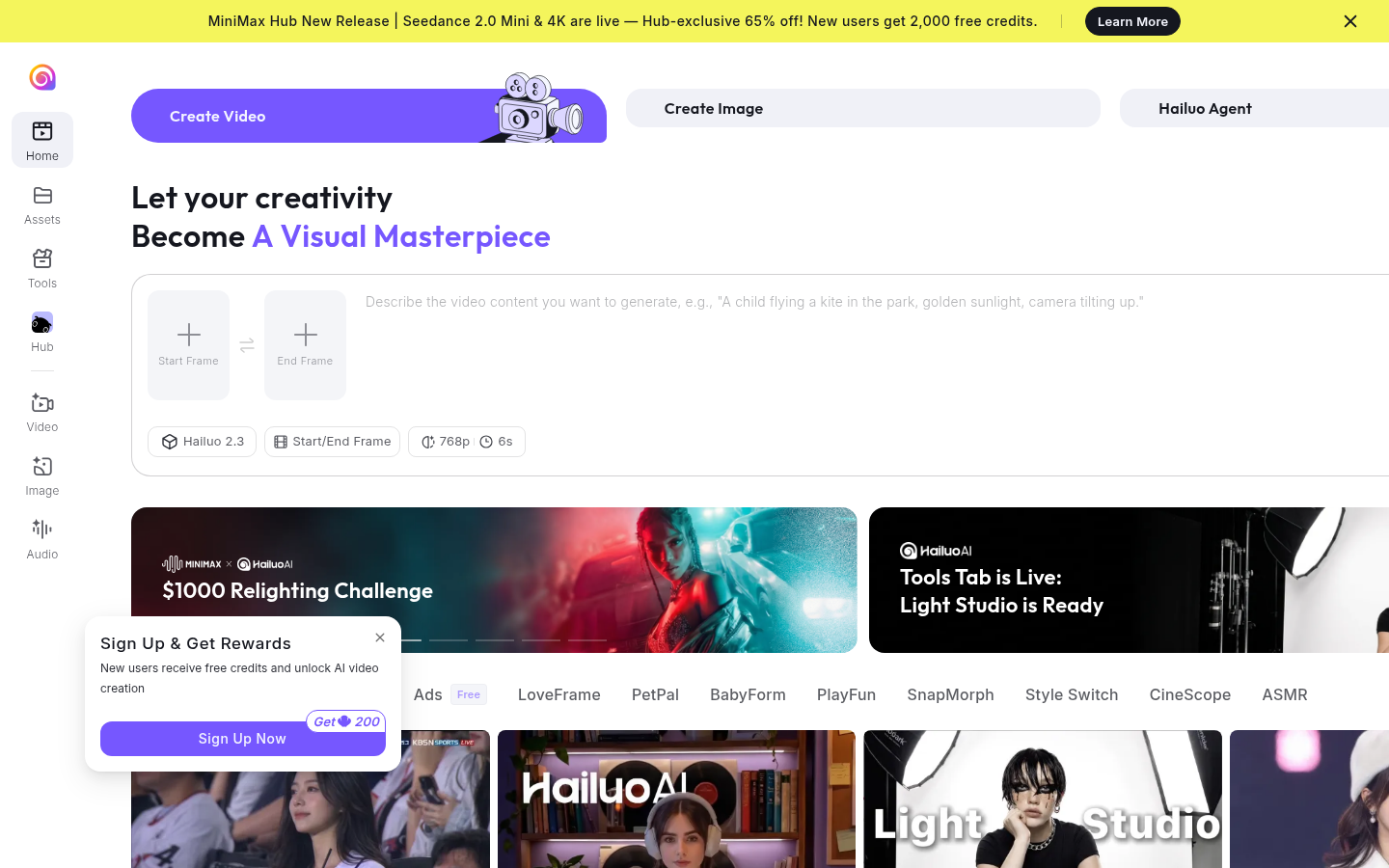
Hailuo 2.3 from MiniMax doesn't get the same coverage as Kling or Runway, but it's worth putting on the list for one reason: it handles complex physics (falling objects, liquid, cloth) more convincingly than most tools at its price point.
Standard plans start around $9.99-14.99/month, the cheapest entry price of everything here. The 2.3 Fast variant cuts batch generation cost by up to half again, which matters if you're producing volume rather than one hero shot.
The trade-off is polish. Interface and documentation still carry some rough edges, and community support is thinner than the bigger names. If budget is the actual constraint, that trade is usually worth making.
Luma Dream Machine: built for pipelines, not one-off prompts
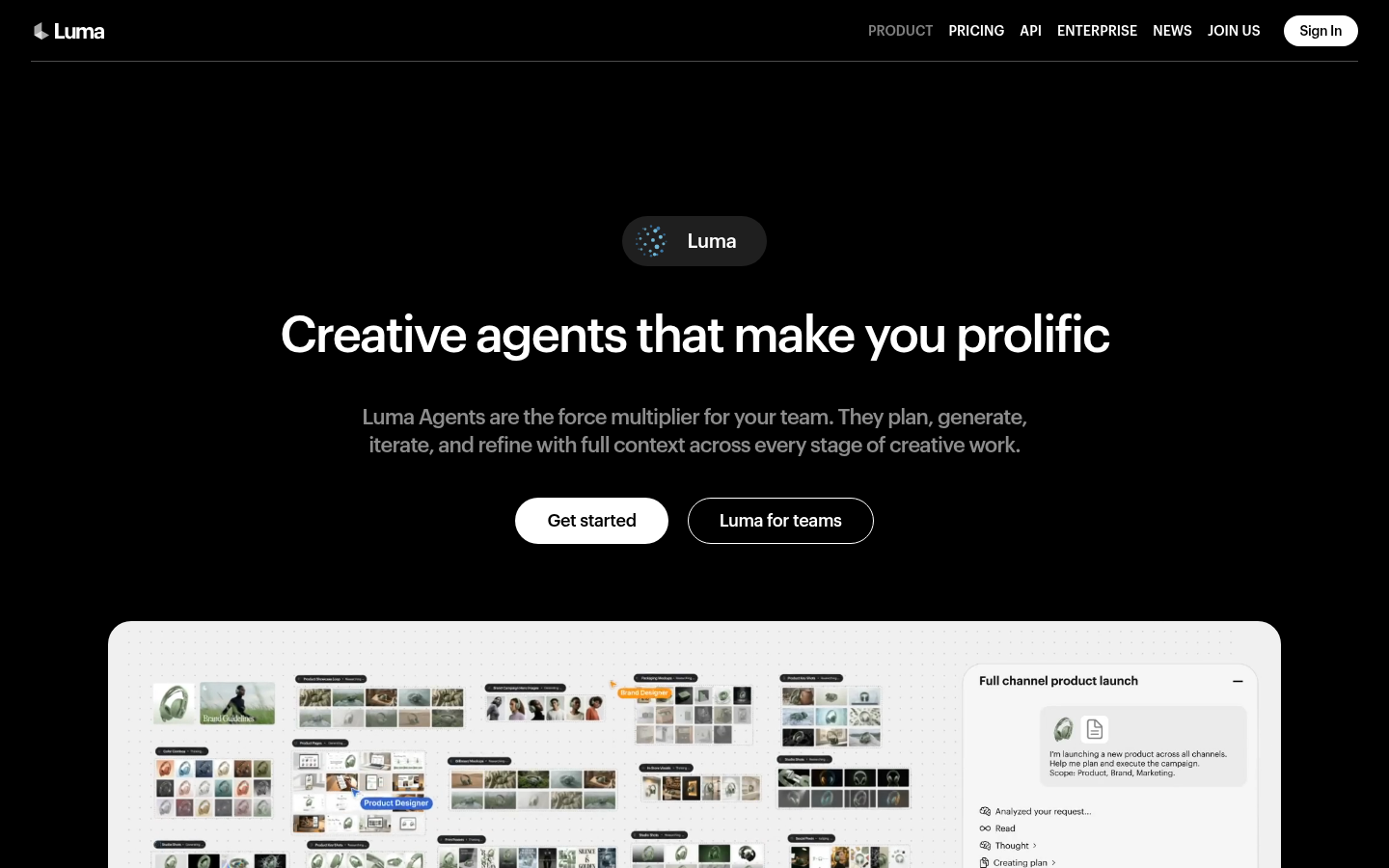
Luma pivoted from "type a prompt, get a clip" toward Luma Agents, a workflow layer that plans, generates, and iterates across a whole project rather than one shot at a time. Ray3 handles lighting and reflections well, and 4K up-res is available on paid tiers.
That agentic layer is genuinely useful once your output needs revisions across multiple linked shots. It's overkill if you just need one clip for a single post.
Pricing starts at Plus for $30/month, no perpetual free tier, just trial credits to start. That's the highest entry price on this list, which only makes sense if the agent workflow is actually solving a problem you have.
Pika: fast, playful, not cinematic
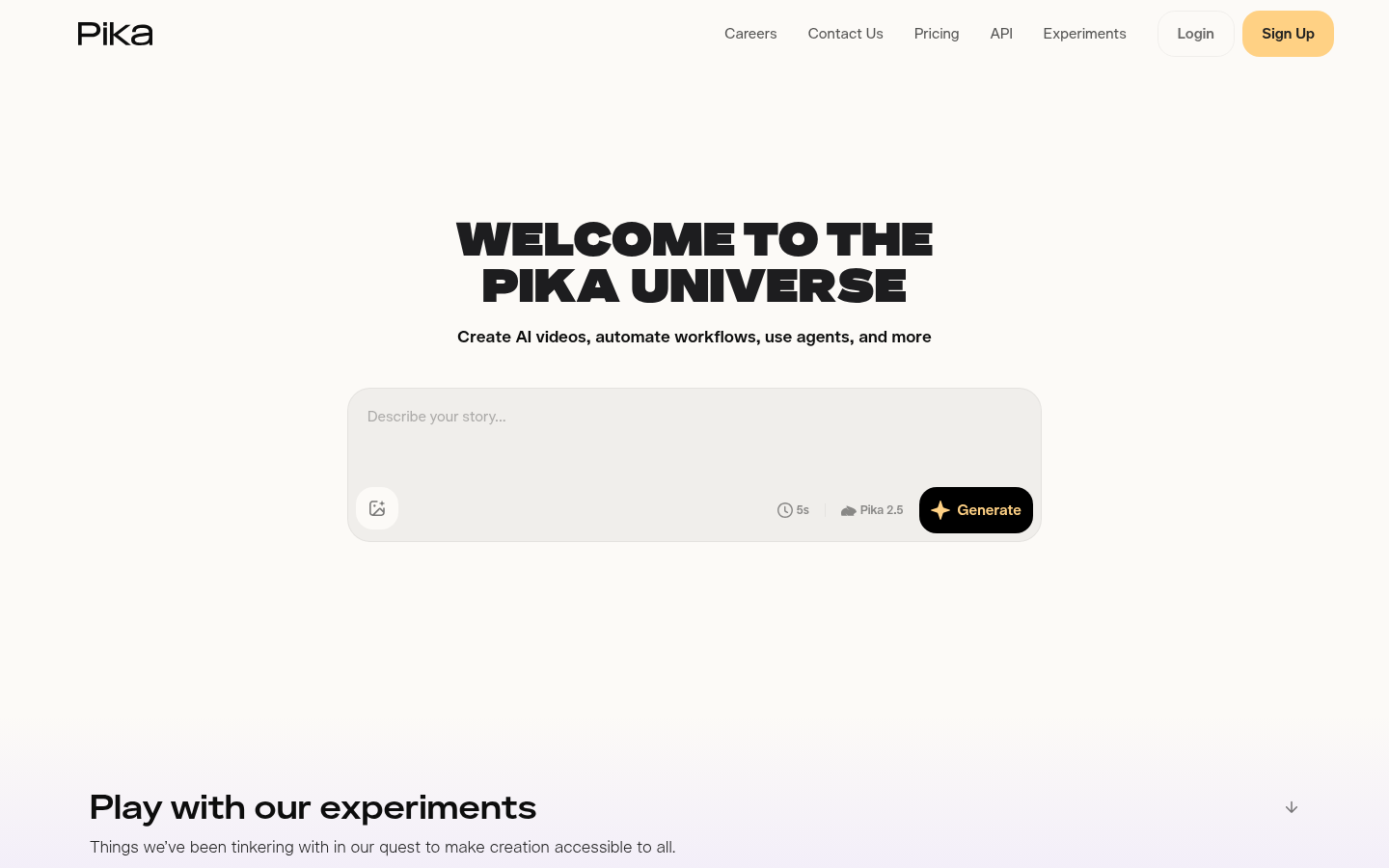
Pika leans into effects and quick idea-to-video turnaround rather than trying to out-cinema anyone. If you need a fun, effects-heavy clip for social in the next ten minutes, this is the fastest path there.
Free tier is watermarked and capped at 480p, but it's usable for testing. Standard at $8/month is the cheapest paid entry on this whole list. Fancy at $76/month buys the fastest render queue, mostly relevant for agencies pushing volume.
Don't reach for Pika if the brief is a serious ad or a client deliverable that needs to look expensive. It's built for something else.
What about Sora?
You'll still see Sora mentioned in older "Veo alternatives" roundups, and it deserved the spot when those were written. It doesn't belong on a current list: OpenAI discontinued the Sora web and app experiences in April 2026, with the API following in September. If a listicle still recommends it without that caveat, that's a sign it wasn't updated for 2026.
How we compared these
We checked each vendor's own pricing page in July 2026 for the numbers above, cross-referenced native audio and motion-quality claims against public sample outputs and independent roundups (Atlascloud, MindStudio, Barchart), and confirmed free-tier credit limits directly rather than trusting marketing copy. Custom scores reflect output quality, pricing transparency, and how usable the free tier actually is, not just headline features.
The actual pick
If native audio in one pass is non-negotiable, stay on Veo and budget for the API cost. If you can live without it, Kling AI gets closest to Veo's motion quality for a fraction of the price and a free tier you can actually use. Runway wins when you want a whole toolbox instead of one model. Hailuo is the move when budget is the hard constraint. Luma makes sense once your workflow is agentic, not one-shot. Pika is for speed, not for the client deck.
Steal whichever of these fits your budget and drop it into your next brief. Test one clip before you commit to a subscription tier, every one of these has a free or cheap way to do that first.
At-a-glance
| Kling AI | Runway | Hailuo AI (MiniMax) | Luma Dream Machine | Pika | |
|---|---|---|---|---|---|
| Entry price | Free tier + Pro from $10-15/mo | Free (125 credits) + Standard $12/mo | Standard ~$9.99-14.99/mo | Plus $30/mo, no perpetual free tier | Free (watermarked) + Standard $8/mo |
| Native audio generation | No, video only | No, pair with a separate tool | No, video only | No, video only | No, video only |
| Free tier | Yes, generous enough to test properly | Yes, 125 one-time credits | Yes, limited credits | No, trial credits only | Yes, watermarked, 480p cap |
| Max resolution | 1080p+ (Kling 3.0) | Up to 4K (Gen-4.5) | 1080p | 4K with up-res (Ray3) | 1080p (480p on free tier) |
| Clip length | Up to 10s | Varies by tier | Up to 10s | Varies via Luma Agents | Up to 10s |
Kling AI
- Best-in-class motion quality and camera control for the price
- Free tier generous enough to actually produce usable clips
- Kling 3.0 output holds up next to Veo in blind comparisons
- No native audio generation, still need a separate audio pass
- Interface and docs feel less polished than Western competitors
The closest thing to a straight Veo swap, minus the native audio.
Runway
- Own Gen-4.5 model plus access to Kling, Veo and Seedance in one login
- Aleph 2.0 does frame-level video editing, not just generation
- Free tier lets you test before paying anything
- Credits burn fast on longer 4K clips, budget carefully
- Breadth of tools means a real learning curve for new users
Best if you want a whole toolbox, not just one model.
Hailuo AI (MiniMax)
- Cheapest entry price in this comparison, under $15/mo
- Hailuo 2.3 handles falling objects, liquids and cloth convincingly
- The 2.3 Fast model cuts batch generation cost by up to 50%
- Brand recognition and community support lag Kling and Runway
- Peak-hour queues get slow on the lower tiers
The value pick when Veo's per-second API pricing feels steep.
Luma Dream Machine
- Ray3 output handles complex lighting and reflections well
- Luma Agents plan and iterate a shot instead of one-shot generating
- 4K up-res available on paid tiers
- No perpetual free tier, only trial credits to start
- Plus plan at $30/mo is pricier than most of this list
Worth it once your workflow outgrows single-prompt generation.
Pika
- Free tier is usable even watermarked and capped at 480p
- Standard plan at $8/mo is the cheapest paid tier in the group
- Turnaround is fast, good for quick social clips
- Signature effects lean more novelty than cinematic quality
- Fancy plan needed for the fastest queue, adds cost quickly
Pick Pika for speed and fun effects, not cinematic ambition.
Verdict
Kling AI is the pick if you want Veo-level motion quality without Veo's per-second API bill or Google lock-in. Runway wins for teams that want multiple models under one subscription. Hailuo is the budget move, Luma suits agentic pipelines, and Pika is for speed over polish.
How we tested
We checked each vendor's own pricing page in July 2026 for the figures above, cross-referenced native audio and motion-quality claims against public sample outputs and independent roundups (Atlascloud, MindStudio, Barchart), and confirmed free-tier credit limits directly rather than trusting marketing copy. Custom scores weigh output quality, pricing transparency, and how usable the free tier actually is.