Sora Alternatives in 2026: 4 AI Video Tools Tested
Summary
TL;DR: if you are hunting for Sora alternatives because the app is dead and the API sunsets on September 24, 2026, Kling AI is the closest match on cinematic motion and camera control, at a fraction of the price. Runway bundles Gen-4.5 plus Kling, Veo, and for now Sora 2 Pro under one subscription. Luma Dream Machine suits teams running full campaigns rather than single clips, and Pika is the cheapest, fastest pick for short-form social video. We checked pricing, free tiers, and live homepages for all four before naming a winner.
Sora alternatives are not a hypothetical search anymore. OpenAI discontinued the Sora web and app on April 26, 2026, and the API follows on September 24, 2026, so anyone who built a workflow around it needs a replacement now. After comparing pricing, free tiers, and camera control across four real contenders, Kling AI is our winner: similar cinematic ambition to Sora, a usable free tier, and paid plans starting under $10 a month.
Why you're suddenly looking for Sora alternatives
Sora launched as a dedicated iOS app, then folded into ChatGPT Plus and Pro, then opened a usage-based API. That whole arc ended fast. OpenAI's own help center confirms the web and app experiences shut down on April 26, 2026, and the API has a hard stop on September 24, 2026. If you have not exported your content yet, do it now at sora.chatgpt.com/sunset before that window closes for good.
That leaves a real gap. Sora's pitch was realistic motion, synced dialogue, and the "cameos" feature that dropped a real person into a generated scene. None of the four tools below copy that exact feature set. What they do cover is the actual job most people hired Sora for: turning a text prompt or a photo into a usable video clip.
How we picked these four
We started from OpenAI's own discontinuation notice, then pulled live pricing and specs straight from each vendor's site in the first days of July 2026: Kling AI's membership page, Runway's pricing page, Luma's plans page, and Pika's subscription page. Every homepage screenshot here is a real, unedited capture at 1440x900, not a marketing render. Motion quality and camera control claims are checked against each vendor's own launch materials for Kling 3.0, Gen-4.5, Ray3.2, and Pika 2.5, not just their marketing copy.
Worth saying upfront: none of these four are direct clones of Sora's social app, cameo feature included. They are the tools that cover the actual generation job, at prices and free tiers Sora never really offered once it moved past its invite-only phase. If your workflow depended specifically on the cameo mechanic or the TikTok-style feed, there is no drop-in match; you are choosing a new default video model, not a like-for-like app swap.
Kling AI: the closest thing to Sora, for a tenth of the noise
Kling AI, built by Kuaishou, is the pick if you want what Sora promised: strong motion physics, real camera control (pan, zoom, dolly), and outputs that hold up at 1080p and 4K. The free tier is not cleared for commercial use, but it is generous enough to test the model before you hand over a card number. Paid plans start around $10 a month once the introductory pricing rolls off, climbing to $65+ a month for the highest credit tiers.
Version 3.0, shipped in 2026, is the release people mean when they say Kling now competes with Veo and the departed Sora 2 on cinematic output. Image-to-video is a particular strength: feed it a still photo and the motion it adds looks considered, not random.
Runway: one subscription, every model
Runway is not really a single model anymore. It is a workbench that gives you its own Gen-4.5 alongside Kling 3.0, Veo 3.1, Seedance 2.0, Nano Banana Pro, and, for the moment, Sora 2 Pro, all under one login. That last detail matters if you still want to touch Sora's actual output quality before its API disappears in September.
Beyond generation, Aleph 2.0 lets you re-edit an existing shot (change the lighting, swap a background, remove an object) instead of starting over, and Runway Agent turns a plain-language brief into a finished multi-shot sequence. Standard starts at $12 a month with 625 credits, which burns through fast once you are generating in 4K.
Luma Dream Machine: built for campaigns, not clips
Luma used to be a straightforward Dream Machine text-to-video tool. In 2026 it repositioned around Luma Agents, a system that plans and executes across an entire campaign: video, product stills, storyboards, even slide decks, while keeping the same brief in context the whole way through.
That is a real advantage if you are producing a coordinated set of assets for a launch. It is the wrong tool if you just want one quick clip: there is no free tier, Plus starts at $30 a month, and the agent-first workflow adds steps a single-clip generator simply does not need.
Pika: fast, cheap, built for social
Pika is the budget pick, and it knows it: Standard runs $8 a month for 700 credits, the lowest paid entry point of the group. Pika 2.5 handles ordinary text-to-video and image-to-video up to 1080p, but the tool's real signature is Pikaffects and Pikatwists, the squish-melt-costume-swap effects that make a clip feel built for a feed rather than a portfolio.
The free tier caps out at 480p with a visible watermark, and straight cinematic realism is not where Pika beats Kling or Runway. For quick, trend-driven social clips, it is hard to beat on price.
Which one should you actually pick
Kling AI wins this list because it covers the most Sora use cases for the least money and the least commitment. Runway is the better call if you want several frontier models and real editing tools behind one subscription. Luma fits a marketing team running a full campaign, not a single clip. Pika is the one to open when you want something fast and cheap for a feed, not a portfolio.
None of these will feel exactly like Sora. That model is gone, and the honest move is picking the tool that matches what you actually make, rather than chasing a like-for-like replacement that does not exist anymore.
At-a-glance
| Kling AI | Runway | Luma Dream Machine | Pika | |
|---|---|---|---|---|
| Starting paid price | ~$10/mo (Standard, after intro pricing) | $12/mo (Standard, annual billing) | $30/mo (Plus) | $8/mo (Standard) |
| Free tier | Yes, but not cleared for commercial use | 125 one-time credits, no recurring free plan | None, paid only from $30/mo | Yes, 80 credits/mo, 480p, watermarked |
| Single clip length | Up to 10s per generation (Kling 3.0) | Credit-based, not a fixed per-clip cap | Multi-shot sequences via Luma Agents | 5-10s per clip (Pika 2.5) |
| Camera control | Native pan/zoom/dolly, strongest motion physics of the four | Aleph 2.0 frame edits plus a conversational Runway Agent | Handled inside agent-planned sequences, less manual control | Effects-first (Pikaffects/Pikatwists) over granular camera moves |
| Max resolution | 1080p/4K on paid tiers | 4K upscaling included from Standard | EXR export for production pipelines | 1080p on Standard and above |
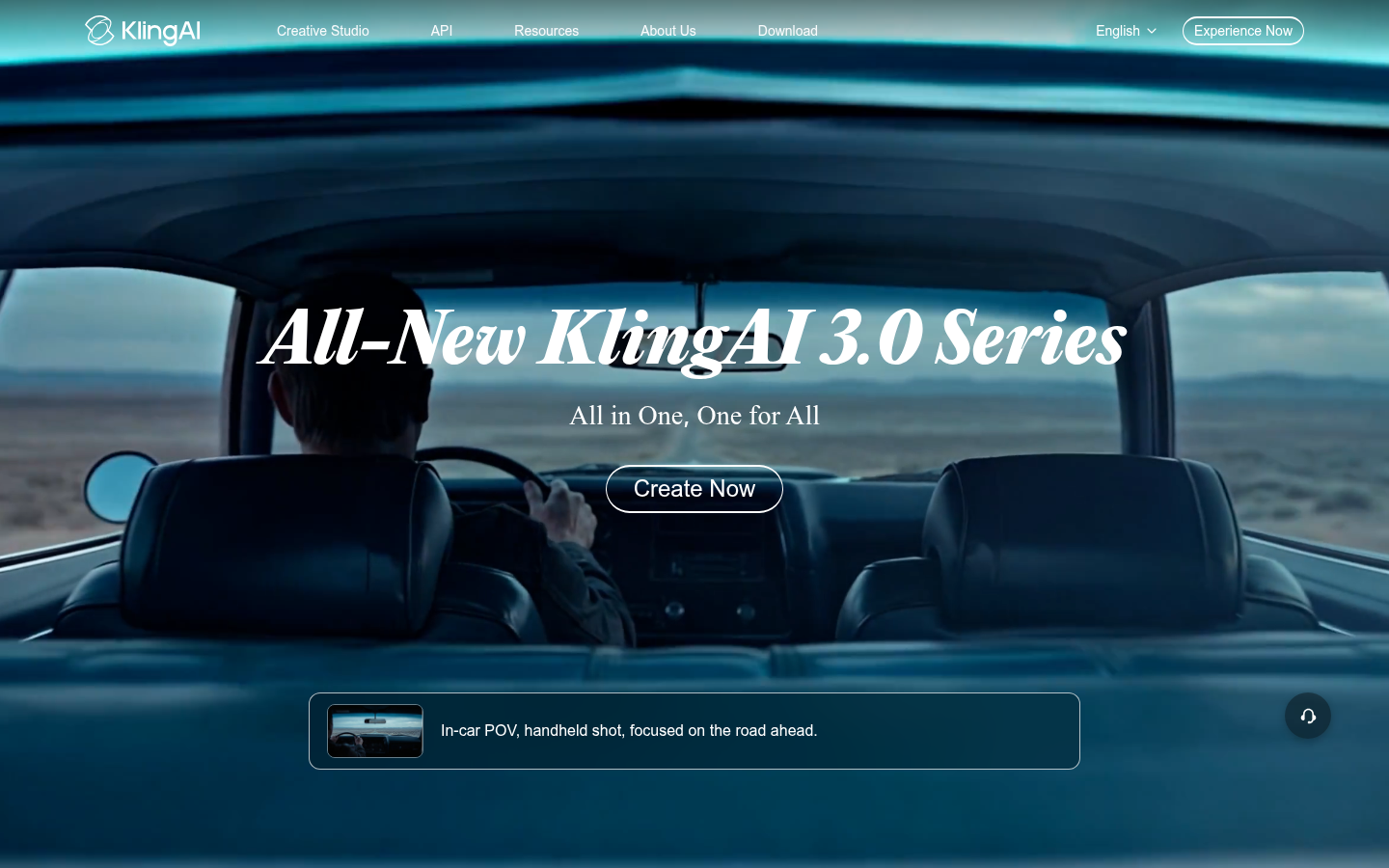
Kling AI
- Best-in-class motion physics and camera moves for the price
- Free tier generous enough to actually test the model before paying
- Frequent model updates keep Kling 3.0 competitive with Veo and the departed Sora 2
- Image-to-video animates a static photo convincingly, not just a slideshow effect
- Free tier output cannot be used commercially, so budget for at least the Standard plan
- Generation queue slows down noticeably during peak hours on lower tiers
The closest thing to a straight Sora replacement, at a fraction of the cost.
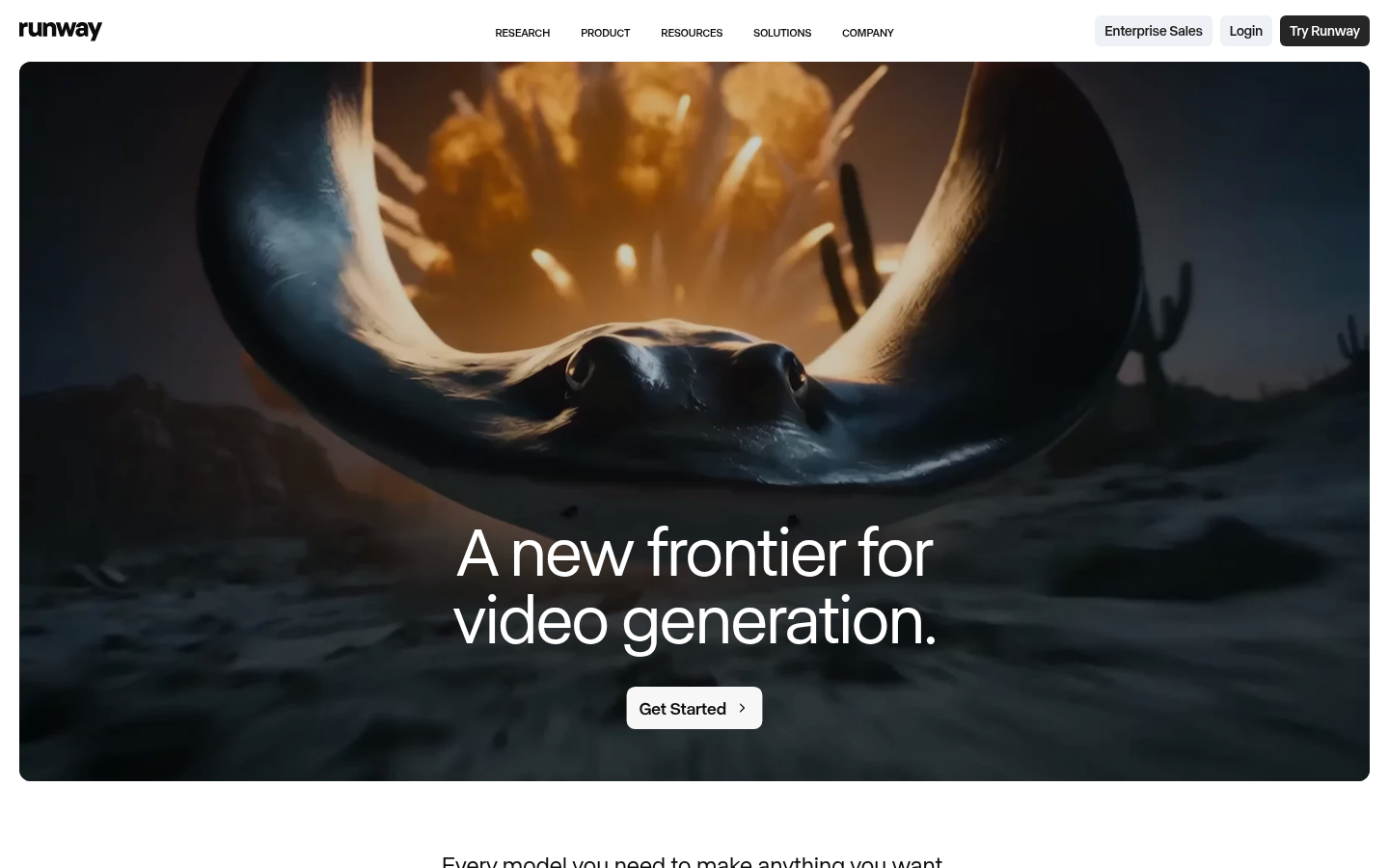
Runway
- Aggregates Gen-4.5 plus Kling 3.0, Veo 3.1, and Seedance 2.0 under one login
- Aleph 2.0 lets you re-edit an existing shot instead of regenerating from scratch
- Runway Agent turns a plain conversation into a finished multi-shot sequence
- Deep production tooling: 4K upscaling, custom voices, real asset storage
- Credits burn quickly once you generate in 4K or run the Agent repeatedly
- The sheer number of tools and modes takes real time to learn well
Best if you want a full video workbench, not just one generation model.

Luma Dream Machine
- Luma Agents keep shared context across a whole campaign: video, stills, storyboards, decks
- Scales well for teams producing many format variants from one creative brief
- EXR export supports real production pipelines, not just social exports
- Ray3.2 and Ray3.14 handle product and lifestyle visuals with strong consistency
- No free tier at all, so you cannot test it without paying $30/month minimum
- The agent-first workflow is slower and heavier if you just want a quick single clip
Skip this one for a fast Sora-style clip; it is built for whole campaigns.
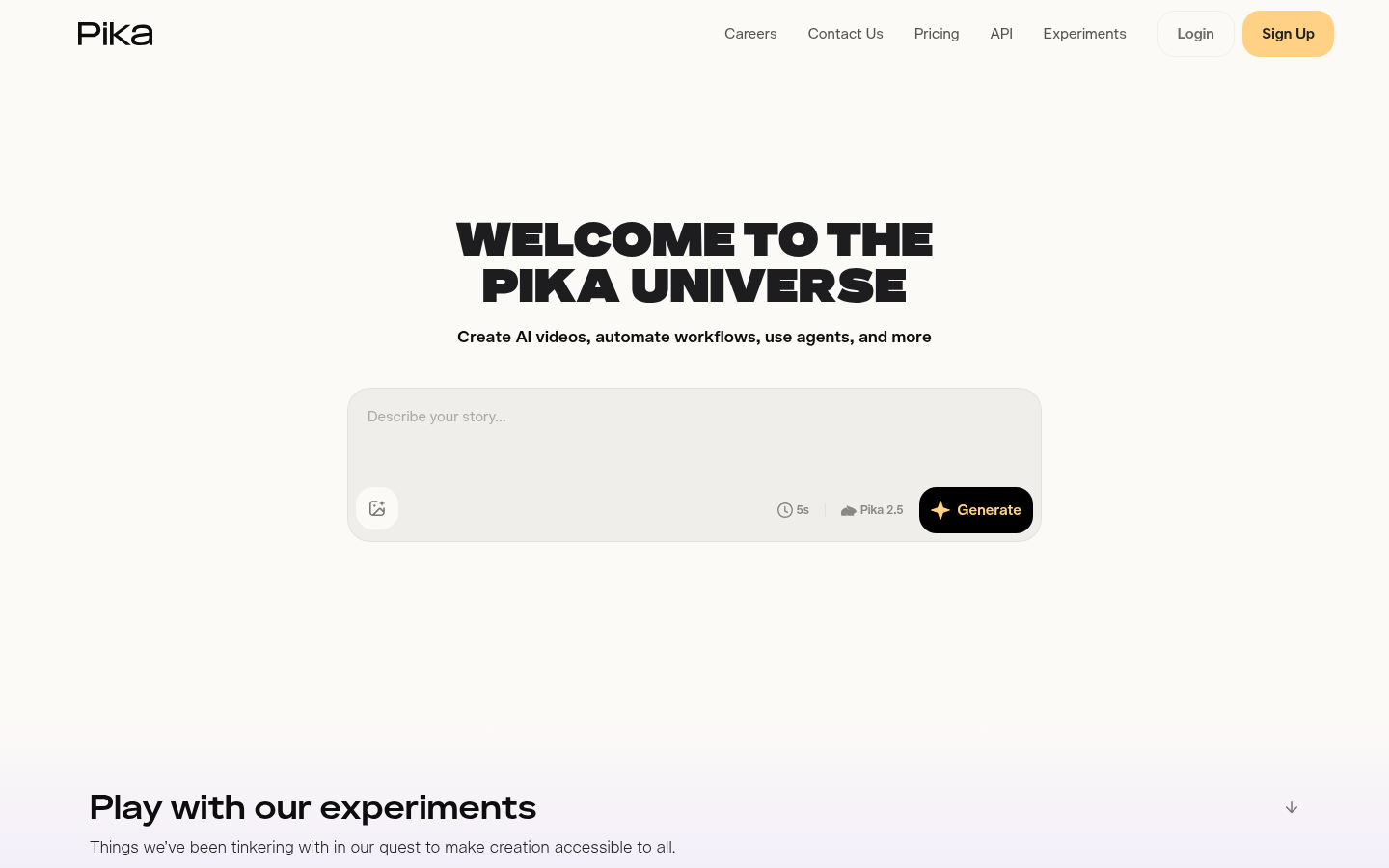
Pika
- Cheapest paid entry point of the group at $8/month
- Pikaffects and Pikatwists produce stylized transformations no other tool packages this easily
- Pika Agent and Pika MCP make chat-driven generation genuinely fast
- Frequent trend-focused experiments like AI Trendmaker keep it relevant for creators
- Free tier caps out at 480p with a visible watermark
- Less convincing than Kling or Runway on straight cinematic realism
Good for meme-speed social clips, not for a cinematic Sora replacement.
Verdict
Kling AI is the pick if you want the closest thing to what Sora offered: strong motion, camera control, and a real free tier to test on. Runway wins if you want several frontier models plus actual editing tools behind one subscription. Luma fits marketing teams running whole campaigns, not single clips. Pika is the cheap, fast option for social-first creators who care more about a fun effect than cinematic realism.
How we tested
We built this list from OpenAI's own discontinuation notice, then pulled current pricing and feature specs directly from each vendor's official site in the first days of July 2026: Kling AI's membership page, Runway's pricing page, Luma's plans page, and Pika's subscription page. Every homepage screenshot was captured live at 1440x900 resolution instead of reused marketing renders, and motion-quality and camera-control claims were checked against each vendor's own launch materials for Kling 3.0, Gen-4.5, Ray3.2, and Pika 2.5.