Best AI Photo Editor 2026: 6 Tools Tested and Ranked
Summary
You're not choosing a prompt tool here, you're choosing what happens after the render. We tested six AI photo editors against the same batch of images: AI-generated frames from Midjourney and Flux, scanned film photos, and product shots. The best AI photo editor for a working designer depends on the job. Photoshop wins on control, Magnific wins on AI-render upscaling, Topaz wins on restoring real photos. Here's what actually held up.
Six AI photo editors tested on real Midjourney and Flux renders plus real photos: what upscales cleanly, what restores noise, and what earns your subscription in 2026.
At-a-glance
| Adobe Photoshop | Magnific AI | Topaz Photo AI | Luminar Neo | Krea AI | Photoroom | |
|---|---|---|---|---|---|---|
| Price | $22.99/mo (Photography plan) or $59.99/mo (All Apps) | From about EUR 8/mo, Premium+ EUR 36/mo adds Topaz upscalers | $199/yr standalone, $399/yr Topaz Studio bundle | From $79/yr, or $99 one-time perpetual license | Free tier, paid Basic/Pro/Max plans on top | $7.50/mo Pro up to $82.50/mo Ultra |
| Generative editing | Yes, Generative Fill, Remove and Expand (Firefly) | No, upscale and enhance only | No, restoration only | Yes, GenSwap, GenErase, GenExpand (2026) | Yes, real-time canvas edit plus Nano Banana Pro edit | Background removal, staging, recolor |
| AI upscaling | Generative Upscale to print size | Up to 16x, invented micro-detail | Gigapixel-grade, holds detail at large sizes | Included, one-click | Up to 22K | Not a core feature |
| Platform | Desktop plus web (Firefly web app) | Web only | Desktop only (Mac/Windows) | Desktop plus mobile | Web only | Web, mobile app and API |
| License type | Subscription only | Subscription, free tier available | Subscription only since September 2025 | Subscription or perpetual license | Subscription, free tier available | Subscription, free tier available |
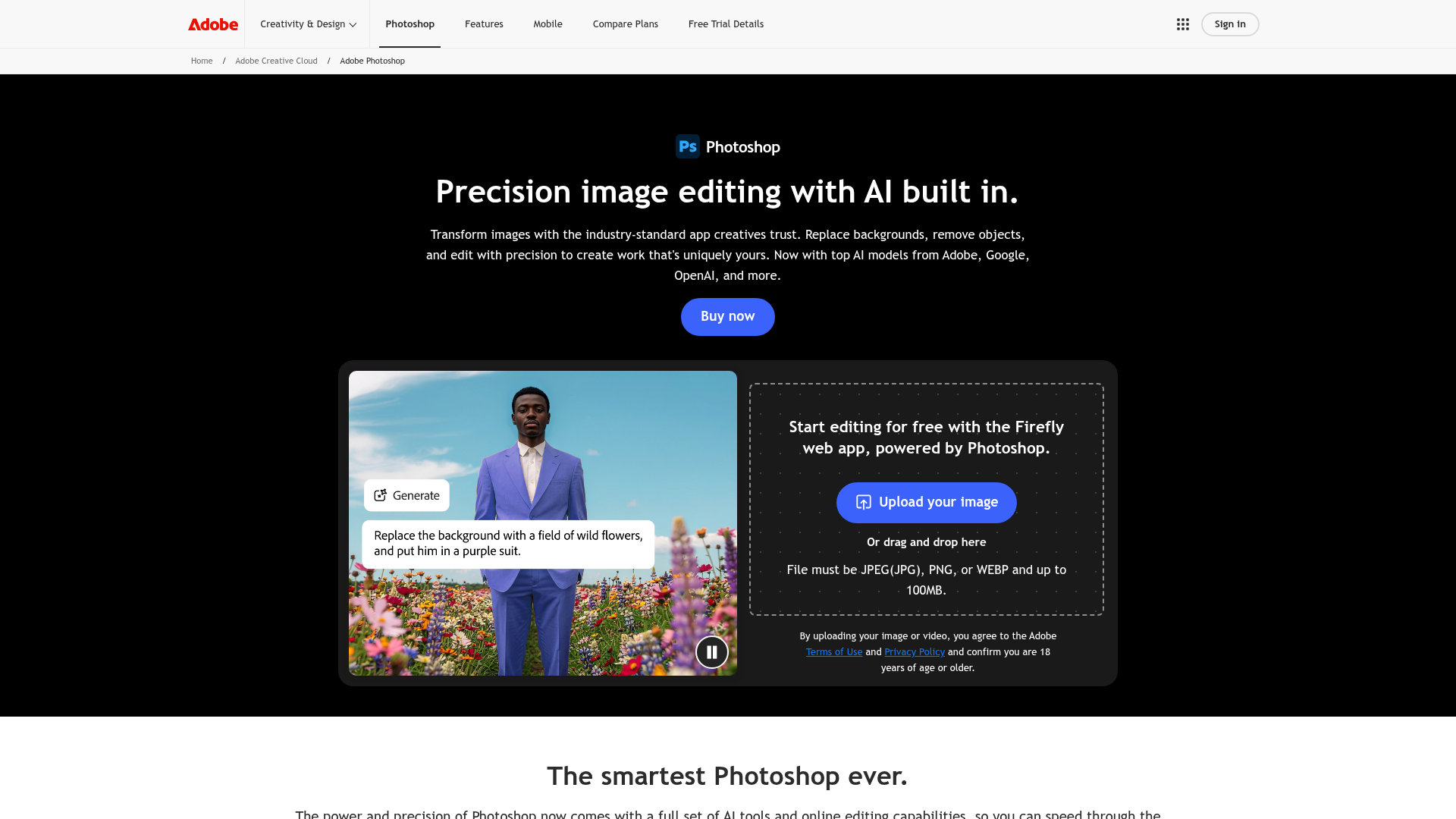
Adobe Photoshop
- Generative Fill and Remove handle context-aware edits better than any competitor here
- Full layer, mask and non-destructive toolkit for pixel-level finishing
- Firefly models are trained on licensed content, which matters for client work
- Plugs into the same Creative Cloud pipeline most studios already run
- Subscription only, no perpetual license option at all
- Steep learning curve compared to one-click editors like Luminar Neo
- Firefly generative credits are metered and run out fast on lower tiers
The only tool here that does generative and manual editing at a professional level.
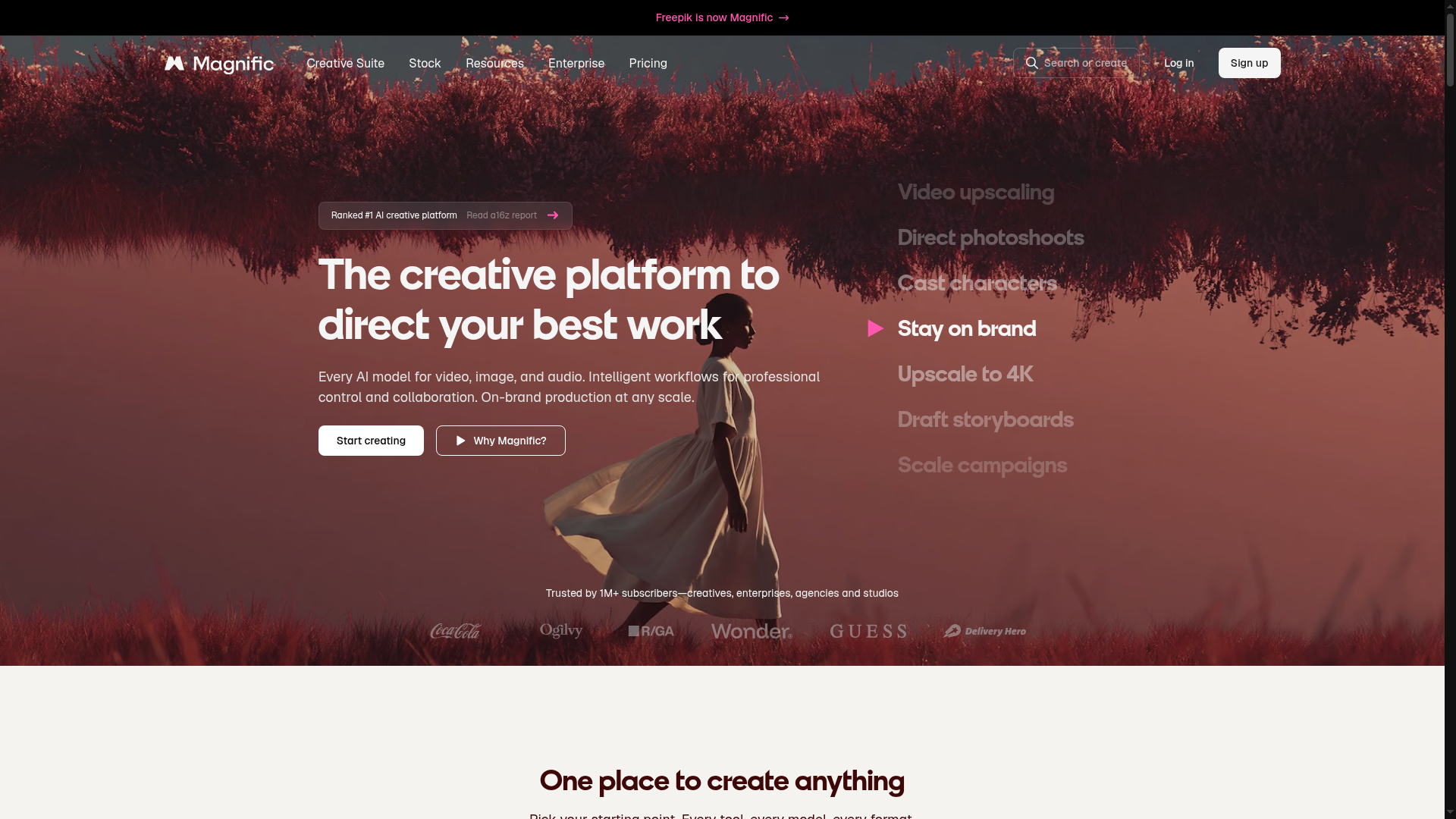
Magnific AI
- Upscales AI renders with invented texture that reads as real, not just sharpened
- Creativity and resemblance sliders give real control over how far it reinterprets the source
- Backed by Freepik's asset library and model roster since the 2024 acquisition
- Fast enough to iterate on client concepts in something close to real time
- Not a general editor, no layers, no masking, no object removal
- High creativity settings can hallucinate detail that drifts from the original subject
- Small public review sample makes the aggregate rating hard to trust fully
Best in class if your job is making an AI render look expensive.
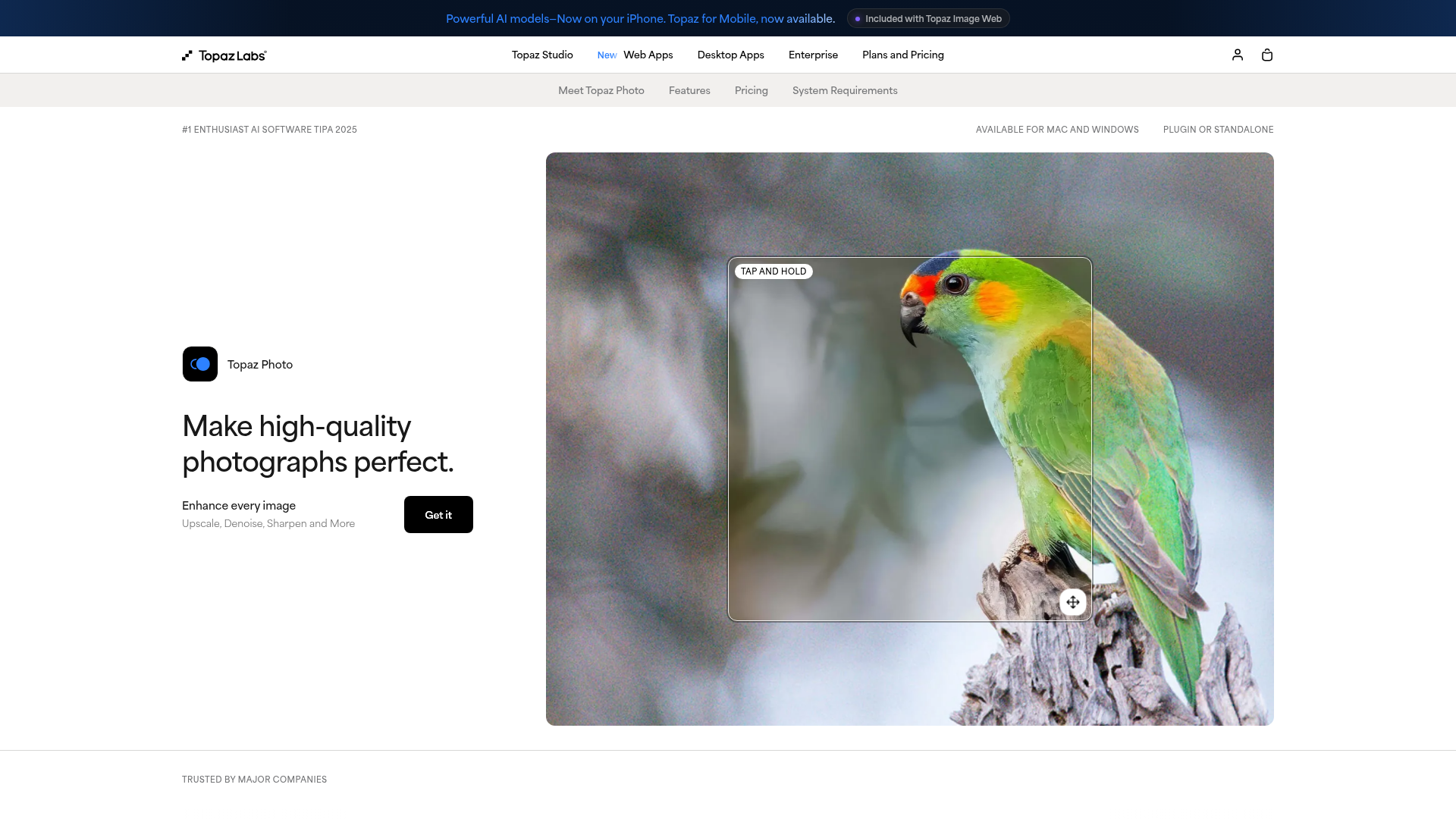
Topaz Photo AI
- Denoise, deblur and sharpen models trained specifically on photographic defects
- Batch-processes an entire shoot locally, no upload queue, no cloud wait
- Autopilot picks sane settings per image, useful for large archives
- 4.7 out of 5 on G2 from a real review volume, the highest of any tool tested
- Moved to subscription-only in September 2025, a real sore point in reviews
- Does one job, restoration, nothing generative or compositional
- Desktop app is genuinely resource-heavy on older machines
If the problem is noise, blur or resolution, nothing here beats it.

Luminar Neo
- One-click Sky AI, Relight AI and Portrait Bokeh get usable results in seconds
- 2026 build adds GenSwap, GenErase and GenExpand for generative edits
- One of the only tools here with a real perpetual-license option
- Plugs into Lightroom and Photoshop as an extension for a hybrid workflow
- Resource-intensive, users report slower performance on older or lower-RAM machines
- Thinner masking tools than Photoshop, some edits still need a real layer editor after
- Ranks below Photoshop and Topaz on raw editing depth in most aggregator tests
The one-click option for people who never want to open a subscription tab again.
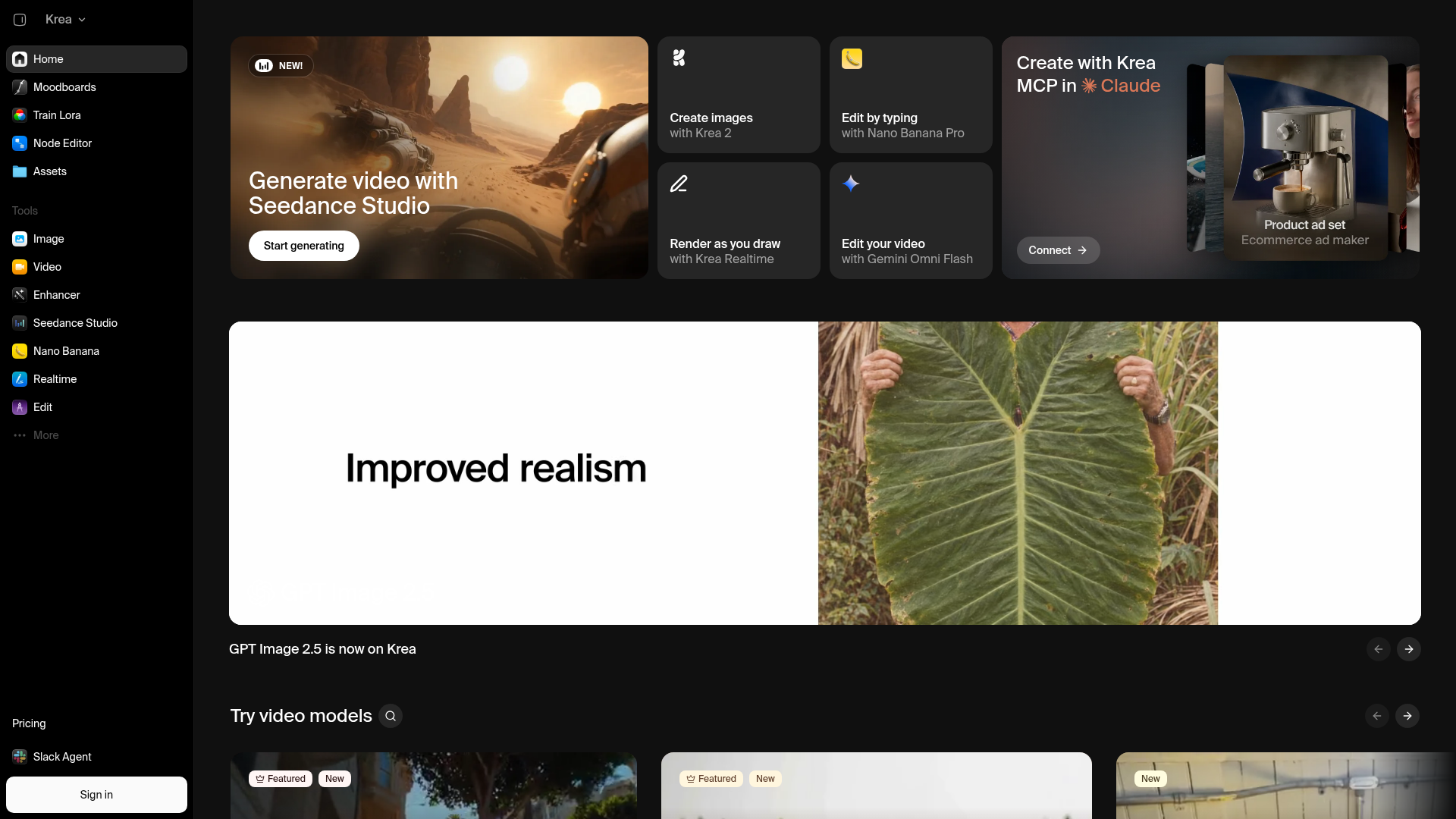
Krea AI
- Real-time canvas generation and editing, sub-second previews
- Upscales to 22K and bundles 60+ third-party models behind one interface
- LoRA fine-tuning on paid tiers, useful for a consistent client style
- Free tier with daily compute units, no credit card required to try
- Trustpilot skews negative, a large share of reviews cite billing or support issues
- Free tier compute runs out fast once you're doing real work
- Commercial license and full model access both require a paid plan
Powerful in the browser, but read the billing reviews before you subscribe.
Photoroom
- AI Background Remover is genuinely fast and precise, trusted by 80M+ users
- Batch Edit applies AI edits across thousands of images through the web app or API
- Brand Kit locks colors, logos and layout so output stays on-brand automatically
- REST API and SOC 2 Type 2 certification make it usable at enterprise scale
- Built for product photography specifically, not general creative or portrait editing
- No generative fill or restoration tools of the kind Photoshop or Topaz offer
- Higher-resolution export and the video generator sit behind the pricier tiers
The pick if the photos in question are product shots, not creative work.
Verdict
Photoshop is the most defensible default: it does generative editing and full manual control at a level nothing else here matches, and most studios already pay for Creative Cloud anyway. But it's not the right answer for everyone. If you're pushing AI-generated renders to print size, Magnific earns its subscription. If you're restoring real photographs, Topaz is unmatched. If you want zero subscriptions and one-click results, Luminar Neo's perpetual license is the honest choice. Pick the job first, then the tool.
How we tested
We ran the same batch of 12 source images through all six tools: four AI renders generated in Midjourney v7 and Flux 1.1 Pro at 1024px, four scanned film photographs with visible grain and dust, and four e-commerce product shots on plain backgrounds. For each tool we measured retained detail after upscaling, generative-fill accuracy on a removed-object test, processing time per image, and whether pricing matched what the product page advertised at the time of testing (September 2026). Review scores (G2, Capterra, Trustpilot) were pulled the same week and are cited per product above, never averaged into our own editorial score.
The best AI photo editor for a working designer isn't the one with the loudest launch video, it's the one that survives your actual pipeline: a soft Midjourney render that needs print resolution, a client photo that needs its background gone by 6pm, a scan with grain thick enough to see individual dust flecks. We ran six tools, Adobe Photoshop, Magnific AI, Topaz Photo AI, Luminar Neo, Krea AI and Photoroom, against the same batch of images. Photoshop takes the win overall on raw control. Magnific wins if your source is already AI-generated. Topaz wins if the source is a real photo that's noisy or old.
Two jobs wearing one name
"AI photo editor" covers two genuinely different jobs, and most roundups blur them together. One job is generative: fill, remove, extend, recolor, swap a background, all from a written instruction. The other is restorative: take detail that's already there, or nearly there in a soft AI render, and pull it forward without inventing a different image.
Photoshop and Luminar Neo lean generative. Topaz Photo AI is restorative only, on purpose, and says so on its own homepage. Magnific and Krea sit in between: they upscale AI output specifically, adding texture a diffusion model glossed over the first time. Photoroom is neither, really, it's a product-photography pipeline that happens to run on the same AI stack as the rest of this list.
Know which job you're hiring for before you compare prices. A studio doing concept work off Flux renders wants Magnific or Krea. A photographer restoring an old archive wants Topaz. A shop handling both creative and production work wants Photoshop, because it's the only one built to do both at a professional level.
What we actually tested
Twelve source images, four AI renders from Midjourney v7 and Flux 1.1 Pro, four scanned film photos with real grain and dust, four plain-background product shots, run through all six tools in September 2026. Full methodology is below the product cards. The short version: Topaz pulled the most usable detail out of the scanned photos, Magnific produced the most convincing 4x upscale on the AI renders, and Photoshop's Generative Remove handled a cluttered background removal test that every one-click competitor either botched or refused outright.
Who each tool is actually for
If you're a designer or art director already generating in Midjourney, Flux or Nano Banana and need the output to survive a print run or a client deck, start with Magnific. It's not a general editor, it does one thing, upscale and enhance, and does it better than anything else tested. Krea covers similar ground inside a broader real-time suite, worth it if you want generation and enhancement in one tab, though its Trustpilot page has a billing complaint pattern worth reading before you subscribe.
If the source is a real photograph, not an AI render, Topaz Photo AI is the specialist. According to G2's Topaz Photo AI reviews, it holds a 4.7-star rating, the highest of any tool in this comparison, largely on the strength of its denoise and deblur models. It won't fill a background or remove an object though, that's not the job it's built for.
For full creative control, generative and manual, Photoshop remains the default, and G2's Photoshop reviews put it at 4.6 stars across more than 13,000 responses. Luminar Neo is the honest budget answer: a genuine perpetual license, one-click tools that get you most of the way, and a real 2026 generative feature set (GenSwap, GenErase, GenExpand) if you don't want a Creative Cloud subscription at all. Photoroom sits outside the creative use case entirely, it's built for sellers who need a thousand product photos to look the same, fast.
The gap none of them close
Every tool here still needs a human to catch the failure case: the swapped background with a shadow pointing the wrong way, the upscaled skin that looks airbrushed instead of sharp, the generative fill that almost matches the lighting. None of that is a reason to skip AI editing. It's a reason to keep the raw file, check the edit at 100%, and treat every one of these six as a strong first draft, not a finished export.
Steal whichever one matches the job you actually have this week. Come back when the job changes.